



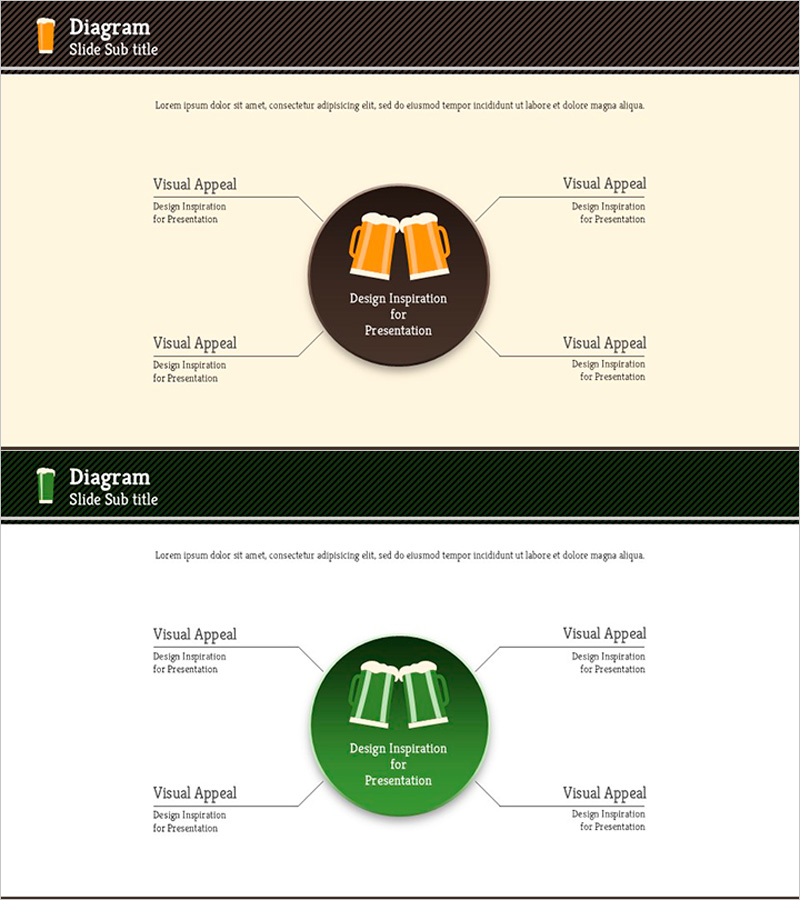
Beer Diffusion Diagram – Visualizing Business Areas
RJ0600043_27
- Last Update 08/28/2025
- File Size 0.2MB
- # of Slides 2
- File Format PPTX
- Slide Ratio 16:9
- Color
Keywords
- #Content-Based Slides
- #Design-Based Slides
- #Product/Service Introduction
- #Business Introduction
- #Diagram
- #Features
- #Business Areas
- #Spread
- #Centralized Diagram
- #16:9
- #radial diagram PowerPoint
- #central diffusion slide
- #4-direction diagram template
- #product characteristics PPT
- #business area visualization slide
About the Product
A radial diagram PowerPoint slide featuring a central concept with four-directional expansion to surrounding elements. This 2-slide presentation template uses a dual-tone color scheme of orange and green, with a central circular icon connected to four external text boxes via arrows. Ideal for product characteristics, business area visualization, and marketing positioning presentations. The 16:9 widescreen format ensures compatibility with modern presentation environments, and all colors and text are fully editable for customization.
Usage Points
-
Main Usage
Positions a core concept or product at the center and visually explains four related elements—such as features, advantages, applications, and target customers—around it. Effective for business area introductions, product positioning, and marketing strategy presentations.
-
How to Use
Enter the core product name or concept in the central circular area, then fill the four external text boxes with corresponding features, benefits, use cases, and target audience. The arrows clearly express the diffusion relationship from center to periphery, making it ideal for explaining causality and scope of influence.
-
Recommended For
Product planning teams, marketing professionals, business development managers, and sales presenters explaining product features and market positioning. Suitable for investor presentations, client proposals, and internal strategy meetings.
-
Slide Structure
Two-slide layout with each slide featuring a central circular icon (orange or green) surrounded by four text boxes positioned at top, bottom, left, and right. Arrows connect the center to external elements, establishing clear relationships. The beige background ensures high readability and visual consistency.
Related Products
-
Characteristics Introduction Square Diagram – Showcasing Business Features
#Product/Service Introduction #Business Introduction #Diagram
-
Cluster Diagram of Internet Shopping Purchase Area – Ease of Purchase
#Product/Service Introduction #Business Introduction #Diagram
-
Business Characteristics Diagram – Understanding Business Features and Introduction
#Product/Service Introduction #Business Introduction #Diagram
-
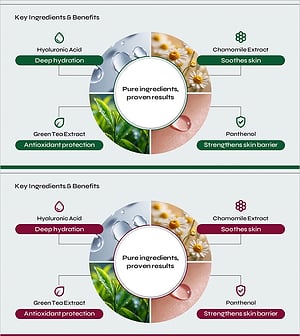
Key Ingredients and Benefits Content Slide for Cosmetic Presentation
#Product/Service Introduction #Diagram #Features
