



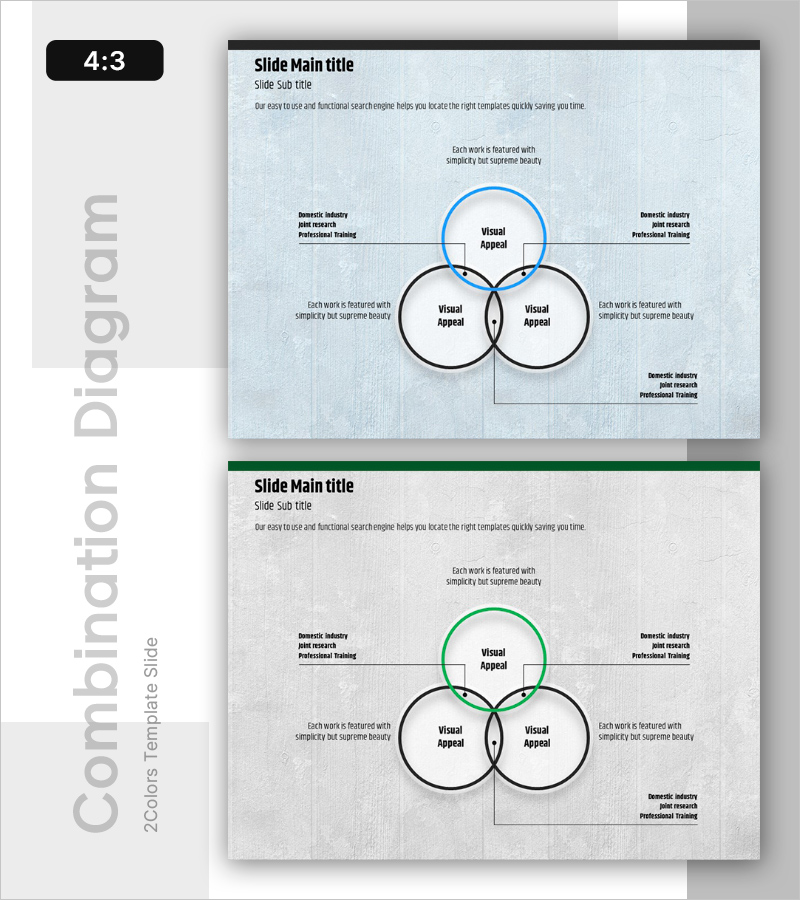
Service Operation Plan – Detail of Business Strategy and Technology Sector
RB0100031_4
- Last Update 08/27/2025
- File Size 3MB
- # of Slides 2
- File Format PPTX
- Slide Ratio 4:3
- Color
Keywords
- #Content-Based Slides
- #Design-Based Slides
- #Business Vision and Strategy
- #Technical Approach
- #Diagram
- #Business Strategy
- #Service Operation Plan
- #Cluster
- #Combination Diagram
- #4:3
- #overlapping circle diagram PowerPoint
- #Venn diagram slide template
- #three-way intersection slide
- #business strategy diagram PowerPoint
- #circular diagram presentation slide
About the Product
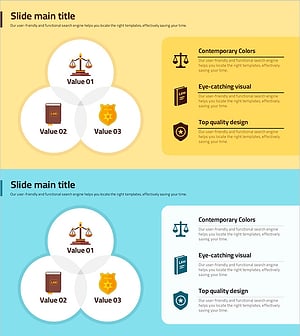
A Venn diagram PowerPoint slide featuring three overlapping circular nodes for visualizing intersecting concepts. The design includes a light blue background with the top circle in bright blue and two side circles outlined in black, each area ready for text and detailed descriptions. Ideal for illustrating the intersection of business strategy, technology sector, and operational planning. The 2-slide set offers multiple color variations (blue and green accent options) and is formatted in 4:3 aspect ratio for seamless compatibility with standard presentation environments.
Usage Points
-
Main Usage
Clearly express the intersection relationships between three or more concepts, strategies, or departments. Designed to help audiences instantly grasp how business vision, technology sector, and operational planning interconnect. Perfect for consulting reports, strategic planning presentations, and cross-departmental collaboration explanations.
-
How to Use
Enter department names, strategic elements, or technology domains into each circular node. Place integrated objectives or key results in the central intersection area, and add detailed explanations in the surrounding text boxes. Modify colors to distinguish priorities or categories as needed.
-
Recommended For
Executives, strategic planning teams, technology leaders, consultants, and business development managers explaining organizational strategy, technology roadmaps, and operational plans. Effective for board presentations, executive briefings, and interdepartmental collaboration meetings.
-
Slide Structure
Three overlapping circular nodes (one blue circle at top, two black-outlined circles on sides) with editable text areas in each circle and intersection zones. Four additional explanation text boxes positioned on left and right sides. Includes two color-variation slides (blue and green accent options).
Related Products
-
Purple Green Overlay Diagram – Business Vision and Strategy
#Business Vision and Strategy #Technical Approach #Diagram
-
Nested Interaction Relationship Diagram – Visualizing Business Strategy
#Business Vision and Strategy #Technical Approach #Diagram
-
Circular Connection Overlapping Diagram – Business Vision and Strategy
#Business Vision and Strategy #Diagram #Business Strategy
-
Trial Overlap Diagram – Business Strategy and Operations Planning
#Business Vision and Strategy #Operational Plan #Diagram
