



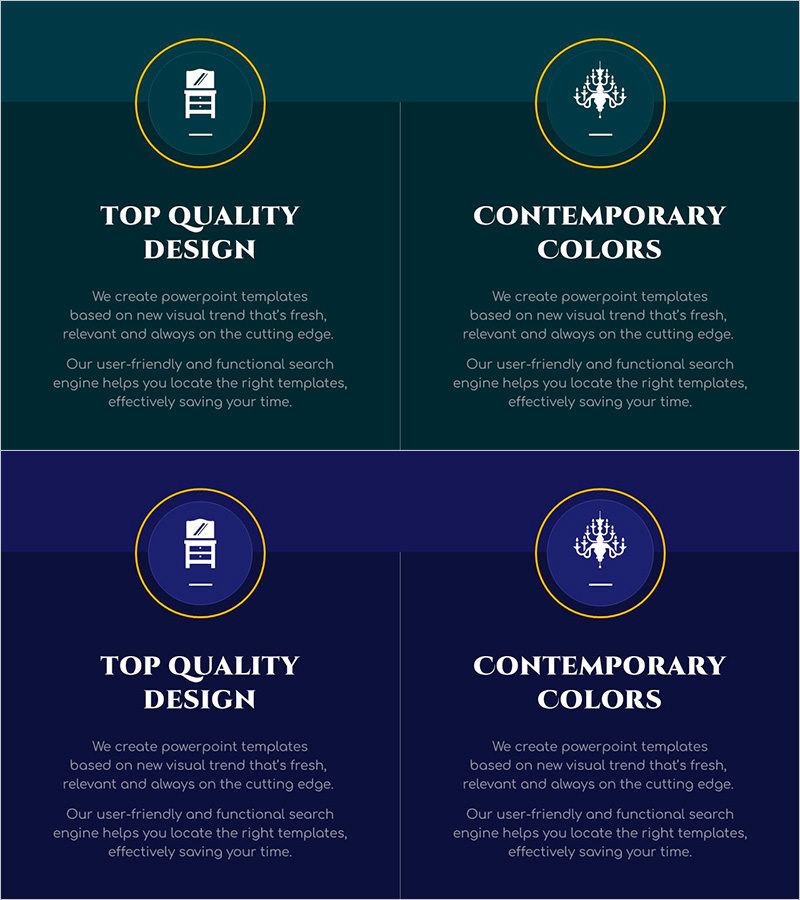
Diagram PPT for Product Description Page – Color and Quality
RJ0900034_6
- Last Update 08/26/2025
- File Size 0.3MB
- # of Slides 2
- File Format PPTX
- Slide Ratio 16:9
- Color
Keywords
About the Product
A 2-slide diagram PowerPoint template designed for product description pages. Features a dark teal background with gold circular frames arranged in a two-column comparison layout. The left side displays a document icon while the right side shows a chandelier icon, visually contrasting two key product values. Each section includes dedicated title and description text areas for effectively communicating product features and service differentiation. Available in 16:9 widescreen PPTX format, fully editable and ready for immediate use in presentations, pitch decks, and slide creation.
Usage Points
-
Main Usage
Visually compare and contrast two key product or service values to clearly communicate differentiation to customers. Ideal for product introduction presentations, marketing pitches, investor briefings, and corporate presentations where core messaging needs emphasis.
-
How to Use
Enter product features or key differentiators (such as quality, functionality, reliability) in the title area below each circular frame. Add detailed descriptions in the text area. Icons can be customized to match product characteristics, and background colors and gold accents can be adjusted to align with corporate brand guidelines.
-
Recommended For
Product marketing teams, sales representatives, business development managers, and investor relations professionals preparing product materials. Suitable for B2B product introductions, new product launch presentations, client proposals, and situations requiring emphasis on core product value.
-
Slide Structure
Consists of 2 slides, each with a two-column comparison layout. Gold circular frames with icons positioned at the top, title text area in the center, and description text area at the bottom, creating a clear information hierarchy.
Related Products
-

History Unfolded in Masterpieces – Interactive Diagram Slide
#Product/Service Introduction #Diagram #Product/Service Introduction
-
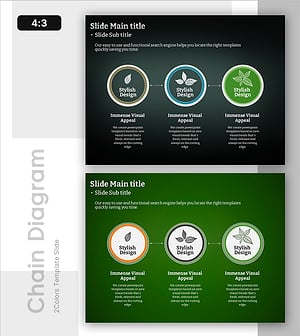
Leaf Connection Diagram – Product/Service Introduction
#Product/Service Introduction #Diagram #Product/Service Introduction
-
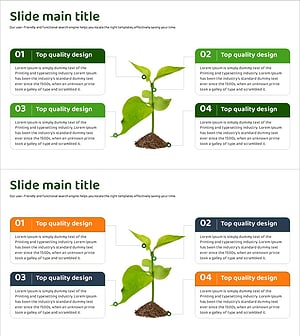
Diagram Slide Explaining Structure and Function of Plants
#Product/Service Introduction #Diagram #Product/Service Introduction
-
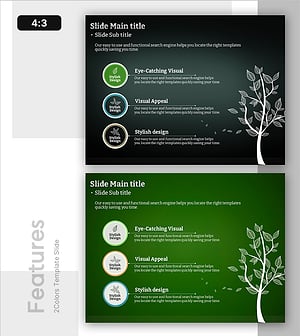
Characteristics by Leaf Shape – Product and Service Introduction
#Product/Service Introduction #Diagram #Product/Service Introduction
