



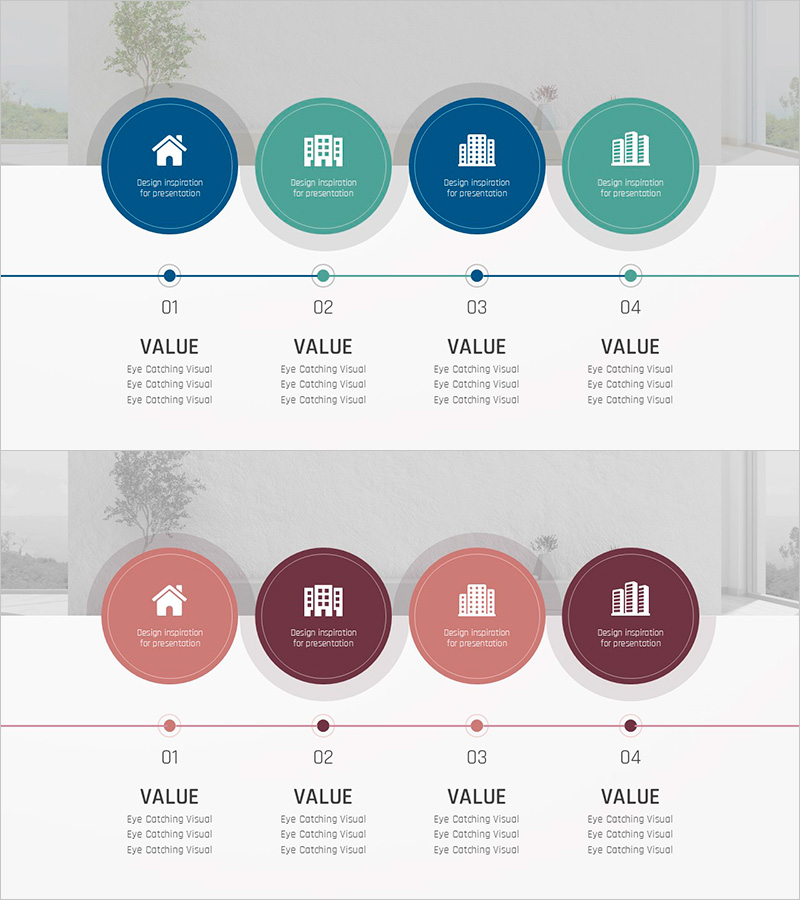
Visualizing the Ground-Breaking Phase Plan with a Diagram Slide
RJ0900032_7
- Last Update 08/26/2025
- File Size 6.4MB
- # of Slides 2
- File Format PPTX
- Slide Ratio 16:9
- Color
Keywords
- #Content-Based Slides
- #Design-Based Slides
- #Product/Service Introduction
- #Business Strategy
- #Diagram
- #Development Plan
- #Implementation Framework
- #Cluster
- #Chain Diagram
- #16:9
- #4-step diagram PowerPoint
- #connected diagram slide template
- #process flow PowerPoint
- #business phase diagram
- #linear process slide
- #two-tone diagram template
About the Product
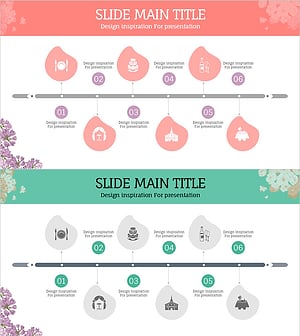
A linear process diagram PowerPoint slide that visualizes business implementation stages using four connected nodes. The design alternates between blue and mint color tones, with circular icons and horizontal connector lines that clearly represent workflow progression. Perfect for illustrating project phases, development strategies, construction timelines, and phased business initiatives. Each node includes a text area below for detailed descriptions, and the slide set consists of 2 slides in 16:9 widescreen format for seamless presentation delivery.
Usage Points
-
Main Usage
Visualizes four-stage linear processes such as project phases, implementation timelines, development milestones, and business initiatives while clearly communicating the sequential relationships between each stage.
-
How to Use
Enter stage names (e.g., Planning, Design, Implementation, Completion) in each circular node and add detailed descriptions in the text areas below. Colors and icons are fully customizable to match your company branding and presentation style.
-
Recommended For
Ideal for business plans, project proposals, development strategy reports, investment pitch decks, and presentations in construction, real estate, and IT sectors. Effective for executives, project managers, and planning teams explaining phased progress and timelines.
-
Slide Structure
2-slide set with 4 circular nodes (alternating blue and mint) connected by horizontal lines on each slide. Text input areas positioned below each node. 16:9 widescreen format optimized for projector displays and online presentations.
Related Products
-
Facility System Connection Diagram – Essential Tool for Business Strategy
#Product/Service Introduction #Business Strategy #Diagram
-
Sea Lighthouse Step-by-Step Business Schedule Plan
#Business Strategy #Diagram #Step-by-Step Schedule Plan
-
Space Theme Development Plan Diagram – Business Vision and Strategy
#Product/Service Introduction #Business Vision and Strategy #Diagram
-
Preparation Procedure for the Wedding Hall – Roadmap for Weddings
#Business Strategy #Operational Plan #Diagram
