



Product Brief Introduction – Visualized with Diagram
RJ0900029_29
- Last Update 08/25/2025
- File Size 1.4MB
- # of Slides 2
- File Format PPTX
- Slide Ratio 16:9
- Color
Keywords
About the Product
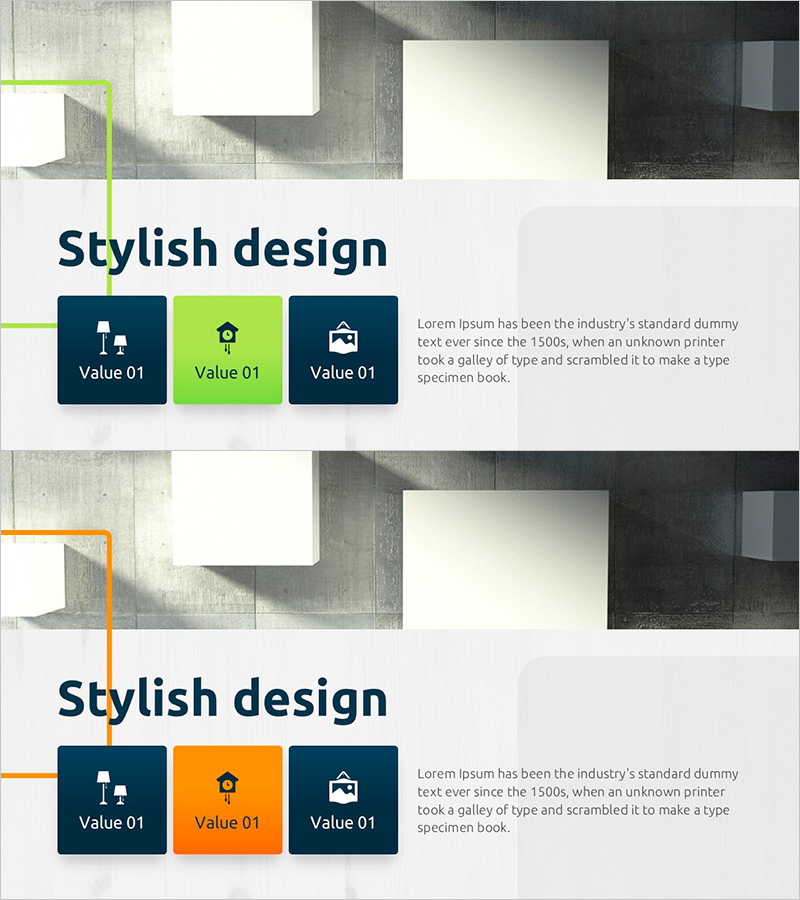
A cluster diagram PowerPoint slide that visualizes product and service overview by categorizing three key items. Featuring a navy background with lime green accent color in a two-tone design, this slide arranges related elements on both sides of a central concept in a closed-form structure. Each item includes icons and text areas to clearly communicate product features, service value, and core messages. Composed of 2 slides in 16:9 widescreen format, ready for immediate editing in PPTX format.
Usage Points
-
Main Usage
Visualizes the core concept of a product or service by categorizing it into three key items for quick comprehension. Using a closed-form structure with a central focal point and related elements positioned on both sides, it clearly expresses relationships and hierarchy between items.
-
How to Use
Use in company introductions, product presentations, and service planning pitches to present core value through three key categories. Simply edit the text and icons in each item to input actual product features, service benefits, and differentiation points.
-
Recommended For
Marketing teams, sales teams, and planning teams benefit when explaining product and service overview to new employees, clients, and investors. Particularly effective in initial introduction stages where three core elements need emphasis.
-
Slide Structure
Composed of 2 slides. Each slide features a closed-form cluster structure with three items positioned on the left, center, and right around a central concept. Navy background with lime green accent boxes and white icons and text create strong contrast, optimized for 16:9 widescreen format.
Related Products
-
Nature and Deer Reindeer Silhouette – A Presentation Template Capturing the Beauty of Life
#Product/Service Introduction #Diagram #Other
-
Product Service Description Slide – Effective Use of Diagrams
#Product/Service Introduction #Diagram #Product/Service Introduction
-
Sea Closed Diffusion Diagram – Business Vision and Strategy
#Product/Service Introduction #Business Vision and Strategy #Diagram
-
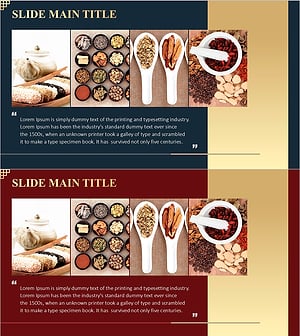
Korean Traditional Food Ingredients Introduction Cluster Diagram
#Product/Service Introduction #Diagram #Product/Service Introduction
