



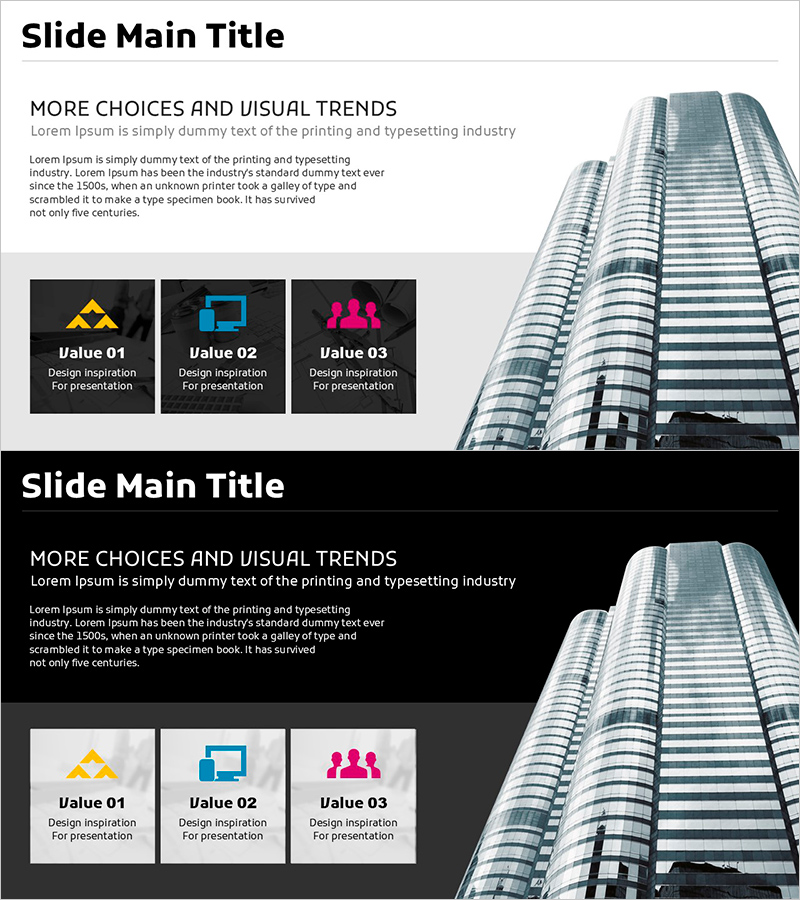
Building Photos and Company Overview – Cluster Diagram Usage
RJ0900022_6
- Last Update 08/22/2025
- File Size 2.9MB
- # of Slides 2
- File Format PPTX
- Slide Ratio 16:9
- Color
Keywords
About the Product
A closed-form cluster diagram PowerPoint slide designed to present building photos and company overview information effectively. The structure features a central core concept connected to three independent items via icons and text labels, making it ideal for visualizing organizational values, business divisions, and corporate vision. Two layout variations—light background and dark background—are provided for immediate use in presentations, company profiles, and business briefing materials. Delivered in 16:9 widescreen PPTX format, fully editable in all PowerPoint versions.
Usage Points
-
Main Usage
Express organizational core values, business areas, and vision through a center-focused closed-form structure to deliver unified messaging. Effectively visualizes company scale, credibility, and organizational strength when combined with building photography.
-
How to Use
Enter core concept (company name, mission statement) in the central text box. Fill three surrounding items with key organizational values, business lines, or strategic pillars. Customize icons to match company characteristics and replace background photos. Deploy in company profiles and business briefing presentations.
-
Recommended For
Ideal for corporate executives, marketing teams, and business development professionals presenting company overview, organizational structure, and core values. Suitable for investor presentations, new employee orientation, and client proposal pitches where unified organizational branding is essential.
-
Slide Structure
Two-slide set. Slide 1: Light background (white/gray) with building photo on right, closed-form cluster on left (1 central node + 3 surrounding nodes with icons). Slide 2: Dark background (black/charcoal) with identical structure for enhanced text readability. 16:9 widescreen format.
Related Products
-
Card Company Service Objectives – Vision and Strategy
#Company Introduction #Business Vision and Strategy #Diagram
-
Round Square Closure Diagram - Showcasing Client Success Stories
#Company Introduction #Customer Success Stories #Diagram
-
Business Goals Strategy Diagram – Effective Goal Setting
#Company Introduction #Diagram #Company Overview
-
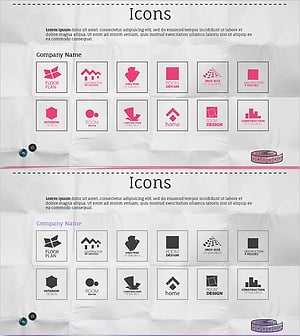
Company Logo Collection Diagram for Client Success
#Company Introduction #Customer Success Stories #Diagram
