



Introduction to Architectural Technology PowerPoint Template – Innovation and Future Planning
RJ0900014_8
- Last Update 08/20/2025
- File Size 9.2MB
- # of Slides 2
- File Format PPTX
- Slide Ratio 16:9
- Color
Keywords
- #Content-Based Slides
- #Design-Based Slides
- #Product/Service Introduction
- #Technical Approach
- #Text Box
- #Product/Service Introduction
- #Innovative Technologies and Future Plans
- #Rectangle Text Box
- #16:9
- #technology introduction PowerPoint slide
- #architectural technology presentation design
- #3-box comparison slide
- #how to create a technology presentation in PowerPoint
- #technical sector slide deck
About the Product
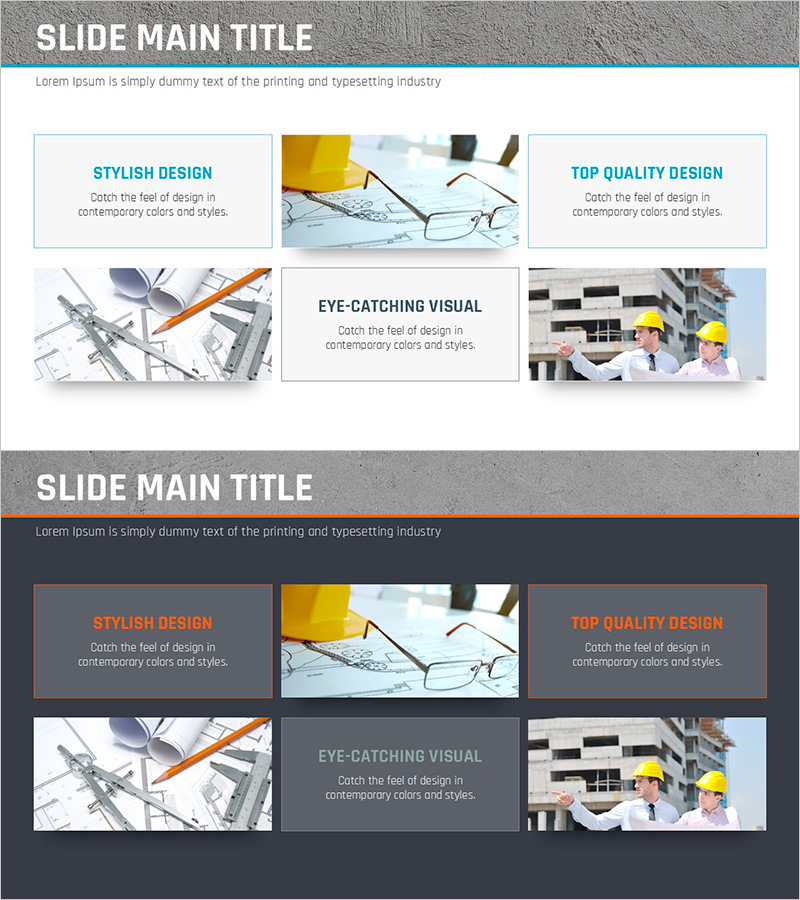
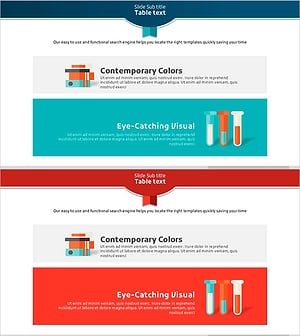
A PowerPoint slide optimized for architectural and technology sector presentations. Featuring a light blue header and white background across 2 slides, this deck separates text content on the left from image areas on the right in a comparison-based layout. The top section includes three boxes for key characteristics (stylish design, quality, visual appeal), while the center-bottom area accommodates core messaging. Complemented by architectural drawings, eyeglasses, and construction site imagery that reinforce technical credibility, this presentation slide is ready for immediate use in technology briefings, product introductions, and project planning presentations.
Usage Points
-
Main Usage
Visually communicate technological innovation, future planning, and core competencies. Architectural drawings, eyeglasses, and construction site imagery convey both technical expertise and professional credibility, while the 3-box structure enables parallel comparison of three key characteristics.
-
How to Use
Enter core characteristics such as 'Stylish Design', 'Quality', and 'Visual Appeal' in the three top boxes, then add descriptive text below each. In the center-bottom box, input technology overview, project objectives, or innovation highlights. Replace image areas with technology-related photos or diagrams to match your presentation context.
-
Recommended For
Ideal for architects, engineers, construction professionals, and technology sector employees presenting technical briefings, product introductions, or project planning. Particularly effective for investor pitches, partner presentations, and internal decision-making meetings where technical credibility is paramount.
-
Slide Structure
2-slide deck: Each slide features a light blue header (title area) + top 3-box section (characteristic input) + center-bottom text box (description) + right-side image area. Both slides use identical layout for consistent multi-topic technical content. 16:9 widescreen format optimized for contemporary presentation environments.
Related Products
-
Curved Theme Purple Template Diagram – Essential Tool for Business Strategy
#Product/Service Introduction #Business Strategy #Diagram
-
Introducing Blue Orange Business Services – Stylish Design
#Product/Service Introduction #Text Box #Product/Service Introduction
-
Slide Template Featuring Right Choices and Visual Trends
#Product/Service Introduction #Text Box #Product/Service Introduction
-
Research Key Message Slide – Innovation and Future Plans
#Technical Approach #Text Box #Innovative Technologies and Future Plans
