



Slide Template Featuring Right Choices and Visual Trends
RJ0900005_10
- Last Update 08/16/2025
- File Size 18.9MB
- # of Slides 2
- File Format PPTX
- Slide Ratio 16:9
- Color
Keywords
About the Product
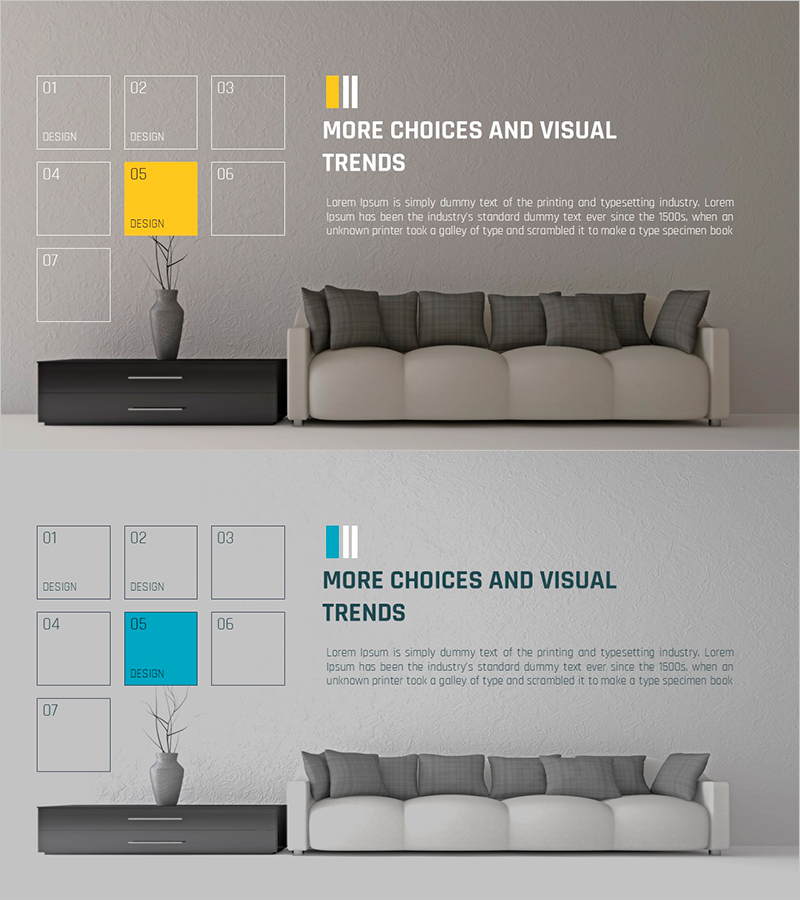
A PowerPoint slide designed to visually compare multiple product or service options side by side. The left side features a 7-item grid layout, while the right side includes a highlighted area in yellow or cyan to emphasize the selected choice. A decorative element (vase) is positioned in the center for visual balance, with a color bar, title, and text area on the upper right. Two color versions (yellow and cyan) are provided to match your brand palette. Delivered in 16:9 widescreen PPTX format for immediate editing and use.
Usage Points
-
Main Usage
Ideal for new product launches, service option presentations, and portfolio selection screens where multiple choices need to be compared at a glance. The contrast between the left grid and right highlight area ensures the selected item stands out prominently, supporting customer decision-making.
-
How to Use
Use in product introduction presentations, service option explanations, and portfolio showcases. Enter product names, images, and descriptions in the 7-item left grid area, then add detailed information about the selected item in the right highlight section. Customize the color bar and title to match your presentation topic.
-
Recommended For
Perfect for marketing teams presenting product features, sales teams preparing client proposals, planning teams analyzing options, and design teams structuring portfolio selections. Especially valuable for B2B proposals and custom solution presentations where option comparison is essential.
-
Slide Structure
2-slide set with each slide featuring a left 7-cell grid layout (items 01–07), a centered decorative element, and a right highlight area in yellow or cyan. The upper right contains a color bar and title, with a text input area below, creating a clear information hierarchy.
Related Products
-
Structure Presentation Template Mockup – The New Standard in Business Presentations
#Product/Service Introduction #Text Box #Other
-
Curved Theme Purple Template Diagram – Essential Tool for Business Strategy
#Product/Service Introduction #Business Strategy #Diagram
-
Simple Car Wide Presentation Square Textbox
#Product/Service Introduction #Text Box #Product/Service Introduction
-
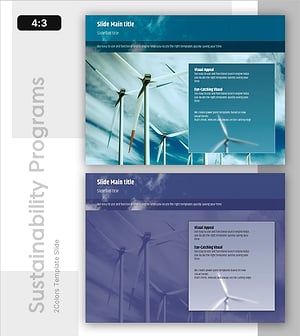
Harnessing Wind Energy: Sustainable Power for the Future
#Product/Service Introduction #Business Vision and Strategy #Text Box
