



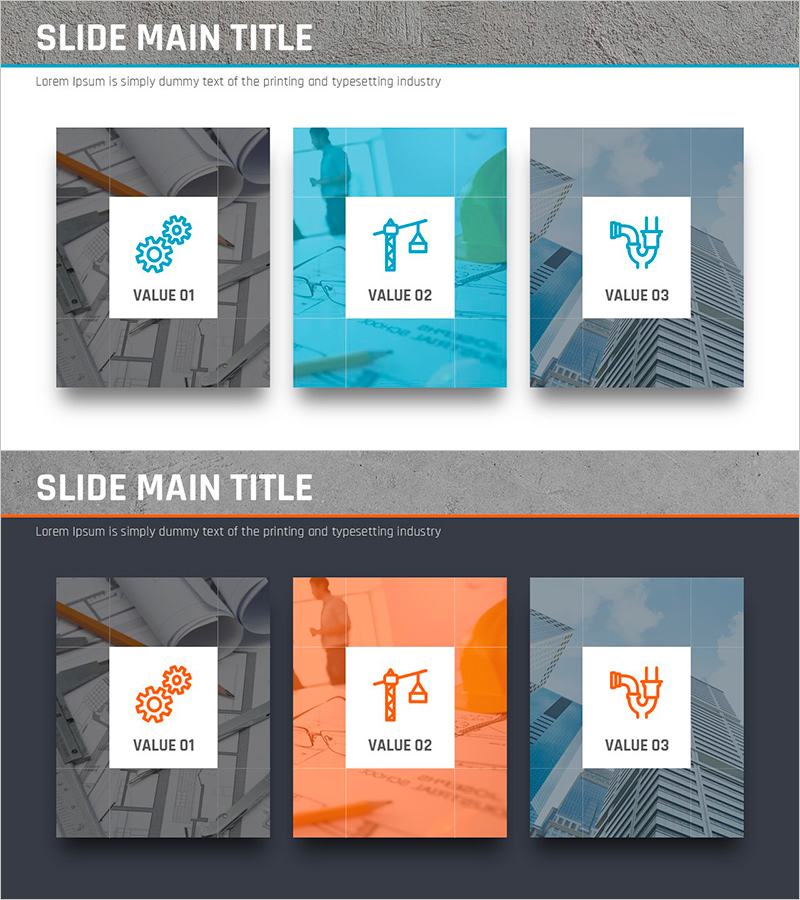
Cluster Diagram Slide for Facilities Technology Area
RJ0900014_12
- Last Update 08/19/2025
- File Size 10.7MB
- # of Slides 2
- File Format PPTX
- Slide Ratio 16:9
- Color
Keywords
- #Content-Based Slides
- #Design-Based Slides
- #Company Introduction
- #Business Introduction
- #Diagram
- #Business Areas
- #Business Areas
- #Cluster
- #Closed Cluster Diagram
- #16:9
- #cluster diagram PowerPoint
- #closed cluster diagram slide
- #facilities technology presentation
- #3-node relationship diagram
- #diagram slide template PowerPoint
About the Product
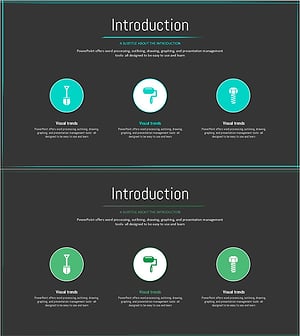
A closed-form cluster diagram PowerPoint slide designed to visualize the facilities technology area with three interconnected nodes. The structure places a central concept at the core with surrounding elements linked to represent mutually related domains such as technology, management, and operations. This 16:9 widescreen 2-slide template is ready for immediate use in business introductions and technology strategy presentations. Full editing capabilities in PowerPoint allow you to customize text content and color schemes to match your organization's branding.
Usage Points
-
Main Usage
Illustrates relationships between interconnected domains such as facilities, technology, and management using a centralized hub structure. Emphasizes connectivity and integration across key elements, making it ideal for business introductions, technology strategy discussions, and organizational role explanations.
-
How to Use
Enter your core concept (e.g., Facilities Technology) in the central node and assign specific domains (e.g., Technology, Management, Operations) to the three surrounding nodes. Use PowerPoint's text editing tools to customize content and adjust the color palette to align with your corporate branding.
-
Recommended For
Recommended for facilities and technology department presentations, technology strategy meetings, organizational structure explanations, and integrated system architecture discussions. Well-suited for engineering, manufacturing, and infrastructure companies preparing internal reports and client proposals.
-
Slide Structure
Two-slide template featuring a light-toned background with blue icons and white boxes for the three nodes on the first slide, and a dark background with orange accent colors on the second slide. Each node includes an icon and text area for easy information input and customization.
Related Products
-
Gaming Device Area Introduction – Business Fields and Design Clusters
#Company Introduction #Business Introduction #Diagram
-
Cluster Diagram Slide for Construction Field Introduction
#Company Introduction #Business Introduction #Diagram
-
Business Overview Square Diagram – Clear Business Introduction
#Company Introduction #Business Introduction #Diagram
-
Introduction to 3 Technologies – Effective Business Solutions
#Company Introduction #Business Introduction #Diagram
