



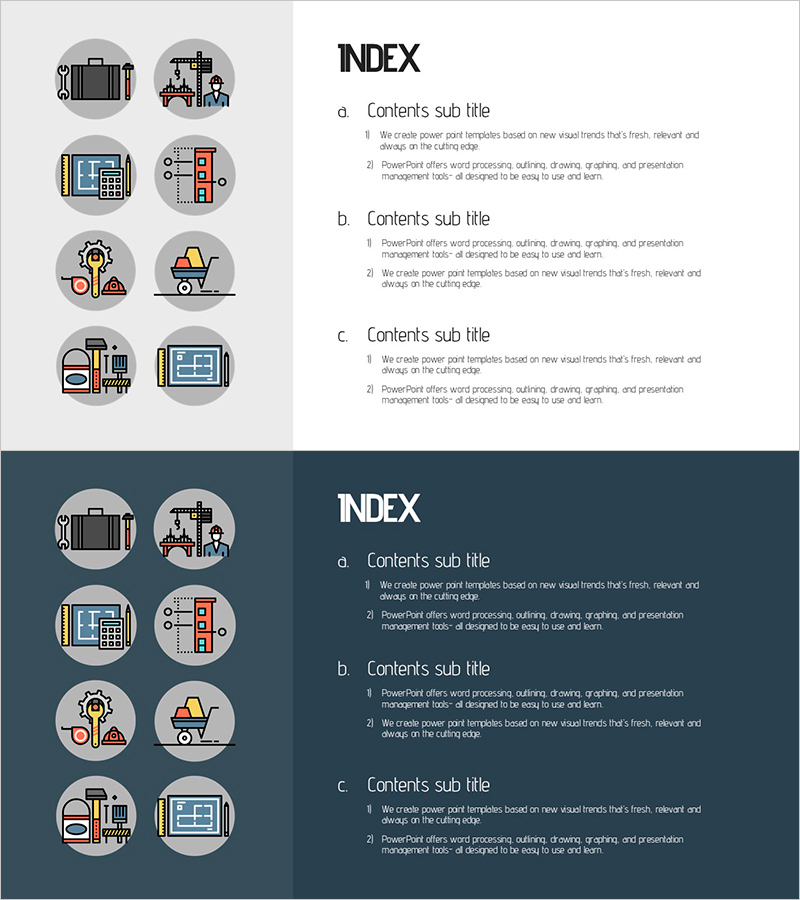
Architectural Engineering Illustration Template Contents – Innovative Approach
RJ0900013_2
- Last Update 08/19/2025
- File Size 0.4MB
- # of Slides 2
- File Format PPTX
- Slide Ratio 16:9
- Color
Keywords
About the Product
A professional contents page PowerPoint slide designed for architectural engineering and construction project presentations. The left panel features a gray background with 8 industry-specific icons (design, construction, safety, equipment, etc.), while the right side provides space for 3 content sections with title and description fields. This 16:9 widescreen 2-slide set includes both light and dark background layouts for flexible design integration. Ideal for project proposals, technical reports, construction planning documents, and engineering presentations. The clearly defined text input areas make editing straightforward, and the industrial icons enhance credibility and visual hierarchy in your presentation.
Usage Points
-
Main Usage
Serves as a contents or agenda page for architectural, construction, and civil engineering presentations. The 8 industry icons visually represent key project phases or departments, while the 3-section text area outlines the main topics. This layout effectively captures audience attention at the beginning and provides a clear roadmap of the presentation structure.
-
How to Use
Keep the left icon panel fixed and customize the right side with your 3 main sections—edit the section titles and descriptions to match your project scope. Examples: Design Phase, Construction Phase, Completion Phase or Planning, Execution, Evaluation. Choose between the light or dark background version based on your overall presentation theme.
-
Recommended For
Architects, construction project managers, civil engineers, construction company sales teams, architecture students, construction consultants, and engineering firms preparing project proposals, technical reports, academic presentations, and investor pitches.
-
Slide Structure
2-slide set with consistent layout. Each slide divides into a left gray panel (8 industry icons) and right content area (3 sections with title and description fields). Slide 1 features a light background; Slide 2 offers a dark background option for design flexibility and visual contrast.
Related Products
-
Illustration Education Template Index – Stimulating Creative Thinking
#Slide Type #Table of Contents
-
Book Shelf Template Table of Contents - Structured Content Presentation
#Slide Type #Table of Contents
-
Fashion Design Illustration Template Table of Contents
#Slide Type #Table of Contents
-
Enjoy Music Festival Template Table of Contents
#Slide Type #Table of Contents
