



Construction Work Image and Text – Product and Service Introduction
RJ0900013_13
- Last Update 08/19/2025
- File Size 6.6MB
- # of Slides 2
- File Format PPTX
- Slide Ratio 16:9
- Color
Keywords
- #Content-Based Slides
- #Design-Based Slides
- #Product/Service Introduction
- #Operational Plan
- #Diagram
- #Program Introduction
- #Business Support Plan
- #Cluster
- #Closed Cluster Diagram
- #16:9
- #construction work PowerPoint slide
- #image text box template
- #3-step process slide
- #construction presentation template
- #work procedure explanation slides
- #construction project PowerPoint download
About the Product
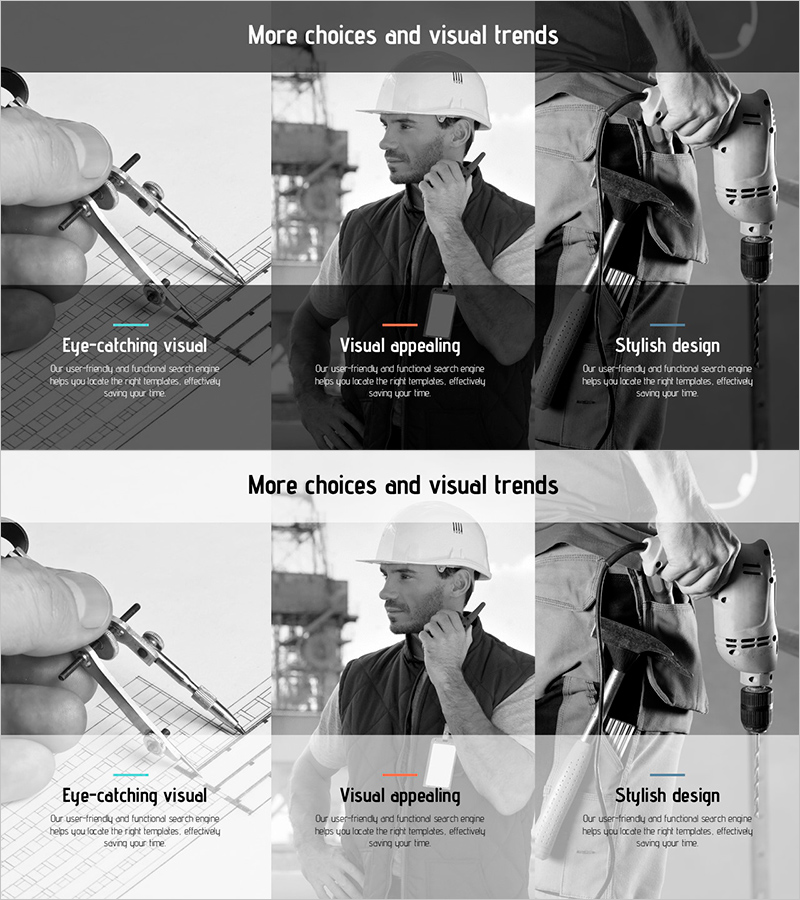
A PowerPoint slide template featuring construction site images and descriptive text arranged in a 3-column grid layout. The design showcases key construction phases: blueprint work on the left, site supervision in the center, and equipment tools on the right. Each image is paired with an editable gray text box below for detailed explanations. This 16:9 widescreen, 2-slide template is ideal for construction companies, real estate developers, and engineering firms presenting product introductions, service processes, and work procedures in company profiles, proposals, and business reports.
Usage Points
-
Main Usage
Construction companies, real estate developers, and engineering firms use this slide to explain work processes, service stages, and product features through combined images and text. The clear 3-column division enhances information delivery efficiency and allows independent explanation for each section.
-
How to Use
Enter work stage descriptions, service features, or technical specifications in each text box. Replace images with construction site photos, product images, or equipment pictures. Apply to company profile product sections, proposal solution explanations, and business report performance updates.
-
Recommended For
Construction contractors, real estate development companies, construction equipment manufacturers, architectural design firms, and engineering consulting companies. Particularly effective for process-based sales presentations, technical capability demonstrations, and project progress reporting.
-
Slide Structure
2-slide template. Each slide features a title area at the top and a 3-column grid layout below. Left, center, and right columns each contain an image area (top) and an editable gray text box (bottom) for flexible content customization.
Related Products
-
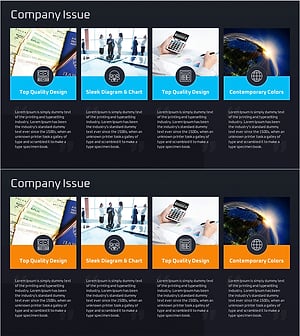
Company Issue Diagram - Effective Business Support Solutions
#Product/Service Introduction #Operational Plan #Diagram
-
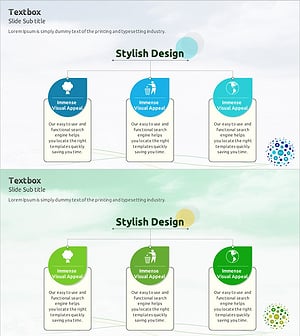
Eco Program Introduction Diagram – Emphasizing Environment and Sustainability
#Product/Service Introduction #Operational Plan #Diagram
-
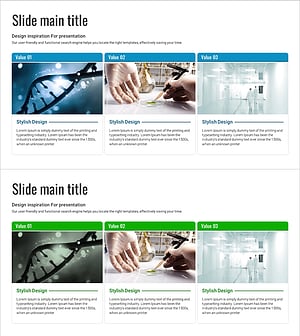
Cluster Diagram Introducing Vaccine Prevention Key Programs
#Product/Service Introduction #Operational Plan #Diagram
-
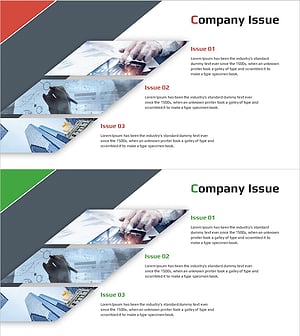
Analysis of Company-related Issues – Strategic Decisions and Support Plans
#Product/Service Introduction #Operational Plan #Diagram
