



Construction Schedule by Part – A Must-Have Project Management Template
RJ0900010_29
- Last Update 08/18/2025
- File Size 6.6MB
- # of Slides 2
- File Format PPTX
- Slide Ratio 16:9
- Color
Keywords
- #Content-Based Slides
- #Design-Based Slides
- #Business Management
- #Operational Plan
- #Diagram
- #Implementation Schedule
- #Project Implementation Schedule
- #Table
- #16:9
- #construction schedule Gantt chart PowerPoint
- #project timeline slide
- #construction project management PPT
- #how to create a Gantt chart in PowerPoint
- #construction schedule template download
About the Product
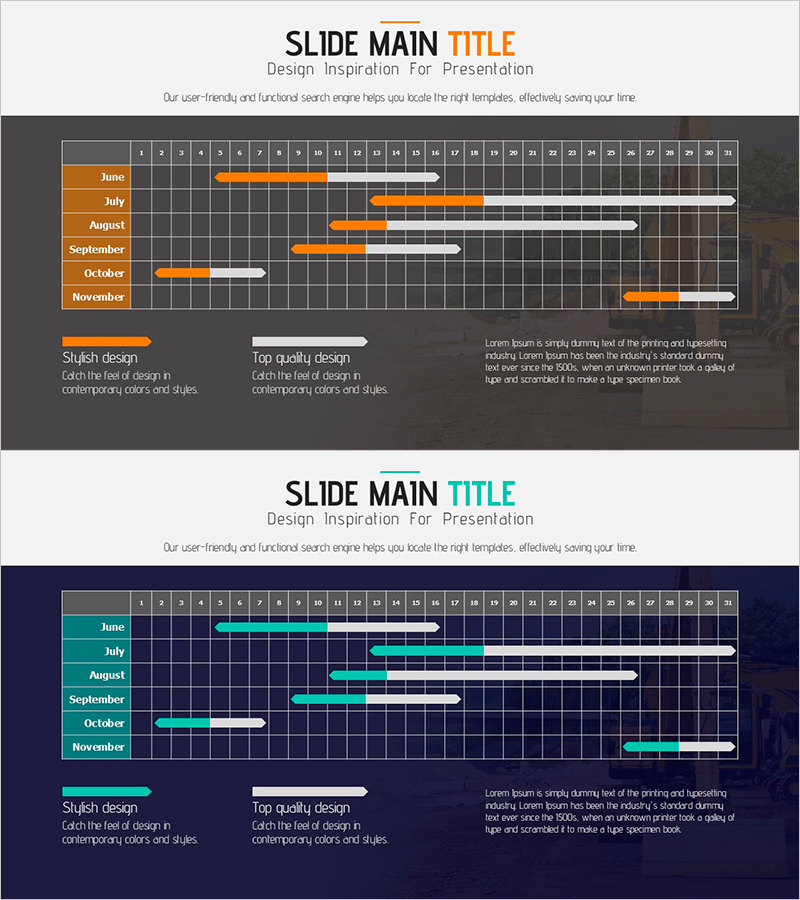
A Gantt chart-based construction schedule PowerPoint slide that visualizes monthly project progress at a glance. This presentation template displays a 6-month timeline (June through November) with weekly progress bars in orange and white, making it easy to see each phase's duration and overlapping periods. The dark grid background enhances numerical readability, while the bottom section includes legend areas and text space for additional explanations. Ideal for project management, operational planning, and schedule management presentations in construction and building projects.
Usage Points
-
Main Usage
Visualize construction project progress across multiple phases using a Gantt chart format, enabling stakeholders to understand the overall timeline, individual phase durations, and schedule overlaps at a glance. Effectively communicates project management and operational planning in presentations.
-
How to Use
Input actual construction dates into the monthly rows and weekly columns by filling in orange progress bars. Update the legend section and text area with project characteristics, key milestones, and risk factors to strengthen presentation context and stakeholder communication.
-
Recommended For
Project managers, construction companies, architects, and contractors presenting to clients and investors. Suitable for business plans, project status reports, and operational planning sections to demonstrate effective schedule management capabilities.
-
Slide Structure
The slide features a grid layout with monthly rows (June–November) and weekly columns (weeks 1–34). Each construction phase is represented by orange and white progress bars. The bottom section includes three legend areas and text space for detailed explanations and additional project information.
Related Products
-
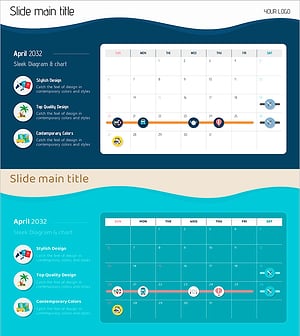
Summer Holiday Schedule – Business Operation Plan
#Business Management #Operational Plan #Diagram
-
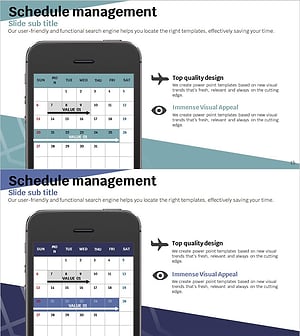
Travel App Business Promotion Schedule Mock-up – Efficient Schedule Management
#Business Management #Operational Plan #Diagram
-
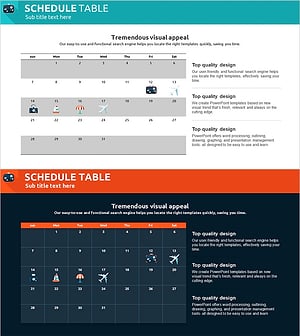
Itinerary Slide for a Trip Around the World – Efficient Travel Planning
#Business Management #Operational Plan #Diagram
-
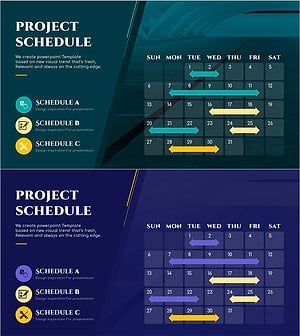
Construction Project Schedule Slide Template - Combining Visualization and Practicality
#Business Management #Operational Plan #Diagram
