



Mobile Messenger Mockup Design – Customer Success Case
RJ0800049_15
- Last Update 08/14/2025
- File Size 0.4MB
- # of Slides 2
- File Format PPTX
- Slide Ratio 16:9
- Color
Keywords
- #Content-Based Slides
- #Design-Based Slides
- #Technical Approach
- #Customer Success Stories
- #Text Box
- #Other
- #Service Operation Plan
- #Customer Testimonials and Feedback
- #Speech Bubble
- #Mockup
- #16:9
- #mobile messenger mockup PowerPoint slide
- #customer success case presentation
- #smartphone UI design
- #mobile app mockup template
- #customer feedback slide
About the Product
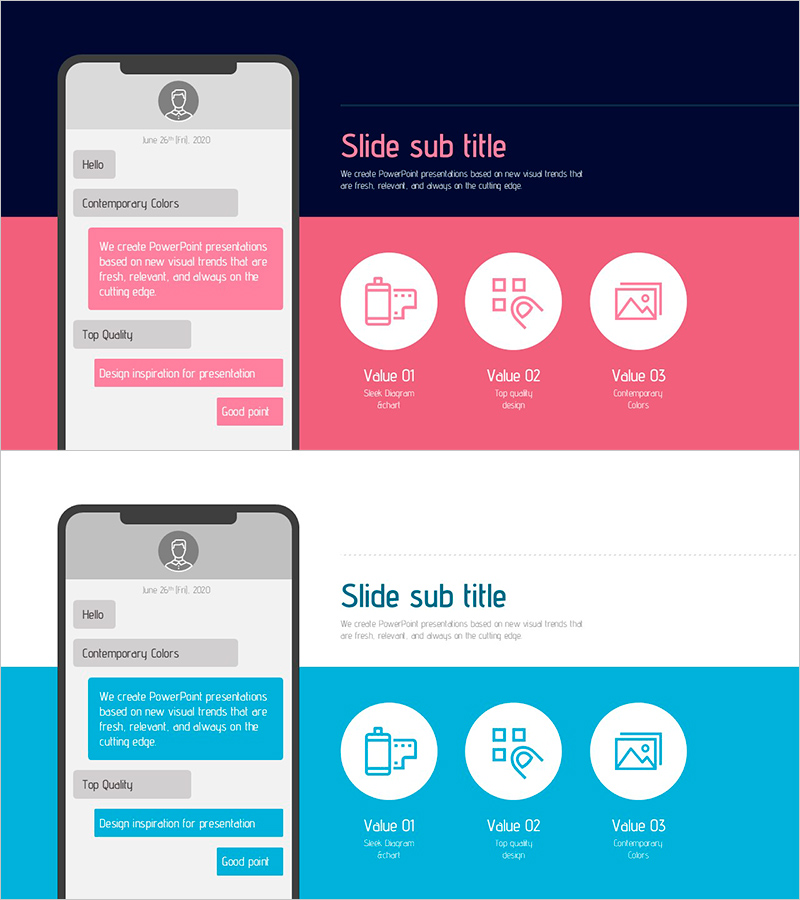
A PowerPoint slide that presents customer success cases using a mobile messenger mockup design. Available in two color versions—pink and blue—this slide features a smartphone interface mockup on the left with messenger elements and three value points visualized as icons on the right. The two-column layout (mobile device mockup + content area) effectively communicates customer feedback, service performance metrics, and user experience improvements. Provided in 16:9 aspect ratio PPTX format with 2 slides ready for immediate use.
Usage Points
-
Main Usage
This slide is designed to visually communicate customer success stories and user feedback for mobile apps and digital services. By displaying an actual smartphone screen mockup, you can showcase your service interface while demonstrating customer satisfaction, service improvements, and enhanced user experience with concrete evidence.
-
How to Use
Insert actual messenger screenshots or customer conversation samples into the left mobile device mockup, then populate the three value points (Value 01, 02, 03) on the right with quantitative metrics such as customer satisfaction scores, usage time increases, or repeat purchase rates. Select either the pink or blue version to match your brand colors.
-
Recommended For
Ideal for investor presentations by mobile app and SaaS companies, customer success case study sessions, marketing pitch decks, and quarterly performance reports. Particularly effective for startups, fintech companies, and communication platform providers that need to emphasize customer feedback-driven service improvements.
-
Slide Structure
Two-slide set with identical structure: left side features a smartphone mockup with 4-5 text input areas, right side contains a title and three icon-based value boxes. Both pink and blue versions maintain the same layout, allowing you to switch colors without redesigning content.
Related Products
-
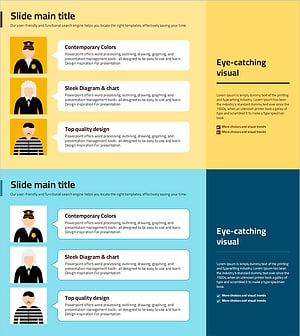
Slide Template Effectively Presenting Trial Conversation Content
#Market and Competitor Analysis #Customer Success Stories #Text Box
-
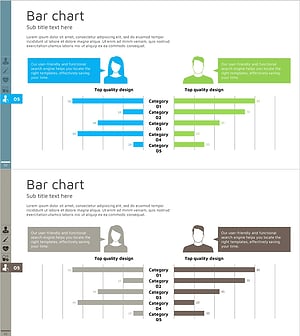
Gender Comparison Analysis Pairwise Bar Graph – Understanding Customers' First Step
#Market and Competitor Analysis #Customer Success Stories #Graph
-
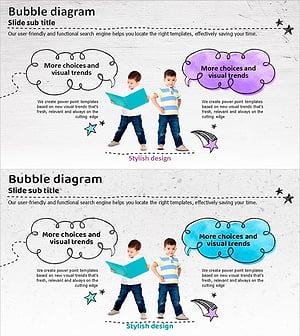
Speech Balloon and Children Image Slide – Customer Success Stories
#Customer Success Stories #Text Box #Introduction of Key Customers
-

Positive Business Feedback Slide – Customer Success Stories
#Customer Success Stories #Text Box #Other
