



How to Make an Online Appointment for Medical Treatment – Easy and Effective Access to Care
RJ0800025_26
- Last Update 08/06/2025
- File Size 3MB
- # of Slides 2
- File Format PPTX
- Slide Ratio 16:9
- Color
Keywords
- #Content-Based Slides
- #Design-Based Slides
- #Product/Service Introduction
- #Operational Plan
- #Other
- #Program Introduction
- #Business Support Plan
- #16:9
- #medical online appointment PowerPoint slide
- #healthcare booking system presentation
- #patient access improvement PPT
- #hospital appointment guide slide
- #medical service introduction template
About the Product
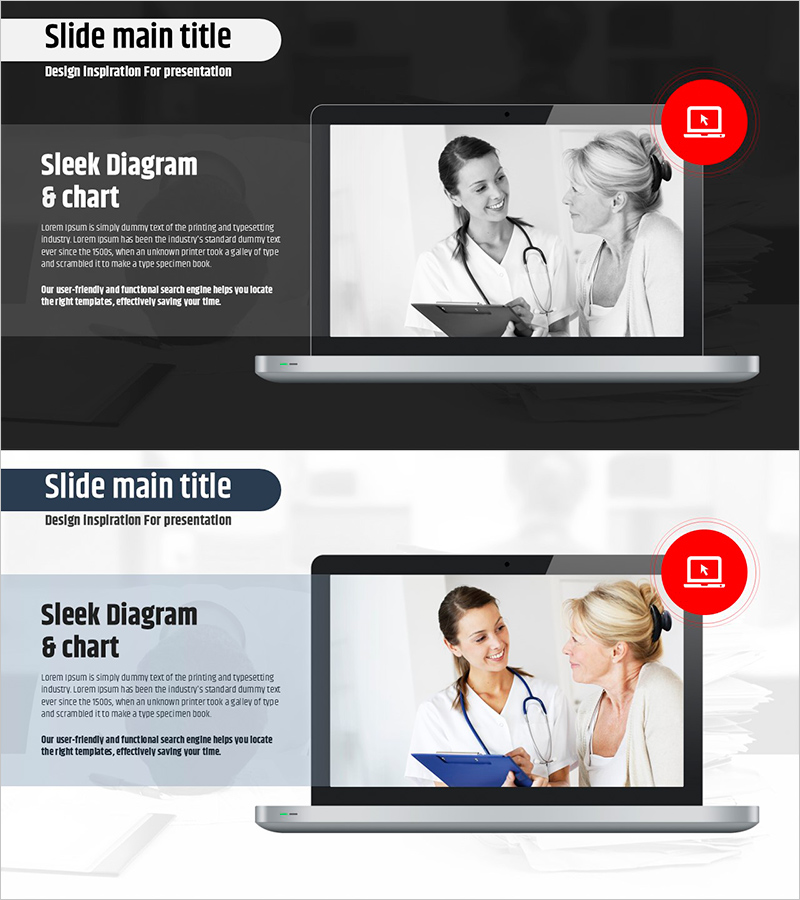
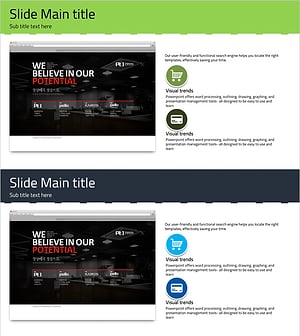
A professional PowerPoint slide designed to explain your medical facility's online appointment system to patients effectively. The dark gray background combined with white typography and red accent elements conveys medical credibility and trust. The left section contains descriptive text about appointment methods and benefits, while the right side features an image area showcasing healthcare provider-patient interaction. This 16:9 format, 2-slide presentation is ideal for introducing online booking systems, improving patient access, and streamlining operational efficiency in healthcare settings.
Usage Points
-
Main Usage
This slide set enables medical facilities to clearly communicate the purpose, usage instructions, and expected benefits of online appointment systems to patients. Hospital administrators can use it for service announcements or patient education materials.
-
How to Use
Use in healthcare service presentations, patient-facing online booking system introductions, and care accessibility improvement program explanations. Insert appointment procedures, benefits, and guidelines in the left text area, and place healthcare provider photos or booking interface screenshots in the right image section to enhance visual comprehension.
-
Recommended For
Hospital administrators, patient relations specialists, and healthcare marketing professionals introducing online appointment systems. Effective for service launch presentations, patient education seminars, and healthcare improvement reports.
-
Slide Structure
Two-slide format with each slide divided into left text area (one title plus 2-3 body paragraphs) and right image area (healthcare provider-patient interaction photos or system screenshots). Dark gray background with white typography and red accent badges provide visual emphasis and professional appearance.
Related Products
-
Post-Retirement Health Care Slide – Eye-catching Design and Practicality
#Product/Service Introduction #Operational Plan #Other
-
Benefits of Learning to Watch Video - Premium Design Offered
#Product/Service Introduction #Other #Program Introduction
-
Online Yoga Program Introduction – Elegance and Efficiency
#Product/Service Introduction #Other #Program Introduction
-
Mobile Market Service Introduction PowerPoint Slide
#Product/Service Introduction #Other #Product/Service Introduction
