



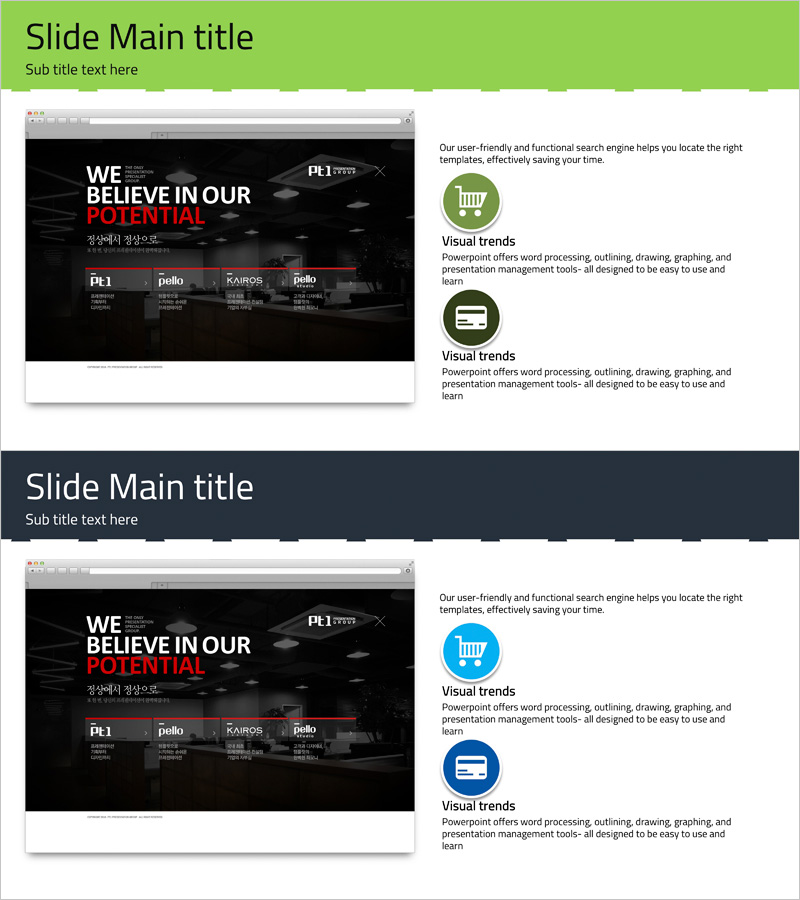
Mobile Market Service Introduction PowerPoint Slide
RJ0400014_7
- Last Update 05/21/2025
- File Size 0.7MB
- # of Slides 2
- File Format PPTX
- Slide Ratio 16:9
- Color
Keywords
- #Content-Based Slides
- #Design-Based Slides
- #Product/Service Introduction
- #Other
- #Product/Service Introduction
- #Program Introduction
- #16:9
- #service introduction PowerPoint slide
- #service presentation template
- #program introduction slide
- #black background service PPT
- #how to present service features in PowerPoint
About the Product
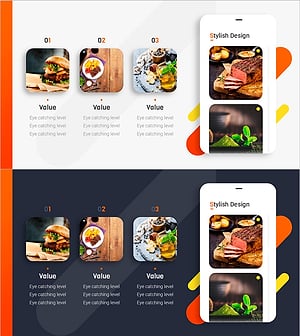
A 2-slide PowerPoint presentation template designed for mobile market service introductions. Features a black background with white and red text creating high-contrast visual impact. The left side displays the service vision statement while the right side showcases icon-based feature descriptions. Each slide clearly communicates core service value and key functionalities, making it ideal for investor pitches, partner proposals, customer briefings, and product launch presentations. Ready-to-use design for immediate deployment in professional settings.
Usage Points
-
Main Usage
Effectively communicate your service's core value proposition and key features to investors, partners, and customers. The black background with high-contrast typography creates a premium brand impression while clearly differentiating your service and establishing credibility in competitive markets.
-
How to Use
Enter your service vision statement on the first slide's main text area. On the second slide, add 3-4 key features next to the icon placeholders and fill in detailed descriptions in the accompanying text boxes. Insert your company logo or service name in the header area to maintain brand consistency throughout the presentation.
-
Recommended For
Startup founders, technology company marketing teams, product managers, investor relations professionals, and business development managers presenting new service launches, seeking investment funding, or pitching B2B partnership opportunities.
-
Slide Structure
Two-slide format with the first slide containing a title section (top green bar) and service vision message area. The second slide includes a title section with two vertically stacked icon-plus-description blocks on the right, creating clear information hierarchy for feature presentation.
Related Products
-
How to Use the Donation Website – Presentation Using Yellow and Navy Colors
#Product/Service Introduction #Other #Product/Service Introduction
-
Application Service Introduction Slide – Innovative Visual Template
#Product/Service Introduction #Diagram #Other
-
Introducing the Mobile App Service – Innovation and Utilization
#Product/Service Introduction #Diagram #Other
-
Food UI PowerPoint App Overview – Stylish Design
#Product/Service Introduction #Other #Product/Service Introduction
