



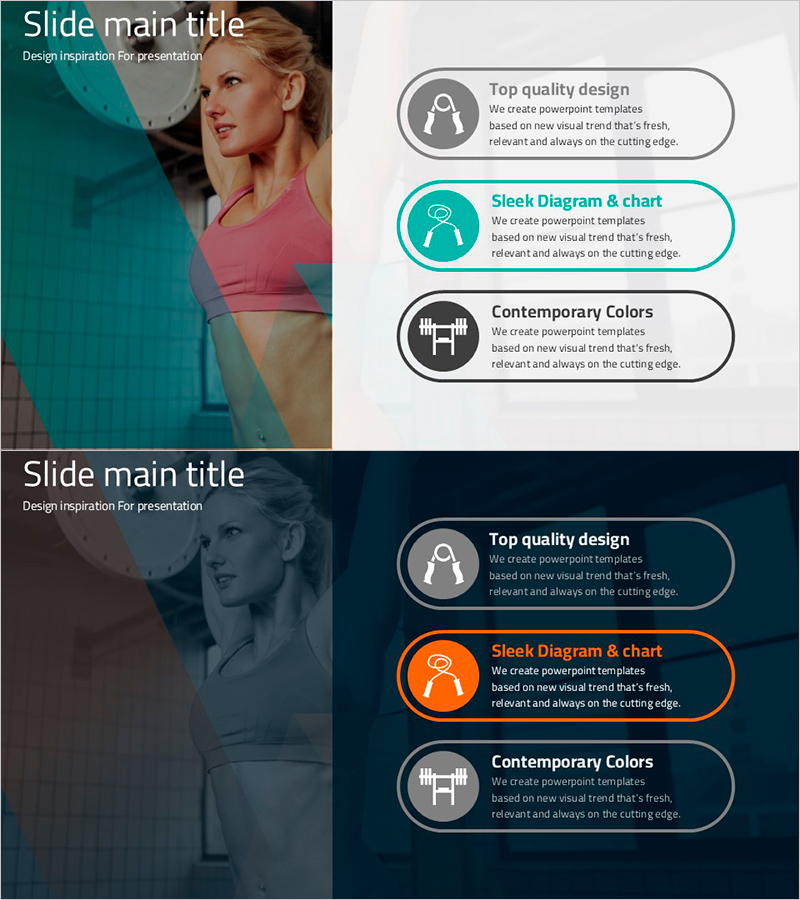
How to Use Exercise Equipment – Effective Usage Guidelines
RJ0800015_16
- Last Update 08/04/2025
- File Size 1.5MB
- # of Slides 2
- File Format PPTX
- Slide Ratio 16:9
- Color
Keywords
- #Content-Based Slides
- #Design-Based Slides
- #Product/Service Introduction
- #Diagram
- #Text Box
- #Product/Service Introduction
- #Benefits and Advantages
- #Cluster
- #Closed Cluster Diagram
- #Rounded Rectangle Text Box
- #16:9
- #rounded rectangle text box PowerPoint
- #icon box slide template
- #3-item emphasis diagram
- #exercise equipment presentation
- #text box PowerPoint design
About the Product
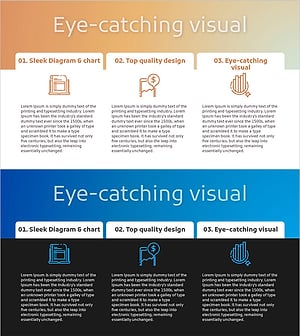
A PowerPoint slide template featuring rounded rectangle text boxes designed to explain exercise equipment usage effectively. Three rounded boxes with icons and text create clear emphasis on key points, using teal blue and gray tones to establish visual hierarchy. The balanced layout between left image area and right text boxes enhances presentation professionalism. This slide deck supports simultaneous communication of three information types—usage methods, benefits, and precautions—making it ideal for fitness center training, product introductions, and health-related seminars with immediate usability.
Usage Points
-
Main Usage
Clearly communicate three key information types—usage methods, benefits, and precautions—for exercise equipment using rounded rectangle boxes. Icon placement in each box increases visual recognition, while the balanced composition between left image and right text strengthens presentation credibility.
-
How to Use
Place exercise equipment usage imagery on the left side and input usage methods, benefits, and precautions in three rounded boxes on the right. Icons within boxes can be customized to symbolize each category, and text and background colors are adjustable to match various equipment types or products.
-
Recommended For
Fitness center instructors, exercise equipment sales representatives, gym training coordinators, sports medicine specialists, rehabilitation therapists, and product marketing professionals conducting customer education, product demonstrations, and seminar presentations.
-
Slide Structure
2-slide layout. First slide features teal blue background with white title text. Second slide divides into 50% left image area and 50% right content area. Right side contains 3 vertically stacked rounded rectangle boxes of equal width, each with icon placeholder on left and title/description text input area on right.
Related Products
-
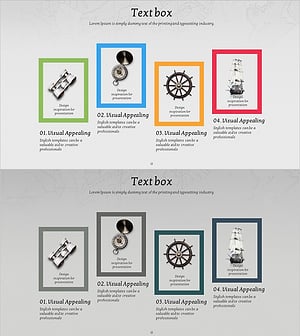
4 Expected Future Effects of Adventure Business
#Product/Service Introduction #Diagram #Product/Service Introduction
-
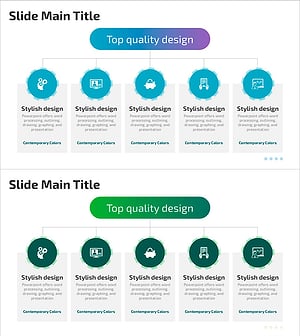
Combination of Academic Thinking and Business Strategy - Effective Diagram Template
#Product/Service Introduction #Diagram #Product/Service Introduction
-
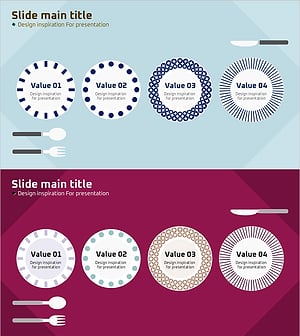
Plate Illustration Diagram – Slides Inspiring Design
#Product/Service Introduction #Operational Plan #Diagram
-
Dot Patterns Wide Presentation Template – Cluster Diagram
#Product/Service Introduction #Diagram #Product/Service Introduction
