



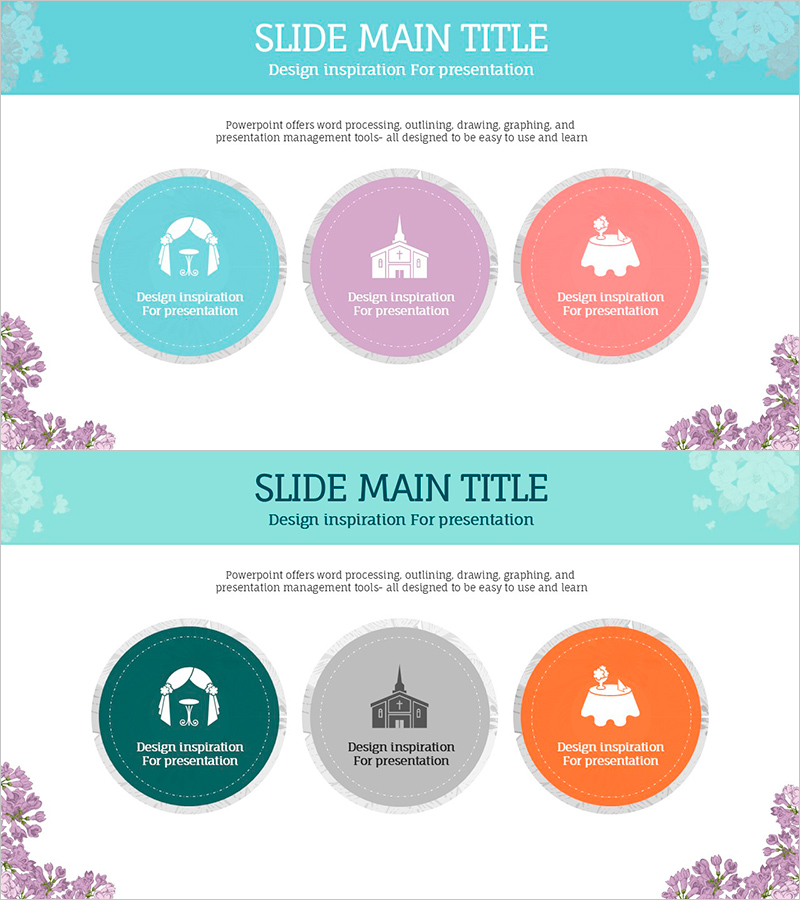
Box Diagram Slide Visualizing Wedding Trends
RJ0800011_14
- Last Update 08/02/2025
- File Size 0.5MB
- # of Slides 2
- File Format PPTX
- Slide Ratio 16:9
- Color
Keywords
- #Content-Based Slides
- #Design-Based Slides
- #Business Vision and Strategy
- #Diagram
- #Business Vision
- #Business Strategy
- #Cluster
- #Closed Cluster Diagram
- #16:9
- #closed cluster diagram PowerPoint
- #3-item circular diagram slide
- #wedding trends presentation
- #cluster diagram template
- #business diagram PowerPoint slide
About the Product
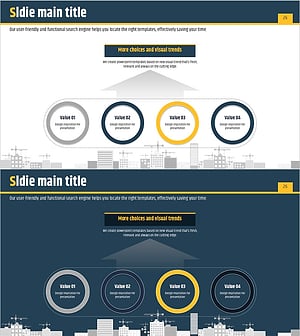
A closed cluster diagram PowerPoint slide that visualizes wedding industry trends across three distinct items using circular nodes with gray dotted borders. This presentation template is ideal for business vision, strategy, and trend analysis presentations. The slide deck features three color combinations—turquoise, purple, and coral—allowing flexible customization of text and icons. Provided in 16:9 widescreen format with 2 slides, ready to download and insert directly into your presentation for immediate use.
Usage Points
-
Main Usage
Designed to communicate wedding industry trends, business vision, and strategic analysis by organizing information into three distinct categories. The circular node structure effectively conveys both independence and integration, making it ideal for presenting relationships and classifications of related elements.
-
How to Use
Insert into business plans, marketing strategy documents, or trend analysis presentations within the strategy and vision sections to highlight key items. Customize each circular node by replacing text and icons, and adjust colors to match your organization's branding guidelines.
-
Recommended For
Wedding and event planning professionals, marketing managers in beauty and fashion industries, executives developing business strategies requiring trend analysis, business analysts preparing industry reports, and product managers presenting new business initiatives.
-
Slide Structure
2-slide set. Each slide features three circular nodes (approximately 120px diameter) arranged horizontally with gray dotted borders for emphasis. Title area at the top, descriptive text in the center, and decorative floral illustrations at the bottom. Color combinations vary by slide.
Related Products
-
Criteria for Selecting Healthy Food Ingredients Diagram – Business Vision and Strategy
#Business Vision and Strategy #Diagram #Business Vision
-
Central Diagram Slide for Cosmetic Manufacturing Strategy
#Business Vision and Strategy #Diagram #Business Vision
-
Legal Response Strategy Based on Genetic Information – Business Vision and Cluster
#Business Vision and Strategy #Diagram #Business Vision
-
Objectives and Strategy Diagram for Business Strategy
#Business Vision and Strategy #Diagram #Business Strategy
