



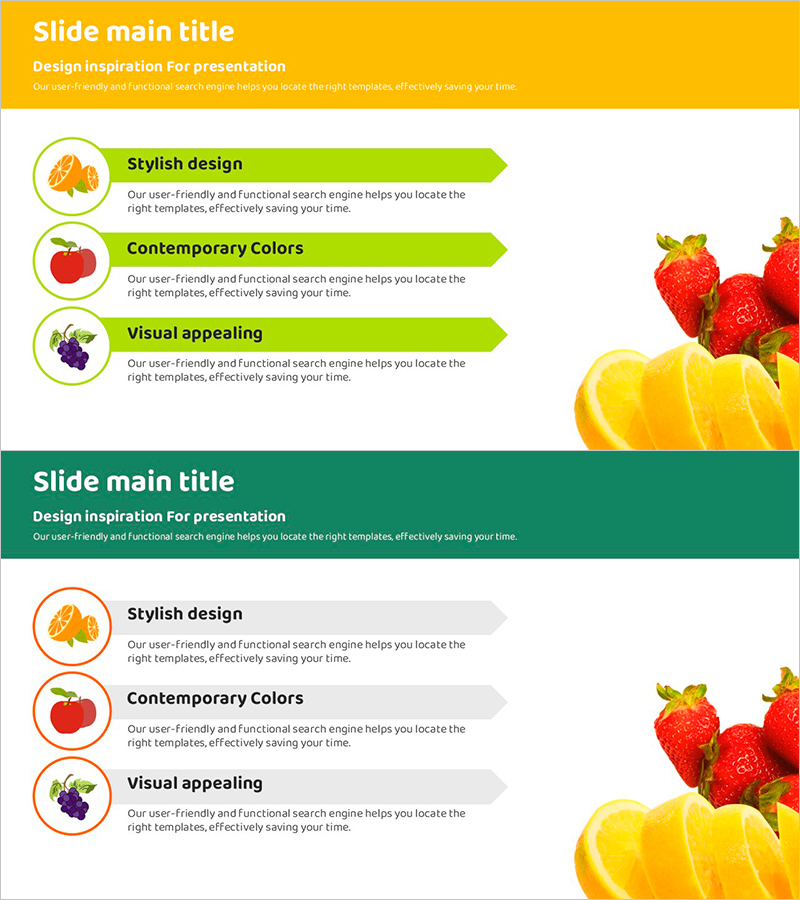
Presentation Slide Visualizing Characteristics of Each Fruit
RJ0800007_6
- Last Update 08/01/2025
- File Size 14.2MB
- # of Slides 2
- File Format PPTX
- Slide Ratio 16:9
- Color
Keywords
About the Product
A 2-slide PowerPoint presentation comparing fruit characteristics with visual clarity. Features a yellow header and lime-green arrow boxes arranged in a 3-section icon layout. Each fruit (strawberry, grape, orange) is represented by a circular icon and descriptive text, with actual fruit images positioned on the right side for visual impact. Ready to use in presentations with fully editable text and color elements.
Usage Points
-
Main Usage
Effectively compare and explain product or service features using a 3-item parallel layout. The icon and text combination maximizes information clarity, allowing audiences to grasp differences and similarities at a glance.
-
How to Use
Use in marketing presentations, product introductions, and educational seminars as a comparison analysis section. Replace header text and descriptions with your content, swap icons as needed, and customize the right-side image area to match your presentation.
-
Recommended For
Marketing teams, product managers, educators, and sales presenters benefit from this layout when highlighting feature comparisons. Ideal for presentations emphasizing characteristics, advantages, and differences across three items.
-
Slide Structure
Two-slide set with consistent design: yellow header version with lime-green boxes and gray header version with neutral boxes. Each slide contains 3 circular icon areas, corresponding text sections, and a dedicated image space on the right for visual elements.
Related Products
-
Diagram Slide Introducing Essential Travel Items
#Product/Service Introduction #Diagram #Features
-
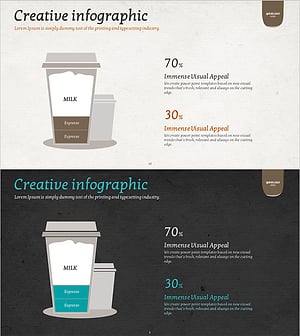
Coffee Composition Ratio Infographic – Visualizing Product Features
#Product/Service Introduction #Diagram #Features
-
Heart Health Status Analysis – Health and Vision
#Product/Service Introduction #Diagram #Features
-
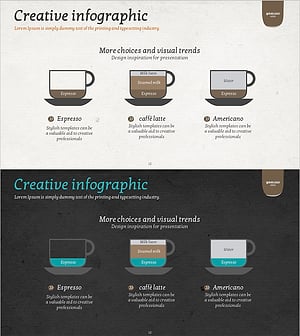
Creative Coffee Infographics – Product and Service Introduction
#Product/Service Introduction #Diagram #Features
