



Orange Illustration Diagram – Fresh and Creative Presentation
RJ0800007_12
- Last Update 08/01/2025
- File Size 0.2MB
- # of Slides 2
- File Format PPTX
- Slide Ratio 16:9
- Color
Keywords
- #Content-Based Slides
- #Design-Based Slides
- #Product/Service Introduction
- #Business Strategy
- #Diagram
- #Features
- #Production Plan
- #Spread
- #Centralized Diagram
- #16:9
- #radial diagram PowerPoint
- #center-focused slide template
- #6-item comparison presentation
- #orange illustration slide
- #how to create radial diagram in PowerPoint
About the Product
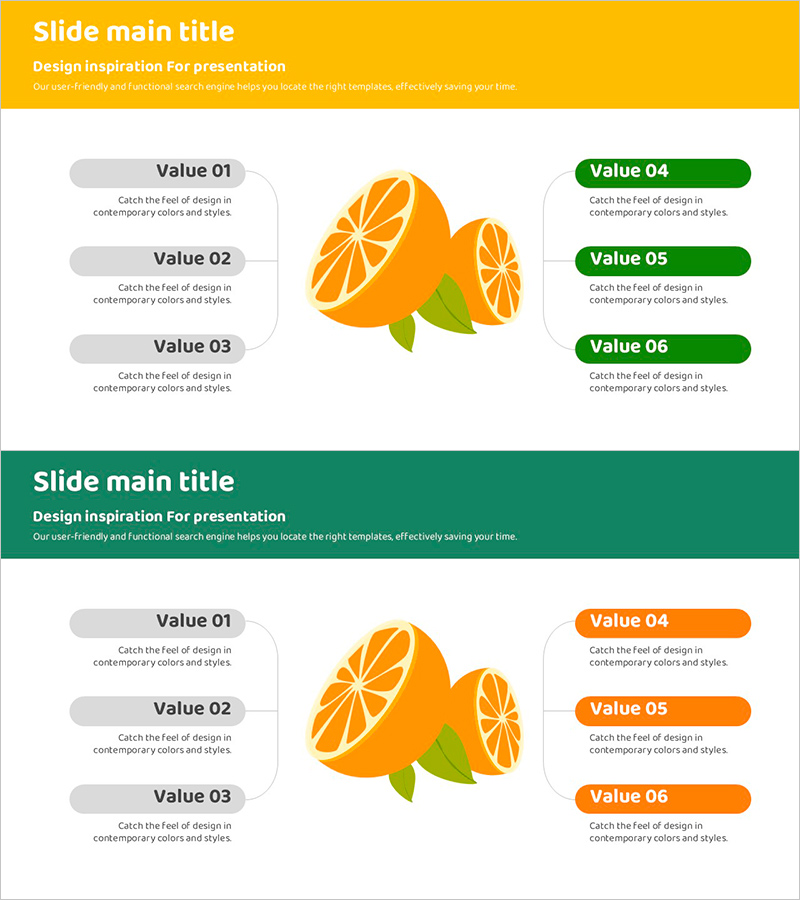
A radial diagram PowerPoint slide with a central orange fruit illustration (lemon) and six surrounding items arranged symmetrically—three on the left in gray speech bubbles and three on the right in green or orange text boxes. Two color variations are provided: yellow background with green accents and green background with orange accents, allowing flexible emphasis for presenting core values, features, benefits, or product attributes. Delivered in 16:9 widescreen PPTX format with fully editable elements, ideal for presentations emphasizing freshness, sustainability, and innovation.
Usage Points
-
Main Usage
Positions a core concept, product, or brand value at the center and expands outward to six surrounding elements (features, benefits, functions, target audience, use cases, or results). Ideal for corporate introductions, product launches, and marketing strategy presentations emphasizing freshness and innovation.
-
How to Use
Replace the center orange illustration with your company logo, product image, or key message. Edit the text and background colors of the six surrounding items. Switch between two color variations to adjust visual emphasis by section. Resize and reposition speech bubbles and text boxes as needed.
-
Recommended For
Startups and companies in food, beverage, beauty, environmental, and energy sectors. Effective for new employee onboarding, team-building sessions, and strategy meetings presenting six core values simultaneously. Recommended for design teams, marketing departments, and executive presentations.
-
Slide Structure
2-slide set. Slide 1: yellow background with green accents / Slide 2: green background with orange accents. Each slide features 1 center orange illustration + 3 left gray speech bubbles + 3 right text boxes (6 editable areas total). 16:9 widescreen format.
Related Products
-
Visualizing Business Strategy with Tree Silhouette Diagram
#Product/Service Introduction #Business Strategy #Diagram
-
Smartwatch Product Service Characteristics and Composition – Centered on Visual Trends
#Product/Service Introduction #Diagram #Features
-
Smartwatch Product Service Characteristics and Composition Diagram
#Product/Service Introduction #Diagram #Features
-
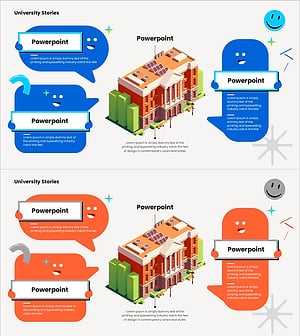
Best Features of Our University – A Slide Showcasing Unique Aspects
#Product/Service Introduction #Diagram #Text Box
