



Product and Service Presentation Template – Effective Visual Design
RJ0800006_27
- Last Update 08/01/2025
- File Size 0.4MB
- # of Slides 4
- File Format PPTX
- Slide Ratio 16:9
- Color
Keywords
About the Product
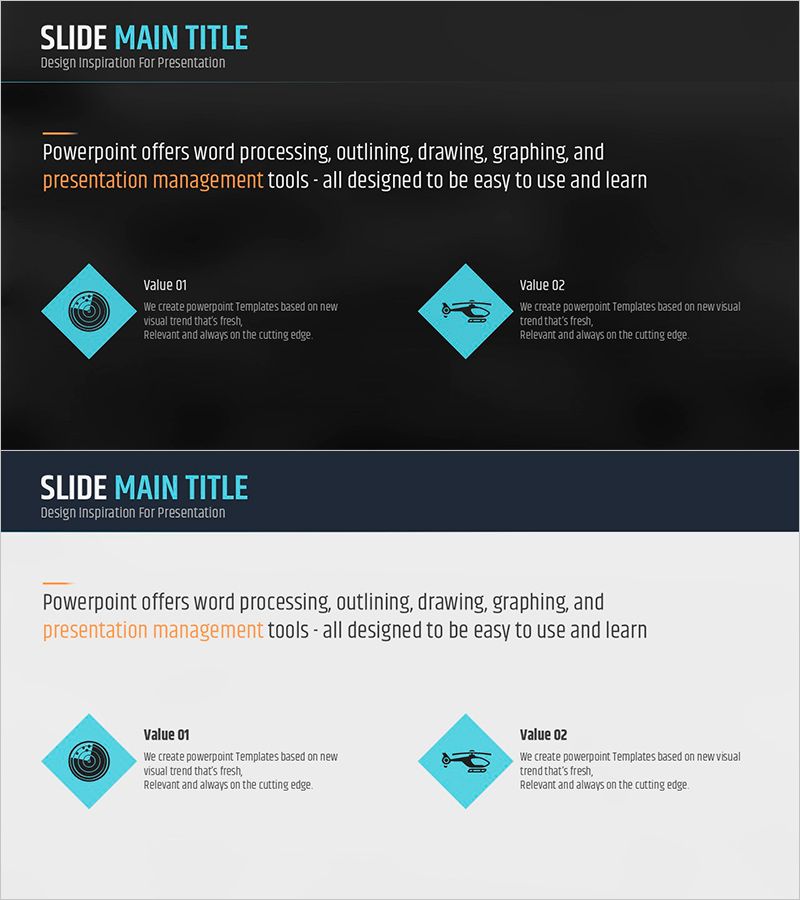
A 4-slide PowerPoint presentation set designed to effectively communicate the core value of your products and services. Featuring a dark gray background with cyan blue diamond icons arranged in a two-column comparison layout, each item's characteristics are clearly distinguished and visually organized. The structure separates title, description, and icon areas for easy text editing, making it ideal for investor pitches, partner presentations, and client meetings to emphasize product differentiation. Available in 16:9 widescreen PPTX format, ready for immediate customization and professional use.
Usage Points
-
Main Usage
Visualize product and service value propositions using a two-column comparison structure to clearly communicate differentiation to investors, partners, and customers. The dark gray background conveys corporate credibility and professionalism, while cyan icons establish visual hierarchy and improve readability for maximum impact.
-
How to Use
Insert this slide set into company profiles, proposals, and investor presentations within the product overview section. Edit text fields with product names, features, and benefits, and replace icons to match your brand identity. During presentations, highlight each item sequentially to guide audience understanding and engagement.
-
Recommended For
Ideal for new product launches, B2B sales presentations, investor pitches, corporate partnership proposals, and product catalog presentations. Recommended for marketing teams, sales departments, and executives explaining product value. Suitable for startups, SMEs, and large enterprises across all industries.
-
Slide Structure
4-slide composition with 1 title slide and 3 content slides. Each content slide features a top title area, center two-column icon boxes (icon + text description per column), and bottom supplementary information area. Text input fields are clearly separated for straightforward editing and professional output.
Related Products
-
Exploring Technology Through 3D Cubes – Creative Idea Visualization
#Product/Service Introduction #Diagram #Product/Service Introduction
-
Diagram Slide Introducing Natural Environment – Visualized in a Cluster
#Product/Service Introduction #Diagram #Product/Service Introduction
-
Hamburger and Text Box – Tasty and Visual Product Introduction
#Product/Service Introduction #Product/Service Introduction #Features
-
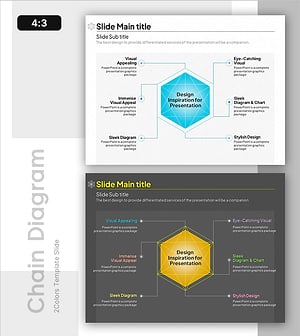
Analyzing the Interconnectedness of Molecular Frameworks PowerPoint Template - Cluster and Connection Elements
#Product/Service Introduction #Diagram #Product/Service Introduction
