



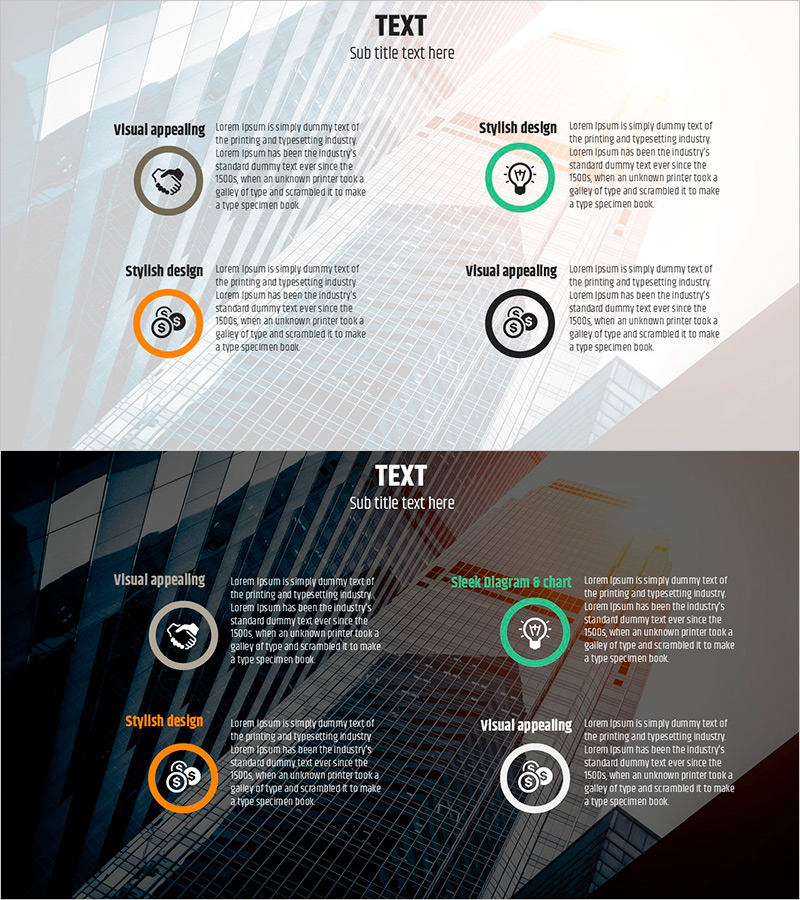
Business Strategy Icon – Setting Vision and Direction
RJ0800005_7
- Last Update 08/01/2025
- File Size 3.5MB
- # of Slides 2
- File Format PPTX
- Slide Ratio 16:9
- Color
Keywords
About the Product
A four-quadrant comparison PowerPoint slide designed for presenting business vision and strategic direction. This slide features four circular icons representing key elements such as visual appeal, stylish design, visual representation, and strategic concepts, with dedicated text input areas beneath each icon. The layout uses a light background with blue, green, orange, and black circular icons arranged symmetrically, complemented by geometric diagonal patterns for a contemporary aesthetic. A dark background version is also included, allowing you to choose the appropriate design for your presentation environment. The 2-slide set provides flexibility for different meeting contexts—boardroom presentations, strategy sessions, organizational alignment meetings, and executive briefings. Ideal for communicating complex business strategies in a clear, intuitive visual format.
Usage Points
-
Main Usage
This slide effectively communicates organizational vision, core strategies, and directional focus by breaking down complex business concepts into four key elements. It is ideal for executive presentations, strategic planning sessions, board meetings, and organizational alignment discussions where clarity and visual impact are essential.
-
How to Use
Enter your organization's core values, strategic priorities, objectives, and action plans in the text areas beneath each quadrant icon. Use the light background version for standard conference rooms and the dark version for large-scale events or virtual presentations. Customize icon colors and text to match your corporate branding and messaging.
-
Recommended For
Executives, strategy managers, business planning teams, marketing leaders, and organizational development professionals benefit from this slide when sharing vision, establishing strategy, and communicating organizational direction. It works well as a centerpiece in business plans, executive reports, and strategic presentations.
-
Slide Structure
The 2-slide set features a four-quadrant layout on each slide. A title area is positioned at the top center, with four circular icons and corresponding text input areas arranged in the upper-left, upper-right, lower-left, and lower-right quadrants, creating balanced visual representation of four strategic elements.
Related Products
-
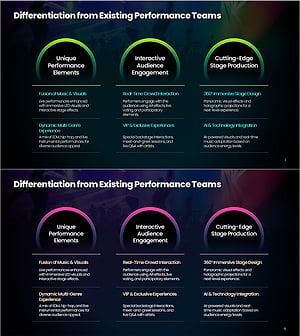
Differentiation in Performance Elements – Engaging Audience Interaction & Cutting-Edge Stage Design
#Business Vision and Strategy #Business Strategy #Business Background and Necessity
-

Sea Background Business Overview Text Page
#Business Vision and Strategy #Business Strategy #Business Background and Necessity
-
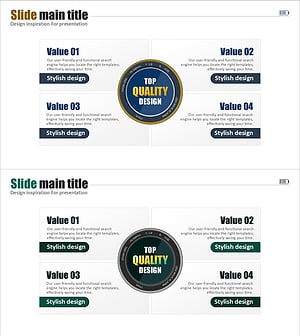
Premium Diffusion Closed Diagram – Business Strategy and Vision
#Business Vision and Strategy #Diagram #Business Strategy
-
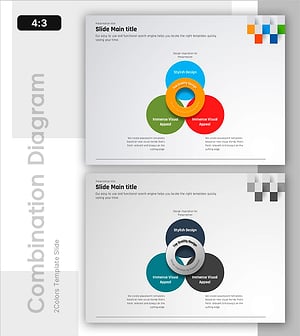
Color Overlapping Diagram - Visualizing Business Strategy
#Business Vision and Strategy #Diagram #Business Strategy
