



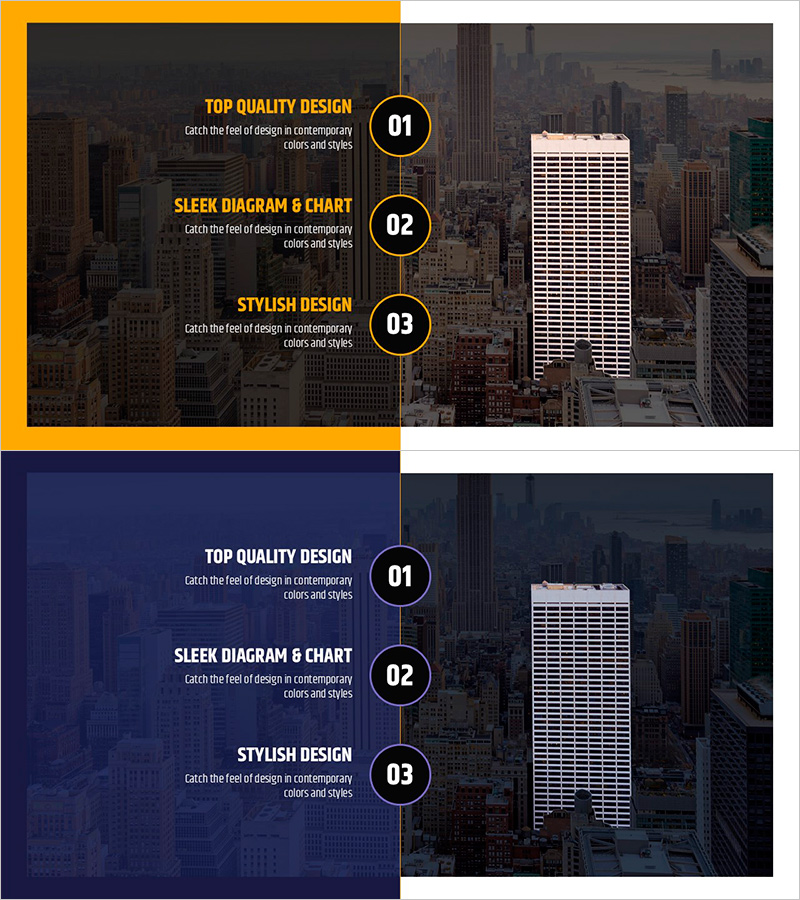
Introduction to a Frequent Customer – Highlighting Customer Success Stories
RJ0800004_22
- Last Update 07/31/2025
- File Size 4.9MB
- # of Slides 2
- File Format PPTX
- Slide Ratio 16:9
- Color
Keywords
About the Product
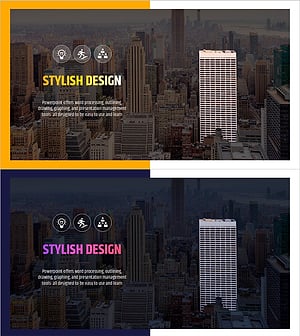
A professional 2-slide PowerPoint presentation template designed to showcase customer success stories and highlight client achievements. The layout features a gold accent color scheme with dark background, creating a premium visual impact that reinforces brand credibility and customer trust. The left side provides three text input areas for key messages, while the right side accommodates customer logos or case study images. This slide deck is ideal for company presentations, investor pitches, business proposals, and partnership discussions where demonstrating customer satisfaction and business results is critical. The 16:9 widescreen PPTX format allows immediate customization and integration into any presentation.
Usage Points
-
Main Usage
This slide effectively communicates customer success stories and client testimonials to establish business credibility and demonstrate proven results. It helps investors, partners, and prospects understand your company's impact through real customer achievements and satisfaction metrics.
-
How to Use
Enter customer name, success metrics, and testimonial text in the three left-side text areas. Place customer logos or case study images in the right-side image zone. Use this slide in company overview presentations, investor pitch decks, sales proposals, and partnership materials to highlight customer validation.
-
Recommended For
Sales teams presenting to prospects, executives pitching to investors, marketing teams sharing customer wins, and business development professionals in partnership negotiations. Particularly effective for B2B companies, startups demonstrating customer validation, and consulting firms presenting case studies.
-
Slide Structure
Two-slide layout with each slide divided into left text section (three numbered input areas with gold accent) and right image section. Circular numbered badges (01, 02, 03) organize information hierarchy, while the right side accommodates customer logos or success story images in a comparative layout format.
Related Products
-
List of Major Customer Companies by Part – Customer Success Stories
#Company Introduction #Customer Success Stories #Diagram
-
Collaborative Business Through Customer Success Cases – A Strategy for Growth
#Company Introduction #Customer Success Stories #Diagram
-
Round Square Closure Diagram - Showcasing Client Success Stories
#Company Introduction #Customer Success Stories #Diagram
-
Building Introduction Highlights – Stylish Design
#Company Introduction #Customer Success Stories #Customers and Partners
