



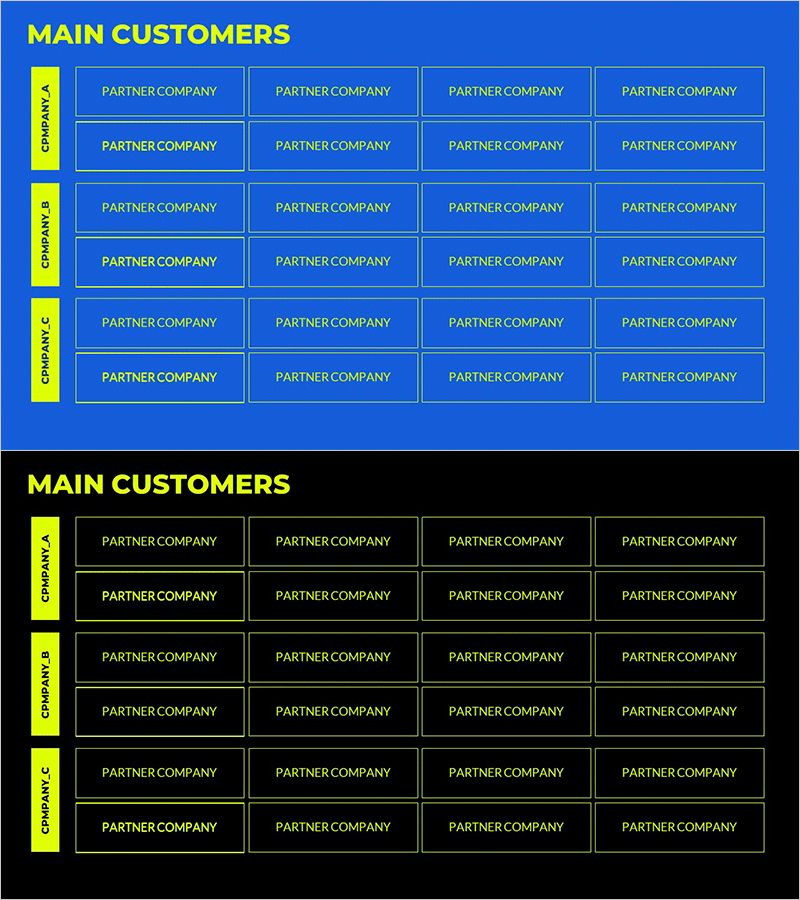
List of Major Customer Companies by Part – Customer Success Stories
RM0700003_23
- Last Update 02/26/2025
- File Size 0.8MB
- # of Slides 4
- File Format PPTX
- Slide Ratio 16:9
- Color
Keywords
- #Content-Based Slides
- #Design-Based Slides
- #Company Introduction
- #Customer Success Stories
- #Diagram
- #Customers and Partners
- #Introduction of Key Customers
- #Table
- #Horizontal Table
- #16:9
- #customer company list PowerPoint slide
- #grid layout client template
- #business partner table slide
- #customer success case PowerPoint
- #how to create customer list in PowerPoint
About the Product
A grid-based PowerPoint slide template for organizing major customer companies by division or business unit. Features a blue background with yellow left-side labels and white-bordered boxes arranged in a 4-row by 3-column layout, accommodating up to 12 company names or logos. Each box is fully editable, allowing you to insert company names, logos, or custom text. This slide design is ideal for company overview presentations, business performance reports, and investor pitch decks where demonstrating client portfolio and business scale is essential.
Usage Points
-
Main Usage
Systematically present your company's major clients organized by department, business unit, or region to demonstrate business scale and credibility at a glance. This slide effectively showcases customer success stories and partnership strength in investor presentations, corporate overviews, and business performance reports.
-
How to Use
Insert company names or logos into each white-bordered box. Edit the yellow left-side labels to reflect your business divisions, geographic regions, or industry segments. Place this slide in the customer showcase section of company presentations, the key achievements section of performance reports, or the credibility-building section of investment pitch materials.
-
Recommended For
Ideal for executives, business development teams, and marketing departments presenting client portfolios. Particularly useful for B2B companies, consulting firms, and solution providers showcasing major clients in formal presentations. Recommended for investor relations materials, partnership status reports, and corporate credibility presentations.
-
Slide Structure
4-row by 3-column grid structure providing 12 editable input areas. Four yellow labels positioned vertically on the left side represent divisions, units, or regions. Three white-bordered boxes are arranged horizontally next to each label. The blue background with yellow and white color contrast creates clear visual hierarchy and information organization.
Related Products
-
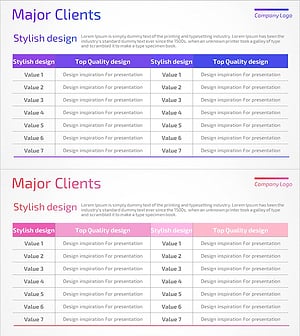
List of Major Clients – Table Slide Featuring Success Stories
#Company Introduction #Customer Success Stories #Diagram
-
Slide Visualizing Major Clients Information – Professionalism and Trust
#Company Introduction #Customer Success Stories #Customers and Partners
-
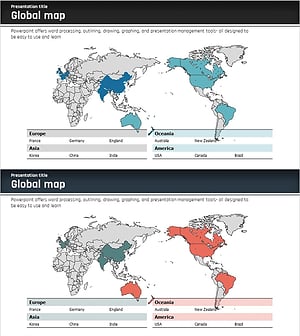
Global Business Partner Map – Global Network and Collaboration
#Company Introduction #Diagram #Other
-
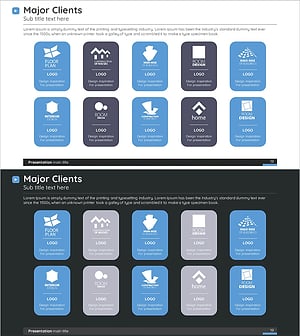
Round Square Closure Diagram - Showcasing Client Success Stories
#Company Introduction #Customer Success Stories #Diagram
