



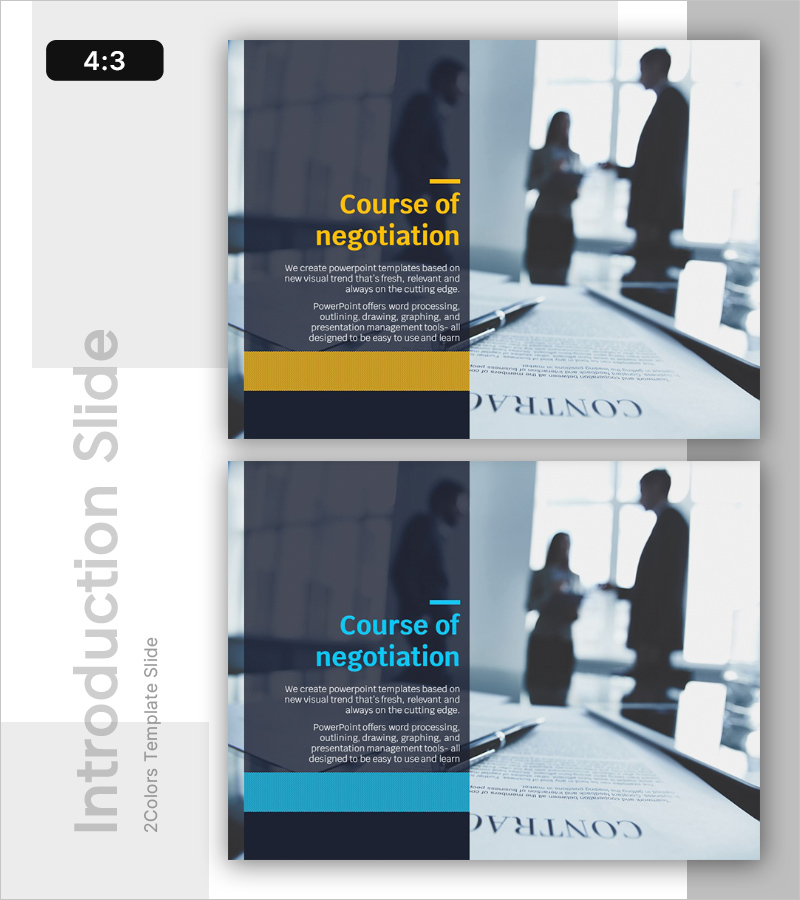
Course of Negotiation Slide Template – Cluster and Connection
RL0100058_2
- Last Update 01/21/2025
- File Size 1.5MB
- # of Slides 2
- File Format PPTX
- Slide Ratio 4:3
- Color
Keywords
About the Product
A 2-slide PowerPoint presentation designed for negotiation and business communication topics. Features a dark navy background with yellow or cyan accent blocks in an asymmetrical layout, clearly separating title, body text, and image areas. Ideal for presenting negotiation processes, discussion stages, and relationship-building strategies in professional settings. Delivered in 4:3 aspect ratio PPTX format, fully editable across all PowerPoint versions. Text and image sections can be customized to match your specific content and branding requirements.
Usage Points
-
Main Usage
Designed to present negotiation processes, discussion stages, and relationship-building strategies in professional contexts. The dark background with color-blocked accents draws attention to key information, establishing credibility when presenting to investors, partners, or internal teams during critical business negotiations.
-
How to Use
Enter your negotiation topic in the title area (e.g., 'Negotiation Strategy', 'Discussion Process'). Add detailed content in the body text section. Insert negotiation-related images—such as handshakes, meeting scenes, or team discussions—in the left image area to enhance visual impact. Use both slides to separate overview and detailed information.
-
Recommended For
Ideal for sales, marketing, and business development professionals presenting negotiation strategies. Recommended for executive partnership discussions, consulting firms proposing negotiation frameworks, HR departments conducting communication training, and corporate contract or alliance negotiation presentations.
-
Slide Structure
2-slide layout with each slide divided into left image area (50%) and right text area (50%). The right section contains a title with yellow or cyan accent line, followed by 2-3 lines of body text. A color accent block at the bottom creates clear information hierarchy and visual balance.
Related Products
-
The Peak of Happiness Diagram – Visualizing Product Characteristics and Components
#Emotional Messages
-
Work Environment Satisfaction Analysis Graph – Market Share Statistics
#Emotional Messages
-
How to Slow Down Aging – Intro with Health and Happiness
#Emotional Messages
-
Aging Data Status Graph – Insightful Presentation
#Emotional Messages
