



Manpower Gradient Diagram – Visualizing Team Capacity
RJ0700015_4
- Last Update 10/06/2025
- File Size 1.7MB
- # of Slides 2
- File Format PPTX
- Slide Ratio 16:9
- Color
Keywords
About the Product
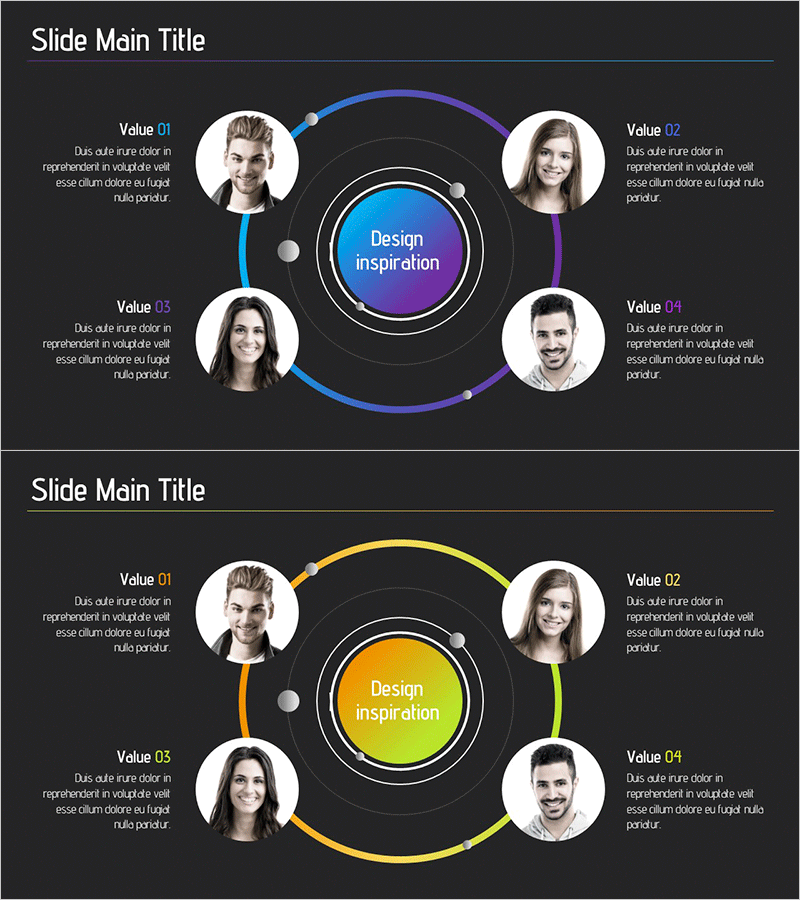
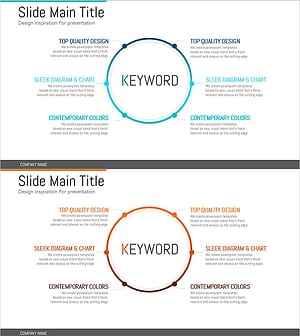
A radial diagram PowerPoint slide featuring four team member profiles arranged in a circular pattern around a central core message area. Two color versions are provided: blue-to-purple gradient and yellow-to-lime gradient. Each team position includes a Value label (01–04) and descriptive text space for role details. The 16:9 widescreen 2-slide set allows you to visually represent team structure, role distribution, and organizational hierarchy. Profile photo frames and all text boxes are fully editable, enabling you to input actual team information and customize content instantly.
Usage Points
-
Main Usage
Clearly present team composition and individual roles using a radial center-focused structure. Ideal for company introductions, team overviews, and organizational descriptions where you need to highlight personnel allocation, team capabilities, and responsibility areas. Profile photos and Value descriptions enable you to communicate each team member's specific role and expertise.
-
How to Use
Insert your team's core value or project name in the central circular area. Add team member profile photos, names, titles, and responsibility areas to the four surrounding positions. Complete the team diagram by filling in the Value 01–04 text boxes with role descriptions or professional expertise for each member. Select the color version that matches your presentation's tone and branding.
-
Recommended For
HR professionals, team leads, and project managers presenting team introductions and organizational structures. Suitable for new employee onboarding, team-building presentations, organizational restructuring announcements, and project kickoff meetings. Also effective for startup pitches, company profile decks, and team profile pages.
-
Slide Structure
2-slide set with radial layout. Each slide features a central circular core message area, four surrounding positions with circular profile photo frames and Value labels (01–04), and text description boxes at each position. Total 5 elements: 4 outer nodes plus 1 central hub. Two color versions provided: blue-to-purple gradient and yellow-to-lime gradient.
Related Products
-
Strategic Diagram for Body Fat Loss and Muscle Gain
#Business Vision and Strategy #Diagram #Business Strategy
-
Spread Diagram Slide Emphasizing the Importance of Forests and Trees
#Business Introduction #Corporate Social Responsibility #Diagram
-
Milestone Illustration Diagram – Business Direction and Development Strategy
#Business Strategy #Technical Approach #Diagram
-
Detailed Plan Diffusion Diagram – Business Strategy and Direction
#Business Introduction #Business Vision and Strategy #Diagram
