



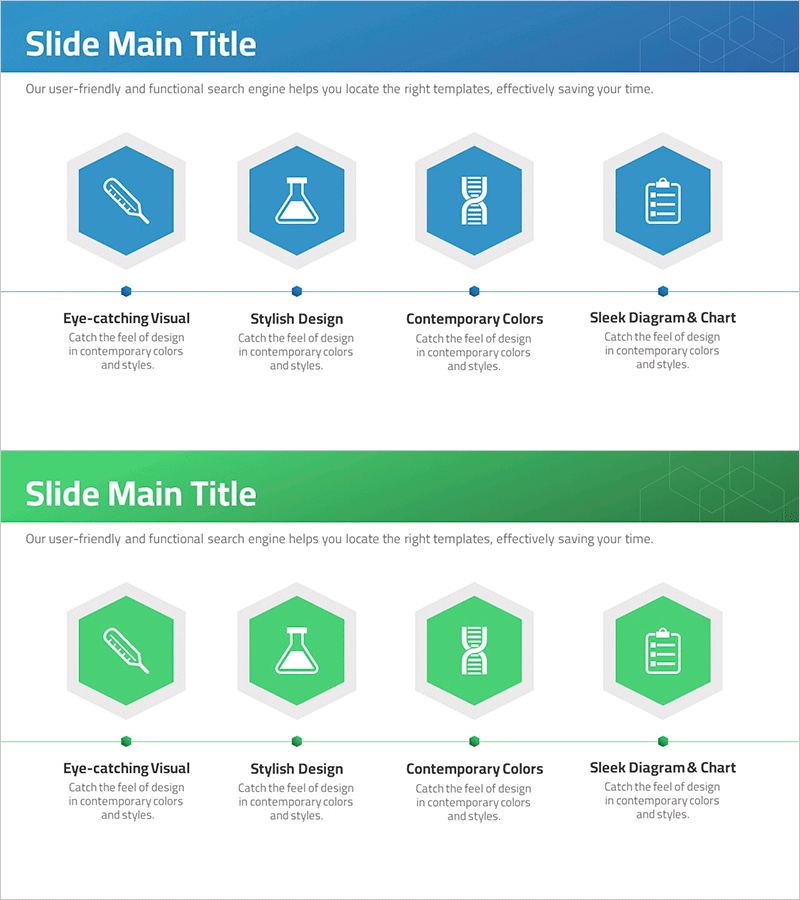
Clear Diagram of Genetic Experiment Procedure
RJ0700007_7
- Last Update 07/23/2025
- File Size 0.3MB
- # of Slides 2
- File Format PPTX
- Slide Ratio 16:9
- Color
Keywords
- #Content-Based Slides
- #Design-Based Slides
- #Company Introduction
- #Product/Service Introduction
- #Diagram
- #Business Areas
- #Differentiation Strategy for Products/Services
- #Cluster
- #Chain Diagram
- #16:9
- #hexagon diagram PowerPoint
- #connection diagram slide template
- #4-step process flow
- #process flowchart PPT
- #PowerPoint diagram slide design
About the Product
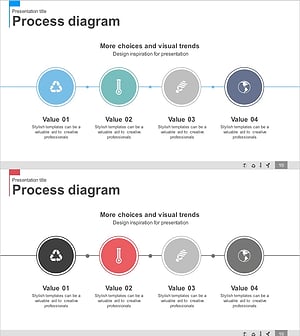
A PowerPoint slide featuring four hexagonal nodes connected horizontally with flow lines to visualize sequential processes. The design combines a dark blue header section with a white content area, creating clear information hierarchy. Each hexagon includes space for icons or images, with text labels below. The 2-slide set includes an identical layout in green, allowing you to differentiate sections or topics by color. Perfect for presentations requiring step-by-step visualization such as experimental procedures, project phases, business workflows, or technical processes. Fully editable and ready to customize with your own content.
Usage Points
-
Main Usage
Communicate sequential processes and step-by-step workflows visually. Insert icons, images, or text into each node to explain experimental procedures, project milestones, business processes, product development stages, or technical workflows clearly and professionally.
-
How to Use
Double-click each hexagon to insert icons or images, then add step names and descriptions in the text area below. Choose between blue or green color schemes, or customize using theme colors. Add or remove nodes as needed to match your process structure.
-
Recommended For
Ideal for researchers, engineers, project managers, marketing professionals, business analysts, and educators presenting procedure explanations, process improvements, product roadmaps, technical workflows, or training materials.
-
Slide Structure
2-slide set with identical layouts in blue and green. Each slide contains a header section with title area and a content section with 4 hexagonal nodes arranged horizontally and connected by flow lines. Each node has an icon/image area and text input field below.
Related Products
-
Business Area Water Drop Shape Diagram – Emphasizing Creativity and Clarity
#Company Introduction #Product/Service Introduction #Diagram
-
Medical Service Differentiation Strategy Diagram
#Company Introduction #Product/Service Introduction #Diagram
-
AI Business Differentiation Strategy – Innovative Flow and Structure
#Company Introduction #Product/Service Introduction #Diagram
-
Renewable Energy Business Sector Diagram
#Company Introduction #Product/Service Introduction #Diagram
