



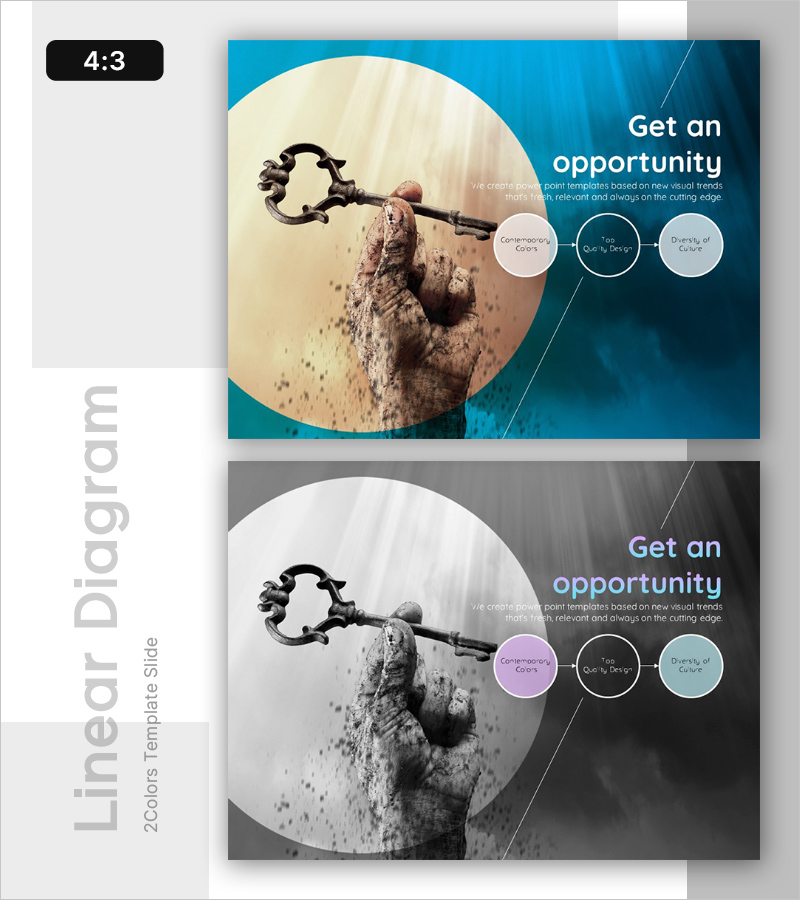
Diagram Slide for Creating Business Opportunities
RL0100051_3
- Last Update 01/21/2025
- File Size 3.3MB
- # of Slides 2
- File Format PPTX
- Slide Ratio 4:3
- Color
Keywords
About the Product
A 2-slide PowerPoint set that visualizes business opportunities and future vision through a linear progression diagram. Featuring a turquoise blue background with a large circular image and three interconnected circular elements, each designed to accommodate key messaging at different stages. This presentation slide is ready to use immediately in strategy presentations, business planning, and vision-setting discussions. Optimized in 4:3 aspect ratio for all display environments, with a complementary grayscale variant included for brand customization and flexible design adaptation.
Usage Points
-
Main Usage
Clearly communicate business opportunities and future direction to executives, investors, and team members through a structured 3-stage visual progression. The interconnected circular diagram intuitively conveys cause-and-effect relationships and implementation phases to support strategic decision-making.
-
How to Use
Deploy in business strategy presentations, new venture pitches, investor relations meetings, and annual planning sessions to explain opportunity factors and execution strategies stage by stage. Customize each circular area with key terms and descriptive text to create tailored content aligned with your specific business narrative.
-
Recommended For
Ideal for executives, business development teams, marketing professionals, strategy consultants, and startup founders who need to communicate business opportunities and strategic direction persuasively. Particularly effective for new business proposals, strategic planning sessions, and investor pitch decks.
-
Slide Structure
2-slide composition with the first slide featuring a turquoise blue background, large circular image, and three connected circular elements with editable text fields (Contemporary Colors, Top Quality Design, Diversity of Culture as examples). The second slide provides an identical grayscale version. Total of 4 text input areas per slide: 1 title area and 3 diagram elements for flexible content customization.
Related Products
-
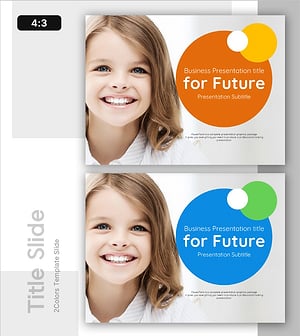
Future-oriented Template Cover – Bright Vision Ahead
#Emotional Messages
-
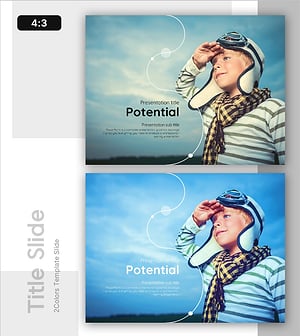
Potential Template Cover – A Professional and Emotional Start
#Emotional Messages
-
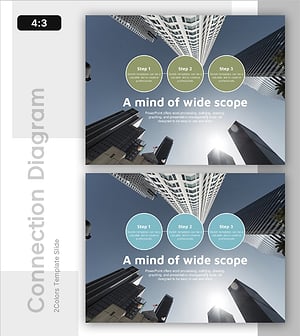
Business Outlook Template Ending Cover – Modern Sensibility
#Emotional Messages
-
Business Idea Analysis Graph – Innovation and Vision
#Emotional Messages
