



How to Use Overseas Shared Bikes Slide – Modern Design and Practicality
RJ0600106_25
- Last Update 07/19/2025
- File Size 4.4MB
- # of Slides 2
- File Format PPTX
- Slide Ratio 16:9
- Color
Keywords
About the Product
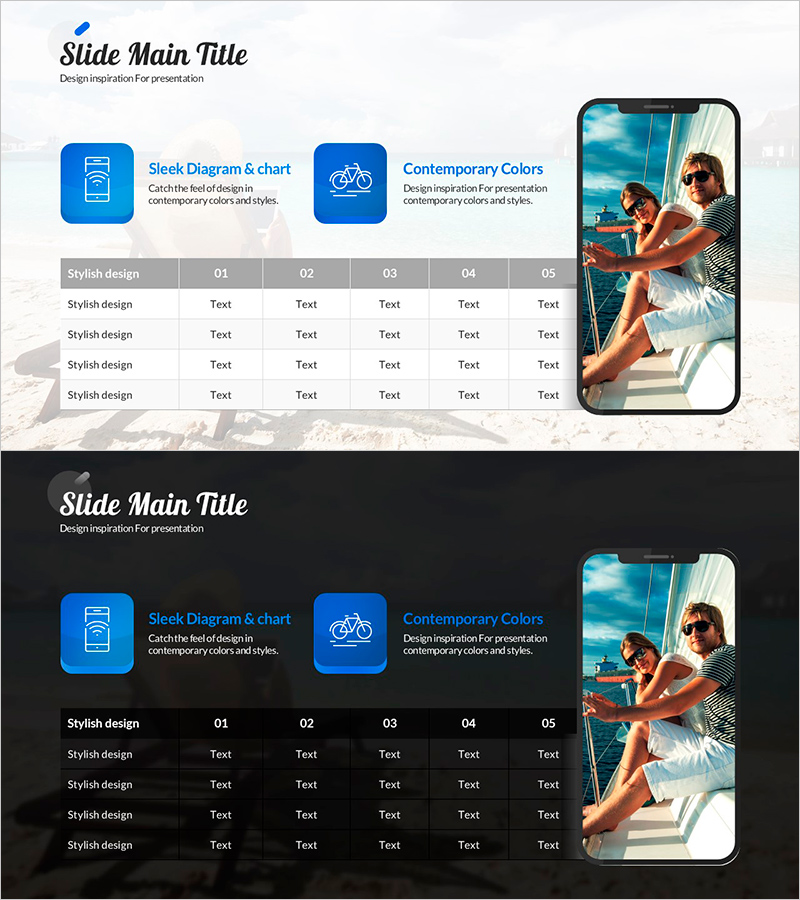
A PowerPoint slide that visualizes key product or service features in a 2-column comparison structure. The design features a light gray background with two blue icon boxes positioned on the left, while the right side displays a smartphone image frame showing real-world usage scenarios. The top section contains a title area, and the center includes a 5-column data table for detailed information comparison. This PPT slide balances icons, text, and imagery to work seamlessly in product presentations, service introduction decks, and marketing proposals. The 16:9 widescreen format with 2-slide composition enables effective communication of diverse product information and specifications.
Usage Points
-
Main Usage
This slide compares two key product or service features visually and presents detailed information in table format for clear communication to customers, investors, and partners. Icons and imagery transform abstract concepts into concrete visuals while enhancing information readability and professional presentation impact.
-
How to Use
Enter product category names or feature titles in the two blue icon boxes on the left, then add descriptive text for each item. In the center table, arrange comparison criteria (price, performance, capacity, duration) as rows and products as columns, then input specifications and numerical data. Replace the right-side smartphone image with actual product screenshots or photos to strengthen visual credibility and user engagement.
-
Recommended For
Ideal for product brochures, service presentations, marketing plans, sales pitches, and client proposals—particularly when comparing two product lines, versions, or plans. Highly effective for B2B presentations requiring technical specifications, pricing tables, and feature comparisons. Works well in competitive analysis, product roadmap, and solution overview sections.
-
Slide Structure
The slide comprises a title area at the top, two icon boxes on the left (each with editable text), a 5-column data table in the center (4–5 rows), and a smartphone image frame on the right. Information flows through four hierarchical levels: category (icons) → detailed description (text) → numerical comparison (table) → real-world application (image), supporting logical narrative progression.
Related Products
-
Running Face Measurement Table – Visualizing Fitness Data
#Product/Service Introduction #Financial Plans and Performance #Diagram
-
Car Map Product Introduction PowerPoint Template – Modern Design
#Product/Service Introduction #Diagram #Other
-
Advantages of Learning Books and Smartphones – Effective Approaches
#Product/Service Introduction #Technical Approach #Text Box
-
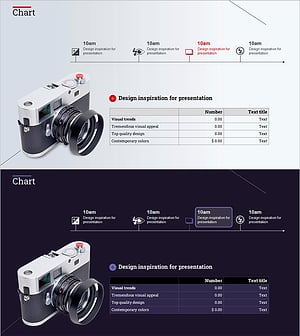
Camera System and Table Slide - Modern Design and Visual Appeal
#Product/Service Introduction #Diagram #Other
