



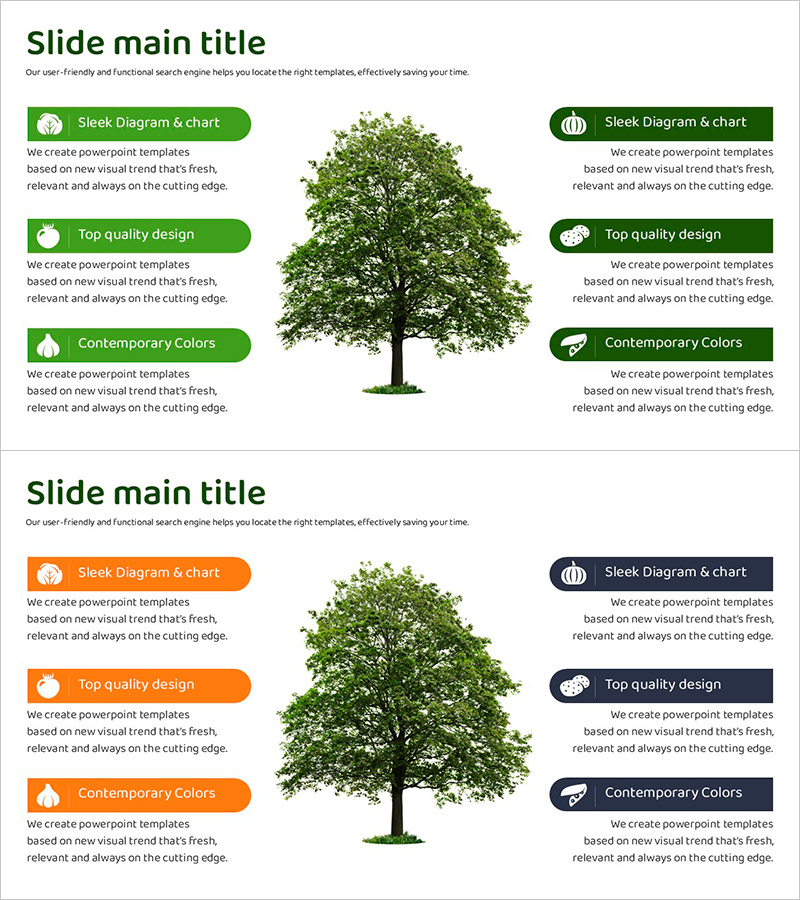
Slide Presenting Characteristics of Each Crop – Multiple Perspectives Visualization
RJ0600103_8
- Last Update 07/19/2025
- File Size 0.7MB
- # of Slides 2
- File Format PPTX
- Slide Ratio 16:9
- Color
Keywords
About the Product
A PowerPoint slide featuring a radial diagram layout that arranges six crop characteristics around a central image for instant visual comparison. The design combines green and orange dual-tone backgrounds with icons and text boxes to establish clear information hierarchy. This 2-slide set is ready to use for agricultural product introductions, feature comparisons, marketing presentations, and educational materials. Available in 16:9 widescreen PPTX format, fully editable across all PowerPoint versions.
Usage Points
-
Main Usage
Effectively communicate multiple crop attributes in agricultural sales, farming education, and product comparison presentations by arranging peripheral information radially around a central image while maintaining visual balance.
-
How to Use
Insert a crop image or logo in the central area, then populate the six radial text boxes with characteristics, nutritional value, growing conditions, and uses. Customize colors and icons by category to strengthen information differentiation.
-
Recommended For
Agricultural companies, food distributors, agricultural marketing professionals, farming educators, and regional specialty product presenters who need to explain crop characteristics from multiple perspectives.
-
Slide Structure
Two-slide set with the first slide featuring a green background and six-item radial arrangement, and the second slide using an orange background with identical structure. Each radial arm contains an icon and text box, with the center area designated for image insertion.
Related Products
-
Sports Circle Diagram – Visualizing Marketing Strategies
#Product/Service Introduction #Marketing Plan and Strategy #Diagram
-
Planetary Analysis Diffusion Diagram – A Multidimensional Approach
#Product/Service Introduction #Diagram #Features
-
Network Firewall Service Characteristics and Introduction – Effective Visual Diagram
#Product/Service Introduction #Diagram #Product/Service Introduction
-
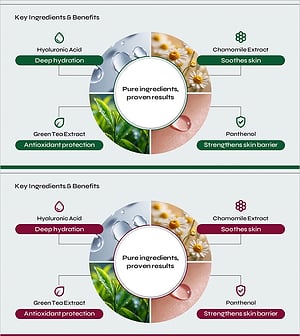
Key Ingredients and Benefits Content Slide for Cosmetic Presentation
#Product/Service Introduction #Diagram #Features
