



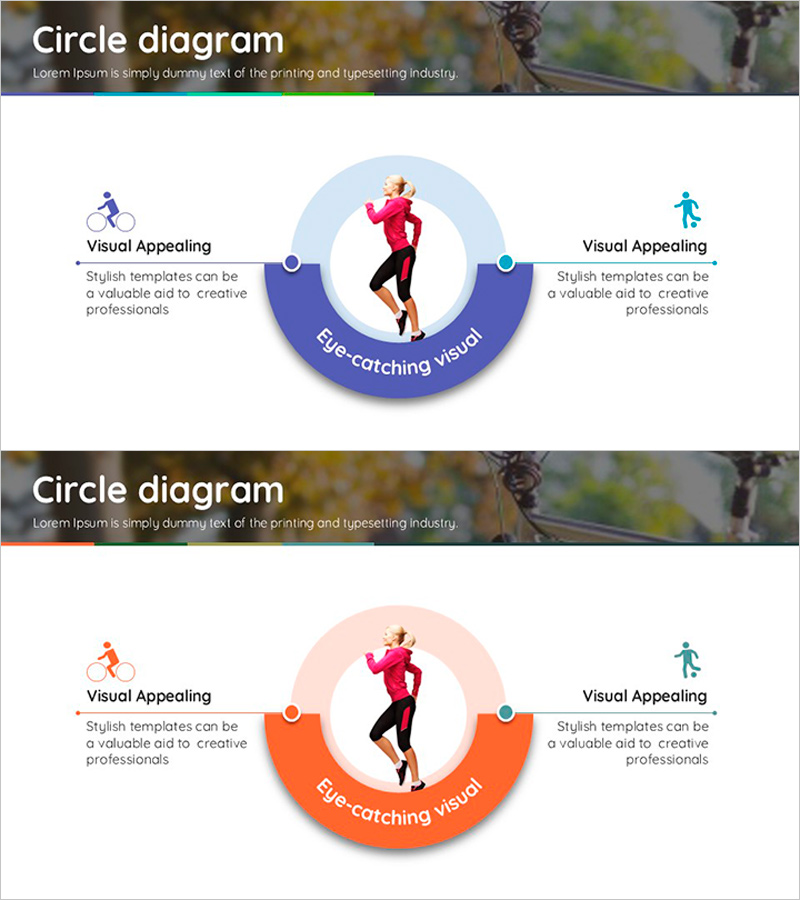
Sports Circle Diagram – Visualizing Marketing Strategies
RJ0600013_7
- Last Update 06/24/2025
- File Size 1.8MB
- # of Slides 2
- File Format PPTX
- Slide Ratio 16:9
- Color
Keywords
- #Content-Based Slides
- #Design-Based Slides
- #Product/Service Introduction
- #Marketing Plan and Strategy
- #Diagram
- #Features
- #Key Marketing Activities
- #Spread
- #Centralized Diagram
- #16:9
- #circle diagram PowerPoint
- #radial diagram slide template
- #central image presentation
- #marketing strategy diagram
- #3-node diagram PowerPoint slide
About the Product
A radial circle diagram PowerPoint slide with a central image and three connected nodes arranged around it. Available in two color versions—blue and orange—each node includes an icon and text area for flexible content input. Ideal for marketing strategies, business processes, customer journeys, and core value propositions in presentations. Provided as editable PPTX format in 16:9 widescreen with 2 slides.
Usage Points
-
Main Usage
Visually emphasizes a central concept, product, or person with three surrounding elements (features, benefits, strategies, or phases) in a balanced radial layout. Perfect for presenting core-to-periphery relationships in marketing strategy development, business model explanations, customer-centric value propositions, and organizational role distribution.
-
How to Use
Insert a product image, logo, or portrait in the central circular area. Add icons and descriptive text to each of the three surrounding nodes positioned at top-left, top-right, and bottom. Choose between the blue or orange color version to match your corporate brand or presentation theme.
-
Recommended For
Marketing and sales team strategy presentations, product introduction decks, organizational structure and role explanations, customer journey mapping, business model descriptions, executive reports, and consulting proposals where core concepts need systematic presentation with supporting elements.
-
Slide Structure
Two-slide set with radial layout. Each slide features a central circular image area with three nodes positioned at top-left, top-right, and bottom, each containing an icon and text box. Connection lines and circular background create visual unity. Provided in two color styles: blue and orange versions for flexible brand alignment.
Related Products
-
Visualizing Core Competence with Circular Piece Diagram – Business Vision and Strategy
#Product/Service Introduction #Business Vision and Strategy #Diagram
-
Cluster Diagram of Internet Shopping Purchase Area – Ease of Purchase
#Product/Service Introduction #Business Introduction #Diagram
-
Square Frame Diagram Template – Visualizing Profit Projections
#Product/Service Introduction #Business Strategy #Diagram
-
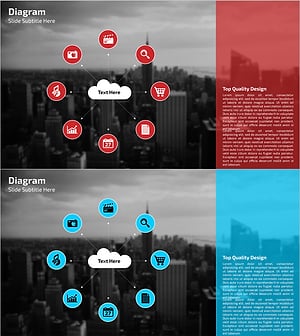
Diagram Slide Highlighting IT Service Characteristics and Contents
#Product/Service Introduction #Diagram #Features
