



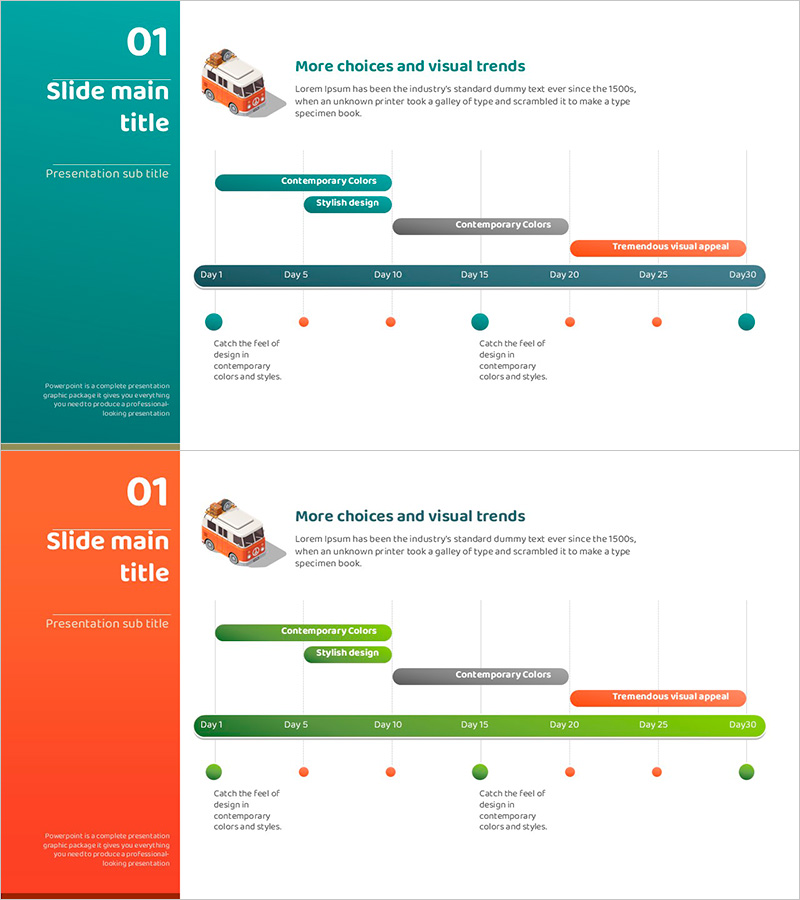
Camping Isometric Business Step-by-Step Schedule
RJ0600078_6
- Last Update 07/11/2025
- File Size 0.5MB
- # of Slides 2
- File Format PPTX
- Slide Ratio 16:9
- Color
Keywords
About the Product
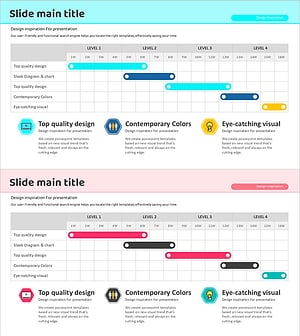
A project timeline PowerPoint slide that visualizes business execution schedules across multiple phases. This 2-slide set displays a Day 1 to Day 30 timeline divided into 7 key milestones, with color-coded markers (teal, orange, gray) distinguishing project phases and status indicators. The layout features a left sidebar with title and subtitle areas and a right-aligned horizontal timeline, making it ideal for project kickoffs, marketing campaign schedules, business plan presentations, and progress reports. With 3 text input zones and 7 timeline markers, the slide is fully editable and optimized for 16:9 widescreen format, enabling quick customization for various presentation contexts.
Usage Points
-
Main Usage
Communicate project execution timelines and phase-based schedules with visual clarity. The timeline-based layout enables stakeholders to understand key activities, milestones, and completion dates at a glance, while color-coded markers support decision-making by distinguishing project phases, status, and priority levels.
-
How to Use
Enter section title and subtitle in the left sidebar, then populate the right timeline area with Day 1–30 activities and milestones. Customize marker colors (teal, orange, gray) to represent categories, status, or importance, and add detailed descriptions in the text boxes to align with your presentation narrative.
-
Recommended For
Ideal for business plan presentations, project kickoff meetings, marketing campaign schedules, investor pitch decks, and business performance reports. Best suited for project managers, business planners, marketing professionals, and executives presenting execution roadmaps and progress tracking.
-
Slide Structure
2-slide format with each slide divided into a left color sidebar (title and subtitle area) and a right timeline section. The timeline features 7 markers at Day 1, 5, 10, 15, 20, 25, and 30, with 3 text input zones above and below each marker for recording phase activities, outcomes, and key notes.
Related Products
-
Halloween Icon and Step Guide – Business Strategy Implementation
#Business Strategy #Business Management #Diagram
-
Learning Play Activity System – Effective Business Strategy
#Business Strategy #Marketing Plan and Strategy #Diagram
-
Systemic Flow Layered Structure - Visualizing Business Strategy
#Business Strategy #Diagram #Step-by-Step Schedule Plan
-
Step-by-Step Propulsion Schedule Diagram – Visualizing Business Strategy
#Business Strategy #Operational Plan #Diagram
