



Exploring Characteristics by Meal Menu in Diagram
RJ0600077_13
- Last Update 07/10/2025
- File Size 6.6MB
- # of Slides 2
- File Format PPTX
- Slide Ratio 16:9
- Color
Keywords
- #Content-Based Slides
- #Design-Based Slides
- #Product/Service Introduction
- #Diagram
- #Product/Service Introduction
- #Composition
- #Spread
- #Centralized Diagram
- #16:9
- #radial diagram PowerPoint
- #central hub diagram slide
- #4-item comparison template
- #meal menu analysis PPT
- #characteristic analysis diagram PowerPoint
About the Product
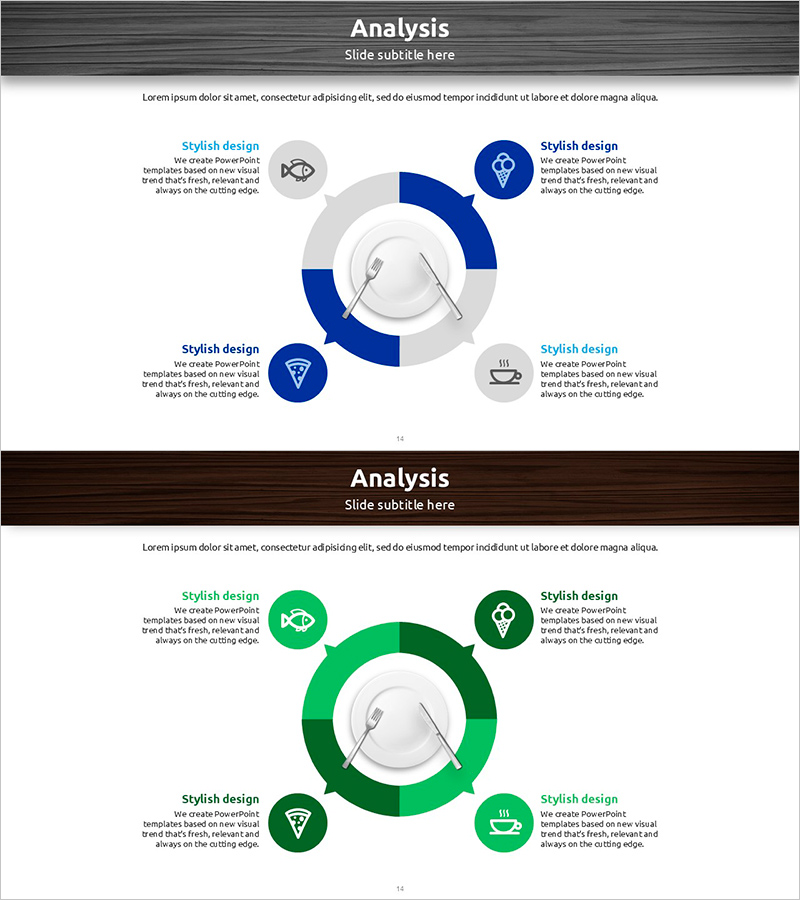
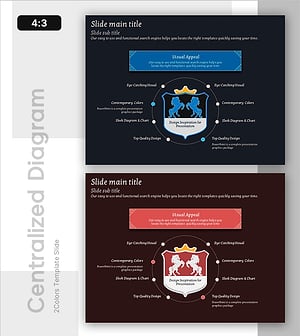
A radial diagram PowerPoint slide that visually explores meal menu characteristics through a central hub-and-spoke layout. Four nodes are positioned in cardinal directions around a central circular icon, with each node featuring an icon and text area to clearly express item characteristics. The design uses a dual-tone color scheme in dark blue and green, with circular backgrounds on each node to reinforce information hierarchy. Composed of 2 slides optimized for 16:9 widescreen format in PPTX. Ready for immediate use in business presentations, marketing analysis, product feature comparisons, and strategic planning decks.
Usage Points
-
Main Usage
An analytical diagram that radiates product, service, or menu characteristics outward from a central concept. Emphasizes each item's independent attributes equally while clarifying the relationship to the core concept at the center. Ideal for explaining diverse classification systems such as meal menus, product lineups, service categories, organizational departments, and feature comparisons.
-
How to Use
Enter the core concept in the central circular icon and fill in each item name and characteristics in the four directional nodes. Customize node icons and text colors to strengthen category differentiation. During presentation, start from the center and explain each item clockwise for a natural logical flow.
-
Recommended For
Recommended for marketing professionals presenting product positioning analysis, sales teams explaining customer segmentation, planning teams delivering strategy presentations, food and restaurant industry menu characteristic analysis, and retail/distribution managers introducing product lineups. Particularly effective when emphasizing equal weight among four items.
-
Slide Structure
2-slide composition. First slide features dark blue dual-tone with central circular icon surrounded by 4 circular nodes positioned at cardinal directions (top, right, bottom, left), each containing icon and text area. Second slide presents identical structure in green dual-tone, providing color variation option. 16:9 widescreen format, PPTX file type with all elements fully editable.
Related Products
-
Maple Leaf Distribution and Promotion Strategy Diagram – Maximizing Business Impact with Clusters
#Product/Service Introduction #Diagram #Product/Service Introduction
-
Modern Presentation Design – Capturing Professionalism and Emotion
#Product/Service Introduction #Diagram #Product/Service Introduction
-
Type of Beer Connection Diagram
#Product/Service Introduction #Diagram #Product/Service Introduction
-
Modern Infographic PowerPoint Template – Enhancing Visual Appeal
#Product/Service Introduction #Diagram #Product/Service Introduction
