



Program Implementation Plan Diagram – Efficient Strategy Progress
RJ0600074_28
- Last Update 07/10/2025
- File Size 3.1MB
- # of Slides 2
- File Format PPTX
- Slide Ratio 16:9
- Color
Keywords
About the Product
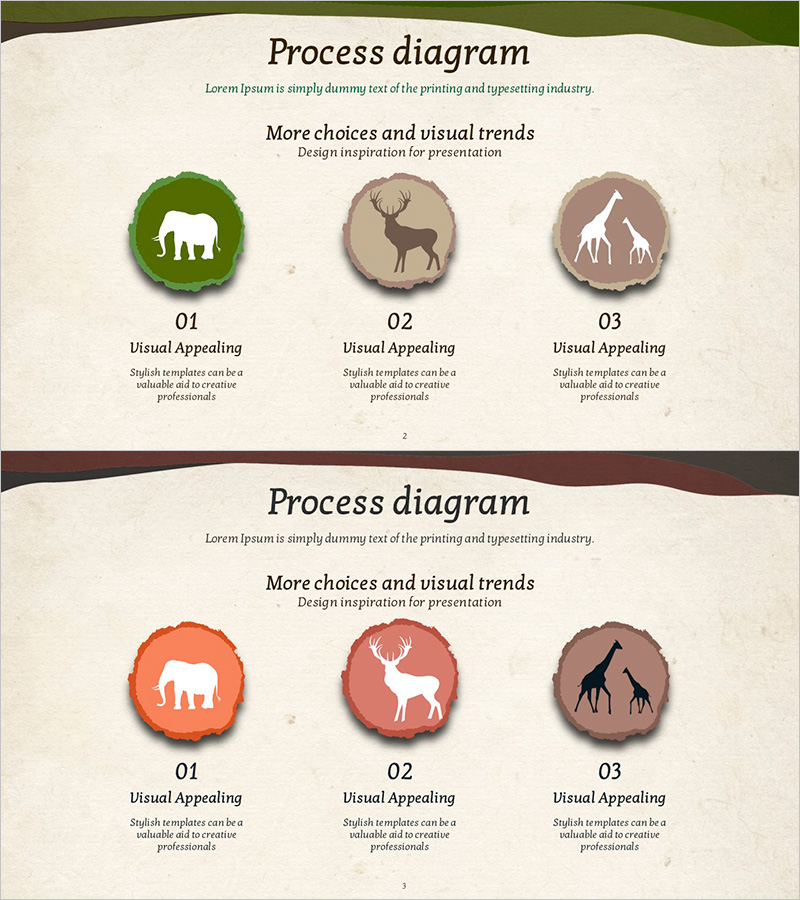
A closed cluster diagram PowerPoint slide that visually represents program implementation plans with three circular nodes arranged around a central concept. The design uses animal silhouette icons (elephant, deer, giraffe) to enhance visual emphasis and improve readability of your presentation materials. The 2-slide set offers color variations in green, beige, and orange tones to adapt to different presentation contexts. Delivered in 16:9 widescreen PPTX format for immediate editing and customization.
Usage Points
-
Main Usage
Visualizes the relationships and connections between key program elements using a closed cluster structure. Three nodes arranged around a central concept clearly illustrate interconnected processes, organizational structures, and strategic components. Animal silhouette icons symbolically emphasize each element's characteristics, enhancing audience comprehension.
-
How to Use
Use in business plans, strategy presentations, and organizational overview slides to explain program component interactions. Enter role descriptions, objectives, and department assignments in the text input areas to create customized presentation materials. Select color variations matching your background theme to maintain presentation consistency.
-
Recommended For
Ideal for strategy planning teams, project managers, and organizational development professionals explaining program structures and interdependencies. Effective for executive briefings, investment pitch presentations, and organizational restructuring explanations where element connectivity must be emphasized.
-
Slide Structure
2-slide set featuring identical closed cluster structures in green tone (top) and orange/beige variations (bottom). Each slide contains three circular nodes surrounding a central concept, with animal silhouette icons positioned within each node. Text input areas below each node accommodate program names, roles, objectives, and other customizable content.
Related Products
-
Web Development Characteristics Diagram – Introduction to Services and Business Areas
#Company Introduction #Product/Service Introduction #Diagram
-
Captivating Presentation Featuring Indoor Lighting and Text Boxes
#Product/Service Introduction #Diagram #Features
-
Pegboard Illustration Diagram – Product Characteristics and Composition Introduction
#Product/Service Introduction #Diagram #Features
-
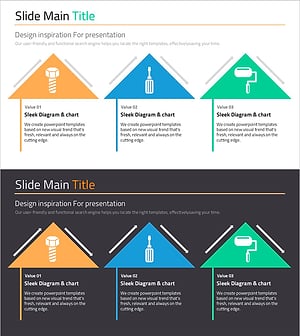
Characteristics of Industrial Tools – Effective Product Presentation Slide
#Product/Service Introduction #Diagram #Product/Service Introduction
