



Program Order Guide Diagram – Visual Communication
RJ0600069_32
- Last Update 07/08/2025
- File Size 5.4MB
- # of Slides 2
- File Format PPTX
- Slide Ratio 16:9
- Color
Keywords
About the Product
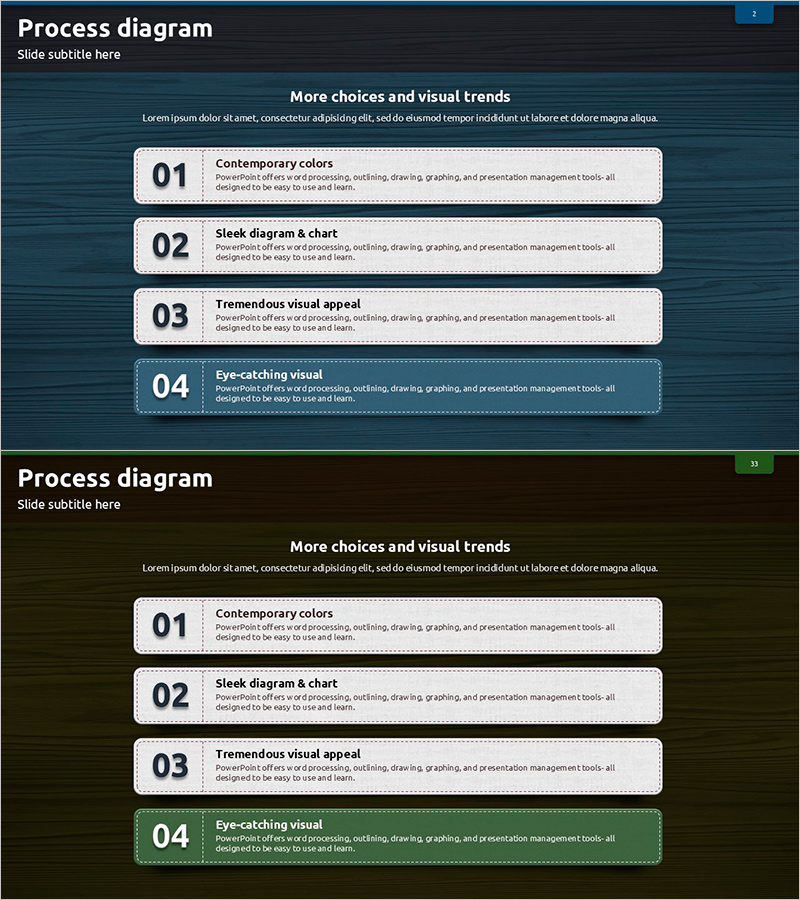
A 4-step sequential process diagram PowerPoint slide that clearly communicates program progression and stage-by-stage workflows. Set against a dark blue background with white boxes and bold numbered badges (01–04), this slide presents information flow in a left-to-right linear structure for intuitive understanding. Each step includes dedicated title and description text areas for immediate content input. Comprising 2 slides in 16:9 aspect ratio, this PowerPoint diagram is ideal for program guides, project phases, training curricula, event schedules, and workflow presentations.
Usage Points
-
Main Usage
Optimized for visually communicating 4+ sequential steps such as program progression, project phases, business workflows, training curricula, and event timelines. Each stage is presented with equal emphasis while maintaining clear directional flow from start to finish.
-
How to Use
Enter stage names (e.g., Planning, Design, Development, Testing) in the title area of each box, and add detailed descriptions in the text section below. Customize colors by adjusting box and background fills to match your brand palette. Use both slides to present multiple processes or variations of the same workflow.
-
Recommended For
Project managers, training coordinators, event planners, consultants, and marketing professionals who need to explain step-by-step processes. Suitable for business plans, proposals, training materials, project reports, marketing presentations, and organizational workflow documentation.
-
Slide Structure
2-slide set with 4 sequential step boxes per slide. Each box features a numbered badge (01–04) in the upper left, a centered title area, and a description text field below. White-bordered boxes on a dark blue background create strong visual contrast and clear information hierarchy.
Related Products
-
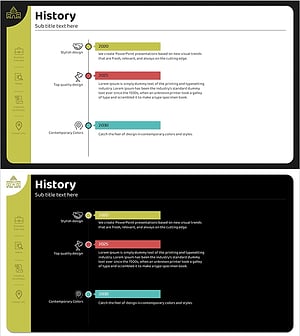
Introduction to Company History Slide – Visual Timeline
#Company Introduction #Diagram #History
-
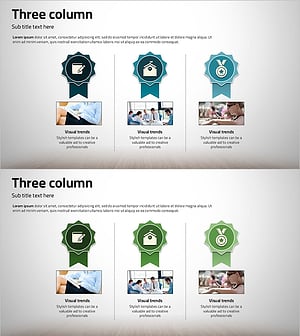
Column about Excellent Service Quality – Highlighting Effective Collaboration and Certification
#Company Introduction #Marketing Plan and Strategy #Diagram
-
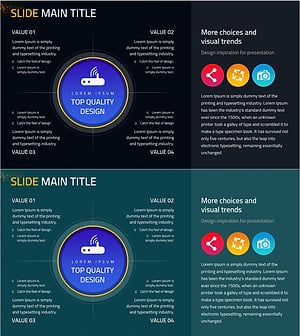
Mobile Business Overview – Vision and Strategy
#Business Introduction #Business Vision and Strategy #Diagram
-
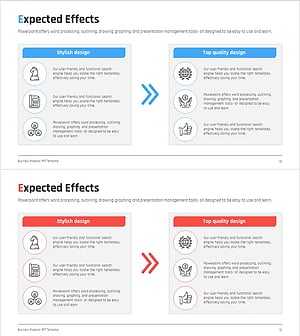
AS-IS TO-BE Expected Effects Diagram Slide
#Business Strategy #Diagram #Financial Outlook & Expected Impact
