




Guide Representative Introduction Diffusion Diagram
RJ0600063_11
- Last Update 10/07/2025
- File Size 3.9MB
- # of Slides 2
- File Format PPTX
- Slide Ratio 16:9
- Color
Keywords
- #Content-Based Slides
- #Design-Based Slides
- #Company Introduction
- #Business Vision and Strategy
- #Diagram
- #Introduction of Executives
- #Core Competencies
- #Spread
- #Centralized Diagram
- #16:9
- #radial diagram PowerPoint
- #diffusion diagram slide
- #executive introduction slide
- #core competency diagram
- #company profile PPT slide
- #central figure diagram PowerPoint
- #how to create radial diagram in PowerPoint
About the Product
A radial diagram PowerPoint slide featuring a central figure image with six directional branches extending outward. Each direction displays a colored icon (airplane, camera, network, meeting, warning, architecture) representing key competencies, business areas, and management philosophy. Set against black and dark gray backgrounds with vibrant icon colors (green, purple, blue, orange, red), the connecting lines and text areas allow detailed descriptions of each element. This presentation slide effectively communicates leadership vision, organizational capabilities, and strategic direction in company introductions, executive profiles, and corporate vision presentations.
Usage Points
-
Main Usage
Presents executive or representative competencies, business domains, and management philosophy through a six-directional radial structure centered on a key figure. Colored icons and text areas enable clear communication of organizational vision, strategy, and core values in a single visual.
-
How to Use
Add presentation title at the top and replace the central figure image with your organization's leader photo. Input competency names, business areas, or management principles in the text fields adjacent to each of the six directional icons. Customize background colors and icon colors to match your corporate brand identity.
-
Recommended For
Ideal for company introductions, executive profiles, organizational structure presentations, business diversification explanations, and vision-strategy sharing sessions. Suitable for CEO introductions, employee onboarding, investor presentations, and corporate branding initiatives.
-
Slide Structure
Two-slide set. First slide features black background with central figure, six directional colored icons (green, purple, blue, orange, red, green), connecting lines, and editable text areas. Second slide uses dark gray background with identical structure and alternate color arrangement. Both slides include fully editable text boxes and icon replacement functionality.
Related Products
-
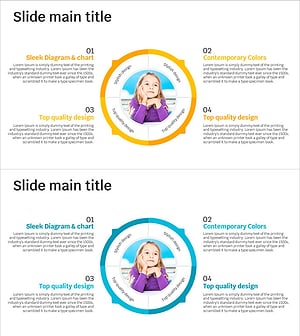
Imagination Diffusion Diagram – Spark Creative Thinking
#Product/Service Introduction #Business Vision and Strategy #Diagram
-
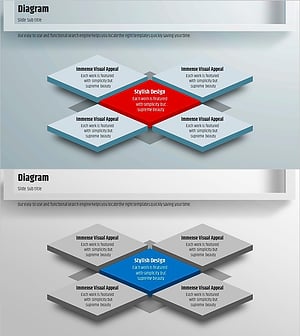
Square Frame Diagram for Business Strategy Visualization – Simple Structure
#Business Vision and Strategy #Business Strategy #Diagram
-
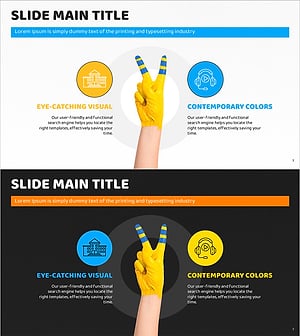
Visual Representation with Hand Paint and Icon Box – Emphasizing Business Strategy
#Product/Service Introduction #Business Vision and Strategy #Diagram
-
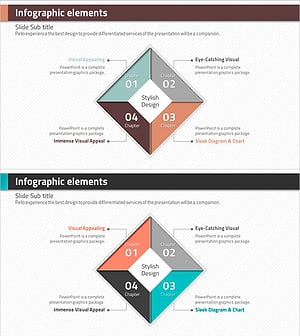
Rhombus Infographic Template – Realizing Business Vision
#Product/Service Introduction #Business Vision and Strategy #Diagram
