



Imagination Diffusion Diagram – Spark Creative Thinking
RJ0500032_18
- Last Update 06/15/2025
- File Size 2.7MB
- # of Slides 2
- File Format PPTX
- Slide Ratio 16:9
- Color
Keywords
- #Content-Based Slides
- #Design-Based Slides
- #Product/Service Introduction
- #Business Vision and Strategy
- #Diagram
- #Benefits and Advantages
- #Core Competencies
- #Spread
- #Centralized Diagram
- #16:9
- #radial diagram PowerPoint
- #central image slide template
- #4-direction diagram
- #creative thinking PPT
- #business strategy diagram slide
About the Product
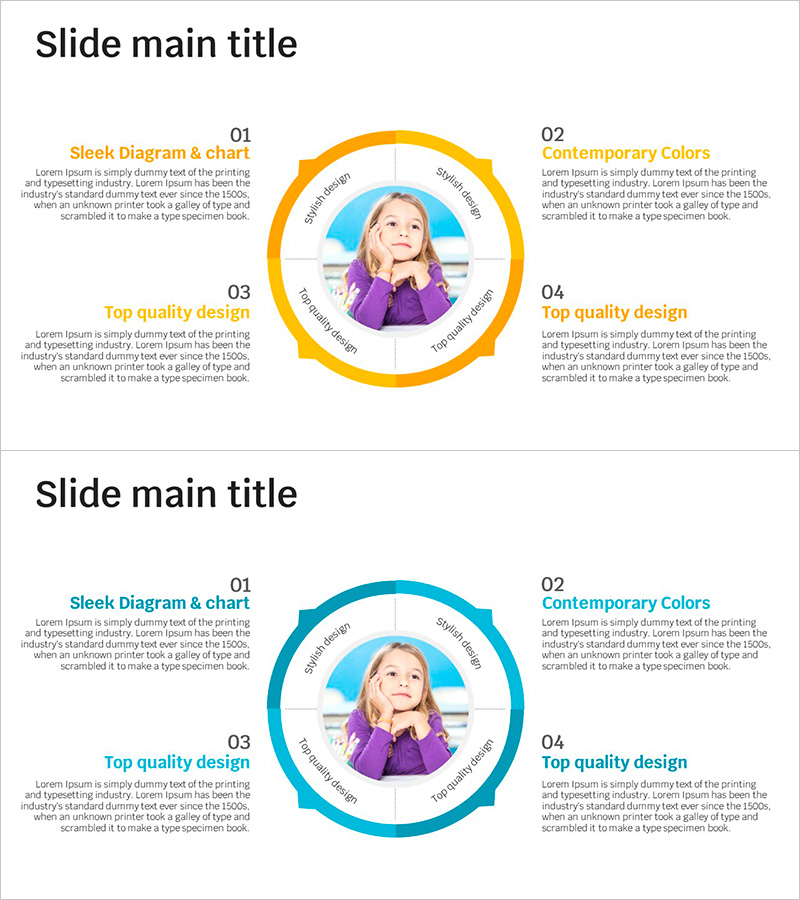
A radial diagram PowerPoint slide that expands in four directions from a central image. The design features a two-tone background in orange and blue with a circular frame at the center for image insertion, and four surrounding areas with title and description text fields positioned at the top, bottom, left, and right. This layout is ideal for visualizing core concepts, idea generation, and business strategy development by radiating outward from a central focal point. The 2-slide set includes color variations in orange and blue tones, optimized for 16:9 widescreen format. The presentation slide is ready to use immediately with fully editable text and image elements.
Usage Points
-
Main Usage
Visualizes how a central concept or core image expands into four different perspectives, ideas, or strategic directions. Effectively communicates brainstorming outcomes, business strategy frameworks, product development processes, and marketing campaign planning by showing how thinking radiates outward from a central point.
-
How to Use
Insert your core image or logo into the circular frame at the center. Add topic titles in each of the four surrounding areas (top, bottom, left, right), then fill in detailed descriptions in the text fields below each title. Choose between the orange or blue color version to match your presentation theme or brand colors.
-
Recommended For
Strategy planners, marketing professionals, product managers, educators, and consultants presenting idea expansion, strategic direction, or multi-perspective analysis. Particularly effective when communicating concepts that branch out from a central idea into multiple directions.
-
Slide Structure
2-slide set with each slide featuring a central circular image frame surrounded by four content areas. Each area includes a colored title (orange or blue) and description text field. First slide uses orange tones, second slide uses blue tones, providing color flexibility for different presentation contexts.
Related Products
-
Rhombus Infographic Template – Realizing Business Vision
#Product/Service Introduction #Business Vision and Strategy #Diagram
-
Values Carried by Nature – Value Delivery Diagram Slide
#Product/Service Introduction #Business Vision and Strategy #Diagram
-
Rainbow Paper Presentation Template Infographic Elements
#Product/Service Introduction #Business Vision and Strategy #Diagram
-
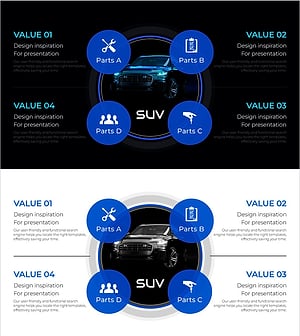
Automobile Management System Slide – Effective Business Strategy
#Product/Service Introduction #Business Vision and Strategy #Diagram
