



Daily Template Ending Cover – A Thank You Slide
RJ0600062_20
- Last Update 07/06/2025
- File Size 0.5MB
- # of Slides 2
- File Format PPTX
- Slide Ratio 16:9
- Color
Keywords
About the Product
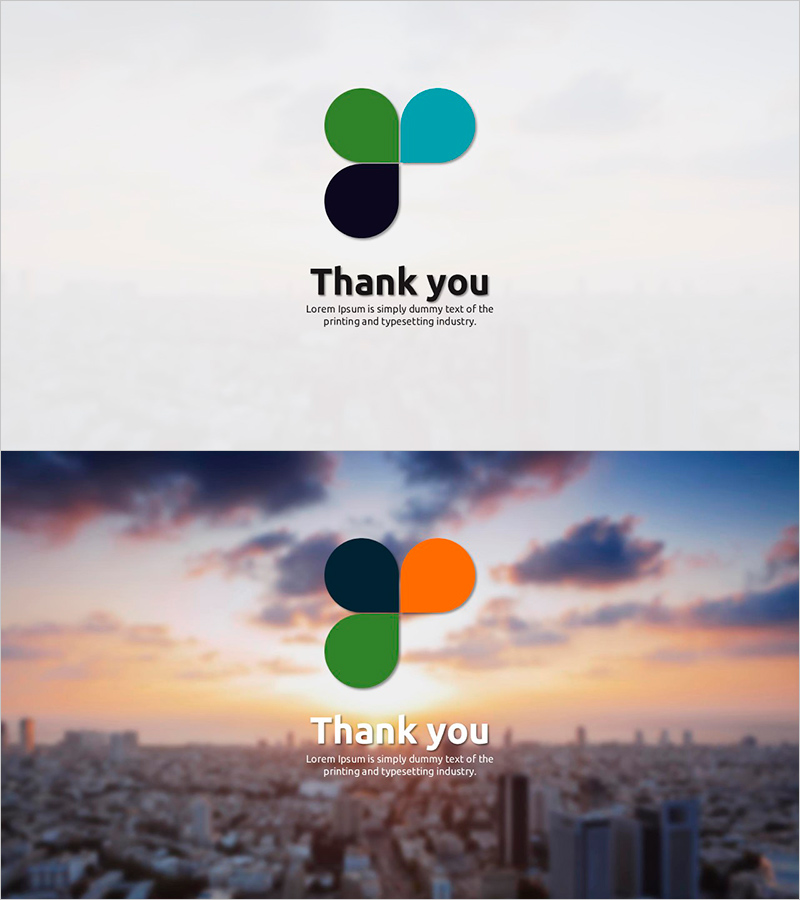
A professional closing slide to express gratitude at the end of your presentation. Features three circular motifs in green, teal, and navy blue positioned at the top, set against a light gray background with black typography. This 2-slide PowerPoint deck uses a minimalist layout perfect for concluding any presentation with a thank you message. The simple structure with two text input areas (title and subtitle) makes it easy to customize for different presentation topics. Formatted in 16:9 widescreen PPTX, optimized for modern projectors and displays. Ideal for business reports, proposals, seminars, and lectures.
Usage Points
-
Main Usage
Conclude your presentation with a professional thank you slide that leaves a positive final impression on your audience. Suitable for corporate reports, client proposals, seminars, lectures, and any formal presentation requiring a polished closing.
-
How to Use
Place this slide at the end of your presentation deck. Edit the title area with 'Thank You,' 'Questions?' or your custom message, and add contact information or additional text in the subtitle area. Adjust colors and fonts to match your existing presentation design for visual consistency.
-
Recommended For
Business professionals presenting quarterly reports or proposals, marketing teams showcasing campaigns, educators concluding lectures, consultants wrapping up client meetings, startup founders pitching to investors, and any presenter seeking a professional closing slide.
-
Slide Structure
Two-slide layout with the first featuring a light gray background, three-color circle motif, and thank you message. The second slide uses a cityscape sunset background with the same motif and message for visual variety. Each slide contains two simple text input areas for title and subtitle customization.
Related Products
-

Ending Cover with Blue Green Blurs Background – Wrapping Up the Presentation Effectively
#Slide Type #Ending Cover
-
Natural Environment Wide Template – Ending Page
#Slide Type #Ending Cover
-
India Wide Template_Ending Page – Gratitude is the Beginning of Success
#Slide Type #Ending Cover
-

Yoga Template Ending – Thank You Message
#Slide Type #Ending Cover
