



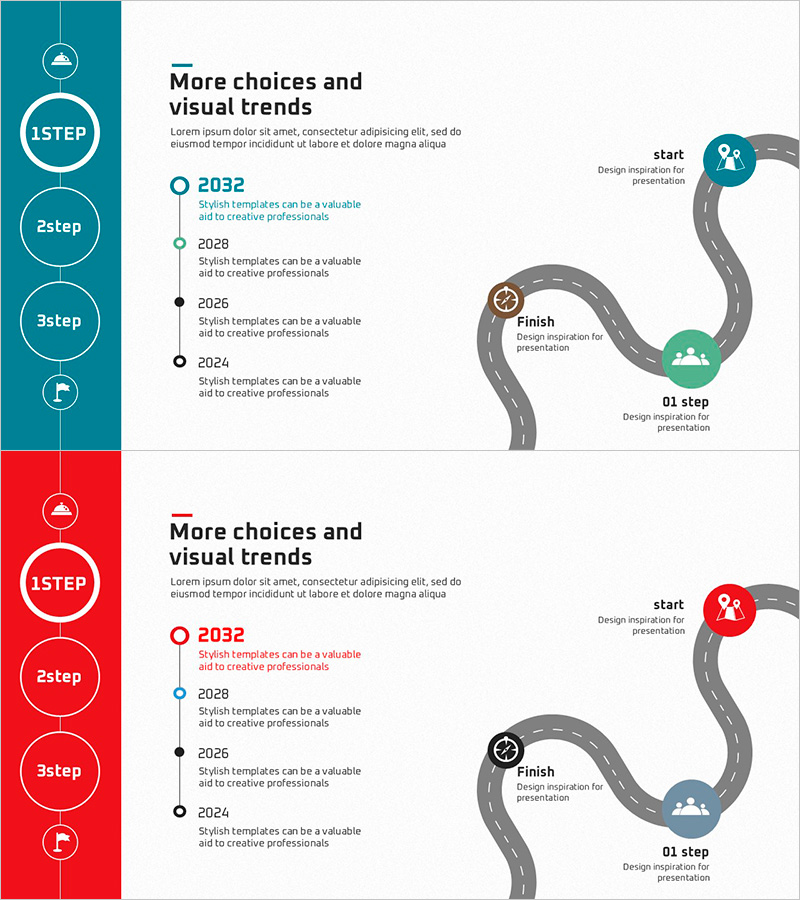
Cluster Diagram Slide for Event Planning – Strategic Roadmap
RJ0600058_5
- Last Update 07/06/2025
- File Size 1.7MB
- # of Slides 2
- File Format PPTX
- Slide Ratio 16:9
- Color
Keywords
- #Content-Based Slides
- #Design-Based Slides
- #Company Introduction
- #Business Strategy
- #Diagram
- #History
- #Roadmap
- #Cluster
- #Chain Diagram
- #16:9
- #cluster diagram PowerPoint
- #roadmap slide template
- #event planning flowchart
- #project timeline PowerPoint slide
- #strategic roadmap diagram
- #PowerPoint presentation template download
About the Product
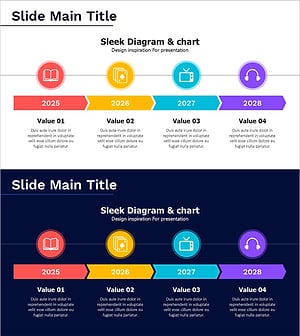
A PowerPoint slide featuring a cluster diagram designed for event planning and strategic roadmap visualization. This presentation template combines a vertical timeline on the left with a curved pathway diagram on the right, enabling you to map out project phases from start to finish. The two-slide set includes matching designs in teal and red color schemes, allowing you to select the version that best fits your presentation tone. Each slide displays four milestone nodes connected by a flowing path, with icons marking key decision points and deliverables. The 16:9 widescreen PPTX format is fully editable, making it easy to customize text, colors, and icons for your specific event planning or project management needs.
Usage Points
-
Main Usage
Visualize event planning timelines, project milestones, and strategic initiatives through a combined timeline and pathway structure. The design enables stakeholders to understand the complete journey from project initiation to completion, with clear phase separation and milestone identification.
-
How to Use
Enter timeline labels or year markers in the left vertical timeline nodes, then add key activities and deliverables to each point along the curved pathway. Use the color-coded icons to differentiate phase types, and select either the teal or red version based on your presentation context and audience.
-
Recommended For
Project managers, event planners, strategy leads, and marketing teams presenting event schedules, product launch roadmaps, or business initiatives. Suitable for executive briefings, team meetings, stakeholder presentations, and conference talks requiring visual timeline communication.
-
Slide Structure
Two-slide set with identical layout: left-side vertical timeline featuring four circular milestone nodes, right-side curved pathway connecting start and finish points with intermediate milestone markers. Icons are positioned at key nodes, and two color variants (teal and red) are provided for flexible presentation styling.
Related Products
-
Pencil-Shaped Learning Roadmap Diagram – Introduction to Business Strategy
#Company Introduction #Business Strategy #Diagram
-
The History of Buttons – Business Strategy
#Company Introduction #Business Strategy #Diagram
-
History and Roadmap Slide – Business Strategy and Growth
#Company Introduction #Business Strategy #Diagram
-
Cluster Slide for Digital Transformation – Diagram Depicting Change
#Company Introduction #Business Strategy #Diagram
