



Boxed Scheduler – A Revolution in Schedule Management
RJ0600045_18
- Last Update 07/02/2025
- File Size 0.4MB
- # of Slides 2
- File Format PPTX
- Slide Ratio 16:9
- Color
Keywords
About the Product
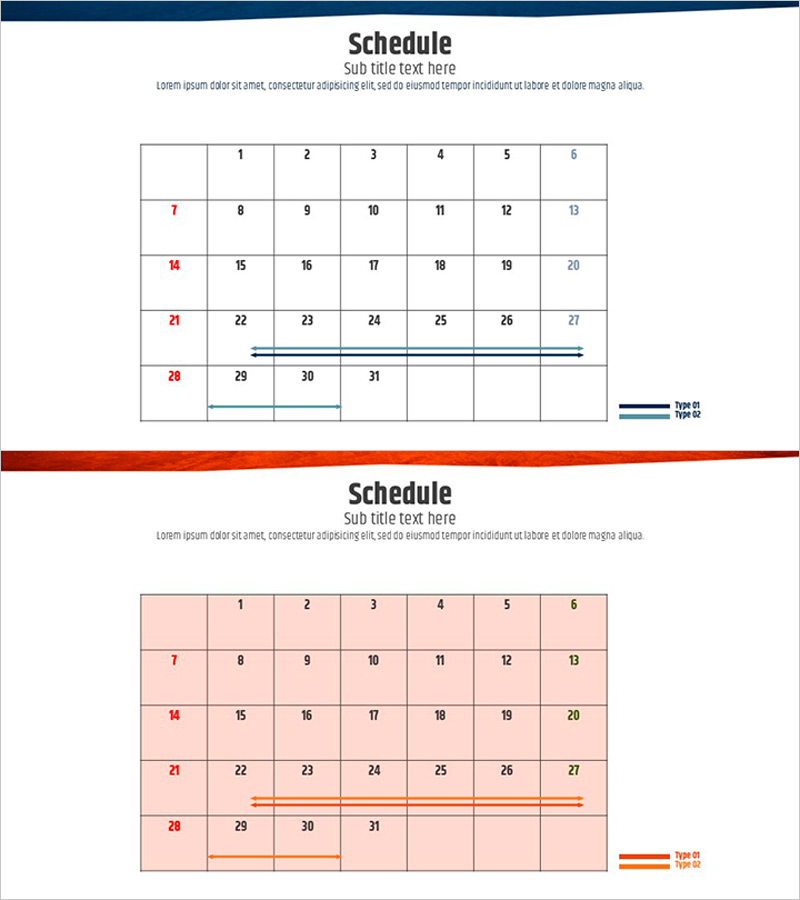
A box-type schedule diagram PowerPoint slide that displays monthly project timelines and team schedules at a glance. The slide features a 7-column by 31-row calendar grid structure where you can input daily tasks and milestones, combined with horizontal bar indicators to clearly mark project duration and phases. Two color versions—dark blue and orange—are included, allowing you to match your presentation theme or corporate branding. Provided in 16:9 widescreen PPTX format with fully editable text and shapes, this slide template is ideal for project management presentations, marketing campaign timelines, team schedule sharing, educational program planning, and resource allocation discussions.
Usage Points
-
Main Usage
Visualize monthly project schedules, team task timelines, marketing campaign phases, and educational program calendars in a structured format. The combination of date-entry boxes and horizontal duration bars enables clear representation of overlapping projects and multi-phase initiatives on a single slide.
-
How to Use
Enter task names or milestones in the calendar grid boxes for each date, then use the horizontal bars below to indicate project start and end dates. Select your preferred color version to match your presentation style, and customize bar colors and text labels to distinguish between different projects or priority levels.
-
Recommended For
Project managers, marketing coordinators, training specialists, team leads, and operations planners who need to communicate schedules and timelines. Suitable for quarterly business planning presentations, product launch schedules, team project kickoff meetings, curriculum overviews, and resource allocation discussions.
-
Slide Structure
2-slide set featuring identical calendar layouts in different color schemes. Slide 1 uses dark blue background with 7-column calendar grid (5-week structure) and 2 horizontal timeline bars with legend. Slide 2 repeats the layout in orange. All date boxes and timeline bars are independently editable for custom project data entry.
Related Products
-
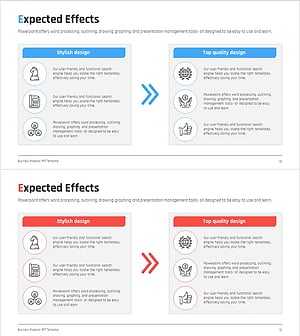
AS-IS TO-BE Expected Effects Diagram Slide
#Business Strategy #Diagram #Financial Outlook & Expected Impact
-
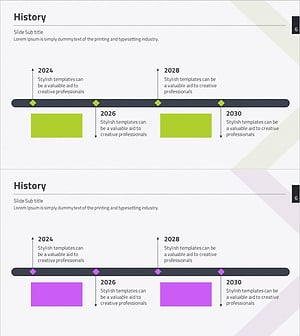
History Diagram - Visualize Company Milestones
#Company Introduction #Diagram #History
-
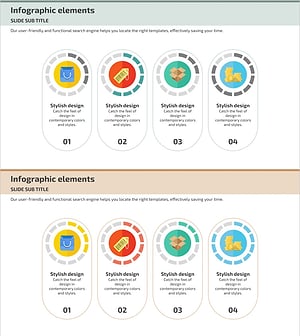
Diagram of Internet Shopping Development Status – Modern Design
#Product/Service Introduction #Business Strategy #Diagram
-
Content Consumption Trend Analysis – A Slide for Market and Competitor Insights
#Product/Service Introduction #Market and Competitor Analysis #Diagram
