



Travel Product Production Plan Illustration – Effective Data Visualization
RJ0600035_18
- Last Update 06/30/2025
- File Size 0.5MB
- # of Slides 2
- File Format PPTX
- Slide Ratio 16:9
- Color
Keywords
About the Product
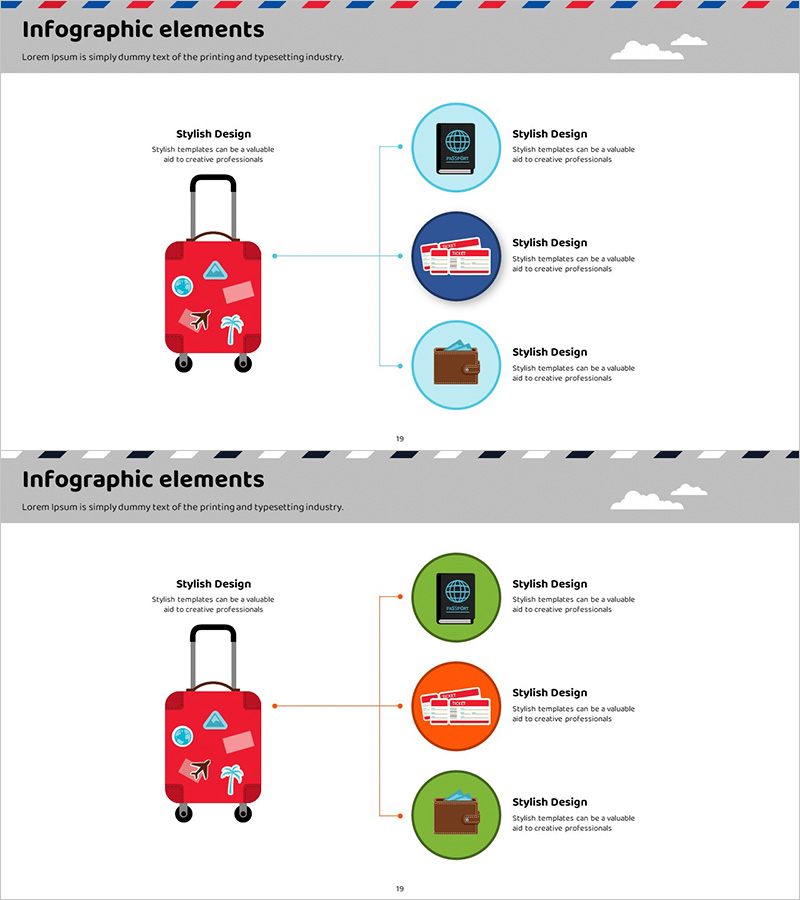
A radial diagram PowerPoint slide that visualizes travel product production planning. The design features a central red suitcase icon with three connected nodes (global network, travel card, wallet) radiating outward, effectively showing the relationship between core concepts and supporting elements. Two color variations are provided—light blue and dark blue circular nodes, plus green and orange circular nodes—allowing you to select the palette that best fits your presentation context. Delivered in 16:9 widescreen PPTX format with fully editable elements, this slide is ideal for travel agencies, tourism boards, logistics companies, and supply chain management presentations.
Usage Points
-
Main Usage
Clearly express the relationship between core production planning elements and supporting details using a radial structure. The hub-and-spoke layout guides the audience from the central theme outward to peripheral components, making it ideal for explaining hierarchical processes in tourism, travel, and logistics industries.
-
How to Use
Replace the text in each of the three circular nodes with your actual production plan items (e.g., product development, supply chain, marketing). Keep the central suitcase icon and connecting lines fixed, then edit only the node text and colors as needed. This approach allows quick adaptation for travel company strategy presentations, tour operator briefings, and logistics planning sessions.
-
Recommended For
Travel agencies, tourism boards, airlines, hotel chains, and tour operators presenting business strategies; product development teams in planning meetings; supply chain and production management explanations; and employee onboarding and training materials.
-
Slide Structure
2-slide set. Slide 1: Three circular nodes in light blue and dark blue with central red suitcase icon and connecting lines. Slide 2: Three circular nodes in green and orange with identical central icon and connecting lines. Each node contains independently editable text boxes for customization.
Related Products
-
Composition of the Botanic Gardens – Visually Appealing Diagram
#Product/Service Introduction #Diagram #Features
-
Simple & Modern Wide PPT Diffusion Diagram
#Product/Service Introduction #Diagram #Product/Service Introduction
-
Types and Characteristics of Coffee Beans – Visual Infographic Slide
#Product/Service Introduction #Diagram #Composition
-
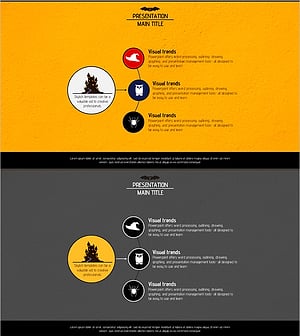
Diagram Slide for Introducing Event Program
#Product/Service Introduction #Diagram #Composition
