Success Strategies for Overcoming Failure – Innovative Approach
RL0100010_2
- Last Update 01/18/2025
- File Size 3.5MB
- # of Slides 2
- File Format PPTX
- Slide Ratio 4:3
- Color
Keywords
About the Product
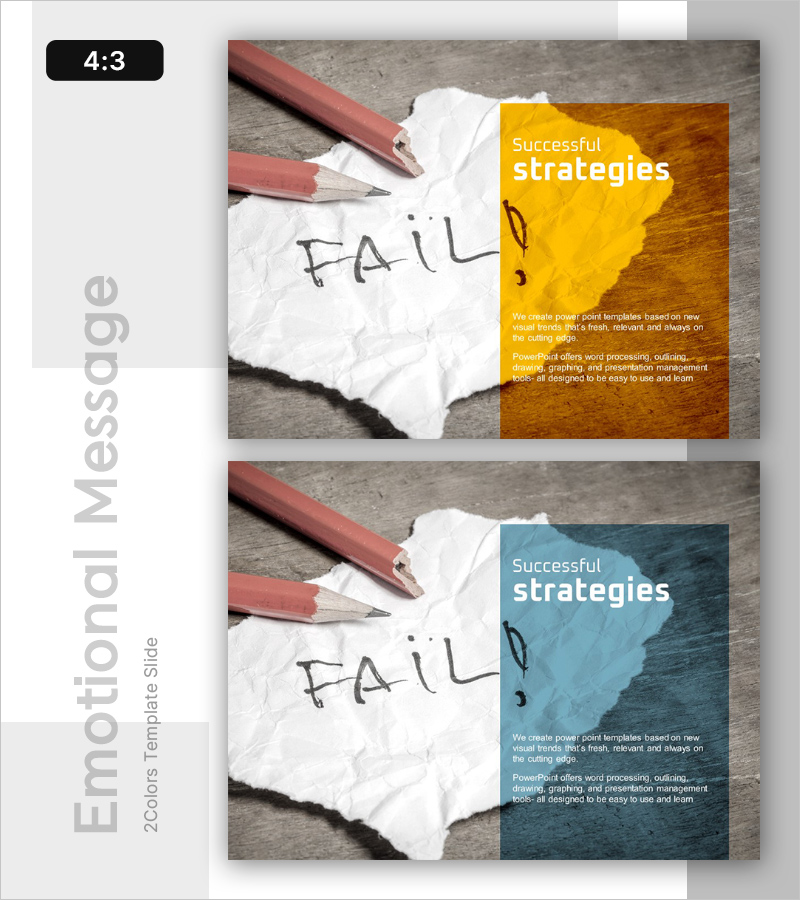
A 2-slide PowerPoint presentation that illustrates the journey from failure to success through strategic thinking. The first slide features a warm gold-toned background with the message 'Fail,' emphasizing the importance of acknowledging reality, while the second slide uses a calm blue tone to present 'Successful strategies' for moving forward. Each slide includes a title area and body text space, allowing presenters to customize content freely. This template is ideal for business strategy presentations, marketing planning sessions, leadership training, and risk management discussions where you need to address challenges and propose solutions. Available in 4:3 aspect ratio PPTX format for immediate editing and use.
Usage Points
-
Main Usage
This slide acknowledges organizational challenges and failures while presenting strategic approaches to overcome them. It combines emotional resonance with logical problem-solving to build audience trust and buy-in for proposed solutions.
-
How to Use
Use in business strategy presentations, marketing planning meetings, leadership training, and risk management seminars as a 'Challenge Recognition → Strategic Response' section. Present current situation diagnosis on the first slide and detailed strategies on the second slide to create a compelling narrative arc.
-
Recommended For
Recommended for executives, team leaders, project managers, marketing professionals, and consultants who need to address organizational challenges and present recovery strategies. Particularly effective for change management, innovation initiatives, and performance improvement presentations.
-
Slide Structure
Two-slide layout with each slide containing a title area (upper right colored box) and body text space (left-side background image plus right-side text). The left background image (pencil and paper) remains fixed while the right colored box and text are fully editable.