



Marketing Plan Diagram for Visualizing Marketing Strategy
RJ0600028_17
- Last Update 06/28/2025
- File Size 4MB
- # of Slides 2
- File Format PPTX
- Slide Ratio 16:9
- Color
Keywords
- #Content-Based Slides
- #Design-Based Slides
- #Business Strategy
- #Marketing Plan and Strategy
- #Diagram
- #Implementation Framework
- #Marketing Strategy
- #Cluster
- #Chain Diagram
- #16:9
- #connection diagram PowerPoint
- #marketing strategy diagram slide
- #3-node connection template
- #marketing plan visualization
- #diagram PowerPoint slide
About the Product
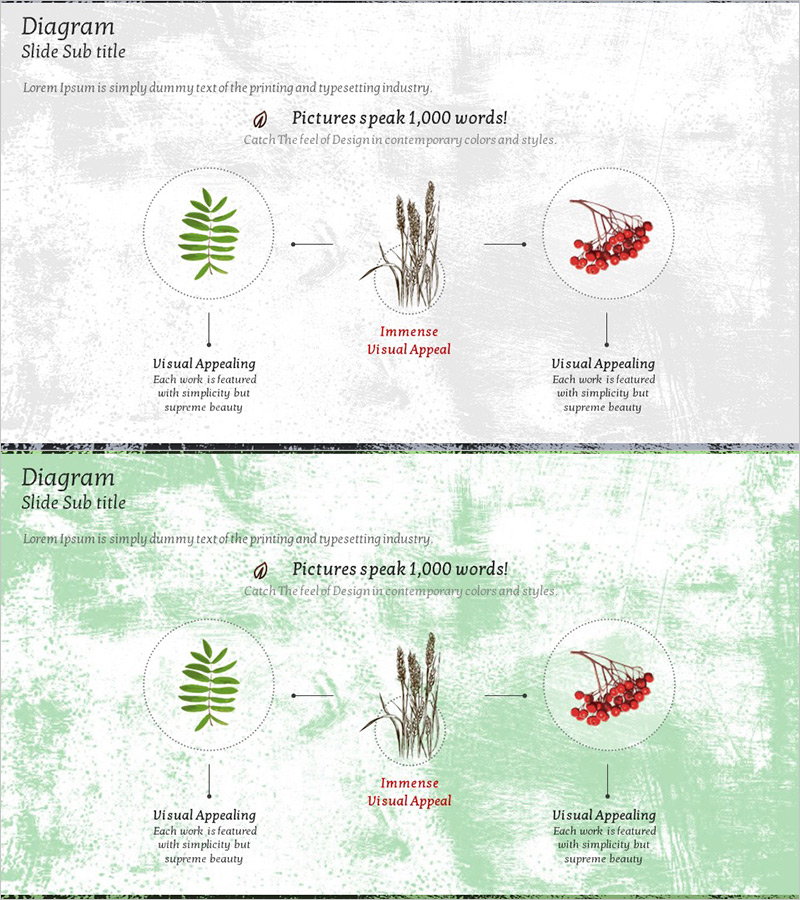
A 3-node connection diagram PowerPoint slide designed to visualize marketing plans and strategies. The structure expands from a central core element to both left and right sides, clearly communicating the essence of marketing strategy and execution methods. Features minimalist line-drawn illustrations (leaf, plant, berries) with dotted circular nodes and vertical arrows on a gray textured background with green accent colors. The 2-slide set is ready for immediate application to various marketing scenarios with clearly defined text input areas. Optimized for marketing strategy, business implementation, and vision communication sections in PowerPoint presentations.
Usage Points
-
Main Usage
Express the core elements of a marketing plan and execution strategy through a 3-step connection structure, clearly communicating marketing direction and strategic relationships to your audience. The structure expanding from a central concept to both sides intuitively visualizes cause-effect, core-execution, and goal-means relationships.
-
How to Use
Enter key marketing strategy elements (e.g., target audience, core message, execution channels) into the three node areas. Click text boxes to edit freely and adjust colors and fonts as needed. The 2-slide format allows you to present and compare multiple marketing scenarios.
-
Recommended For
Recommended for marketing managers, business planners, and executives preparing presentation materials. Ideal for marketing strategy development, new product launch planning, campaign planning presentations, and business implementation strategy explanations where emphasizing strategic connectivity and logical flow is essential.
-
Slide Structure
2-slide set with each slide containing 1 central core node and 2 connecting nodes on left and right (3 nodes total). Nodes are represented as dotted circles connected by vertical arrows and horizontal lines. Text input areas are positioned below each node on a gray textured background with green accent colors applied throughout.
Related Products
-
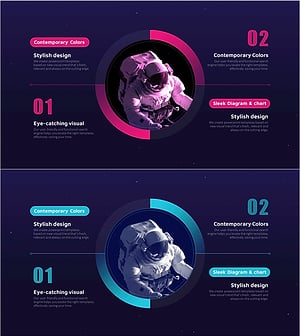
Space Exploration Project Strategy Slide – Innovative Business Vision
#Business Vision and Strategy #Marketing Plan and Strategy #Diagram
-
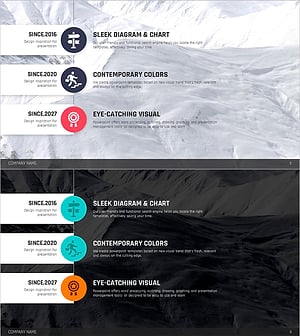
Climbing Template Propulsion Process – Marketing Strategy and Goals
#Marketing Plan and Strategy #Diagram #Marketing Objectives
-
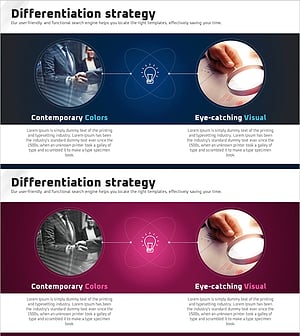
Product Idea Differentiation Strategy – Designing for Uniqueness and Attention
#Product/Service Introduction #Marketing Plan and Strategy #Diagram
-

Pricing Strategy 4 Step Diagram – Visualizing Marketing Strategy
#Marketing Plan and Strategy #Diagram #Pricing Strategy
