



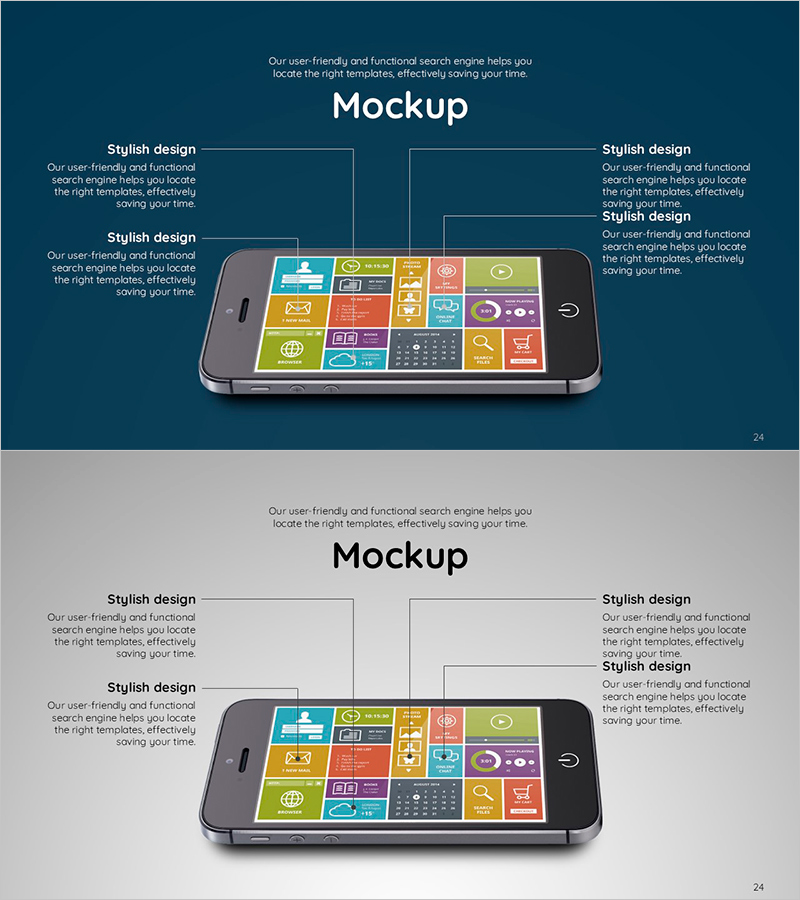
Mobile Mockup and Analysis – Creative Service Implementation
RJ0600017_23
- Last Update 06/25/2025
- File Size 1MB
- # of Slides 2
- File Format PPTX
- Slide Ratio 16:9
- Color
Keywords
About the Product
A mobile mockup slide optimized for app and service planning presentations. Features a dark blue background with a two-column layout: left side for descriptive text and right side for mobile device mockup visualization. Each slide includes four text input areas and a mobile screen image section, enabling simultaneous visualization of service features, UI design, and user experience. Instantly applicable for technical teams, product managers, and executive presentations. Provided in 16:9 widescreen PPTX format.
Usage Points
-
Main Usage
Visually explains mobile app and service functionality, UI design, and user experience. Left text area describes service overview, features, and differentiation; right mockup area displays actual app screens, prototypes, or wireframes to convey technical credibility and implementation feasibility.
-
How to Use
Use in technical presentations, product planning pitches, and investment pitches within the service implementation section. Fill four left text boxes with service name, key features, technology stack, and competitive advantages. Insert actual app screenshots or prototype images in the right mobile device area to complete.
-
Recommended For
Technical teams, development teams, product managers, and marketing teams presenting mobile app and web service planning. Particularly effective for startup investor pitches, new business planning presentations, technology validation meetings, and customer demo presentations explaining service implementation stages.
-
Slide Structure
Two-slide set with each slide divided into two columns: left explanation area with four text boxes and right mobile mockup area with device image and screen display section. Dark blue background with white text and colorful mobile UI elements creates clear information hierarchy and visual contrast.
Related Products
-
Interior 3D Mockup and Description – Visualizing Service Composition Innovatively
#Technical Approach #Other #Service Components
-
Service UI Preview – Stylish Design
#Product/Service Introduction #Technical Approach #Text Box
-
Harmony of Plants and Interiors – Integrated Support and Service Planning
#Operational Plan #Technical Approach #Other
-
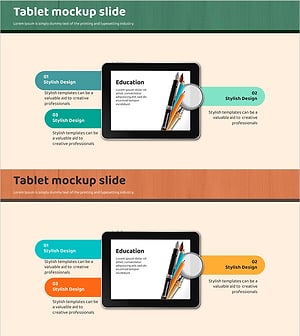
Tablet Writing Instrument Mockup Slide - Capture Attention with Stylish Design
#Product/Service Introduction #Technical Approach #Other
