



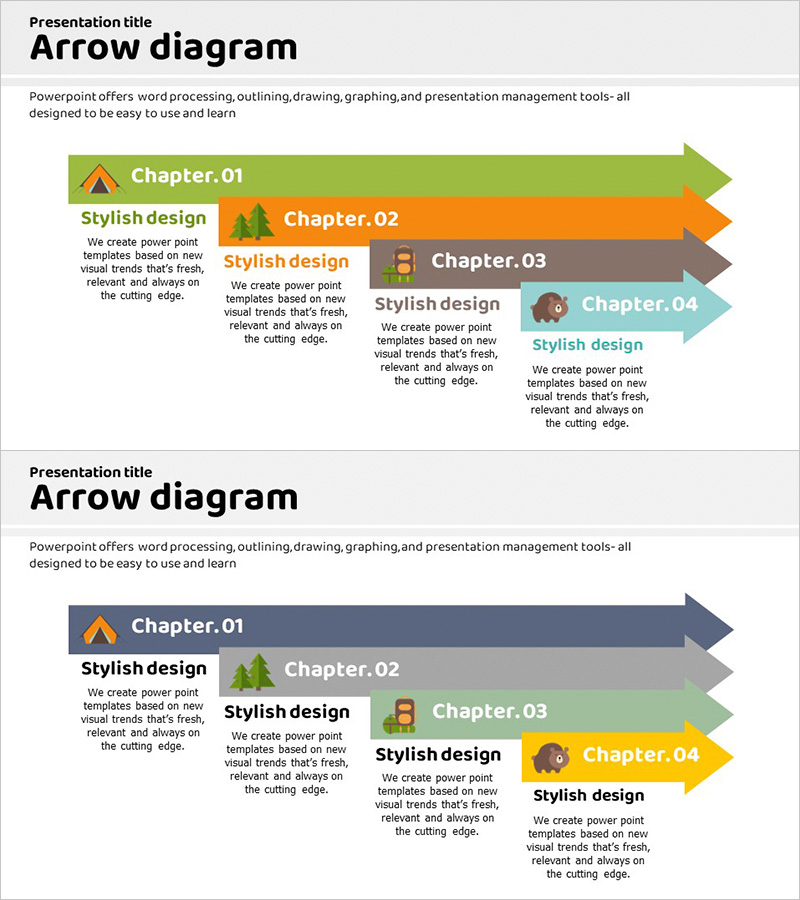
System Configuration Diagram Horizontal Arrow – Business Direction and Strategy
RJ0600014_17
- Last Update 06/24/2025
- File Size 1MB
- # of Slides 2
- File Format PPTX
- Slide Ratio 16:9
- Color
Keywords
About the Product
A 4-step arrow diagram PowerPoint slide that visualizes business direction and strategy progression. Each arrow features a distinct color (green, orange, gray, cyan) with dedicated spaces for chapter titles, descriptive text, and icons. Two design variations are included: a vibrant multicolor version and a toned-down version for different presentation contexts. This slide effectively communicates process flows, business phases, strategic roadmaps, and organizational roles through a left-to-right visual progression.
Usage Points
-
Main Usage
Presents business direction, strategic roadmaps, and process flows in 4 sequential stages. Each arrow box accommodates chapter titles, descriptions, and icons, creating clear information hierarchy and supporting decision-making through left-to-right visual flow.
-
How to Use
Use in business plans, strategy presentations, and project proposals to explain implementation phases, execution timelines, and organizational responsibilities. Input stage names, objectives, and department assignments in text boxes, then add relevant icons to enhance audience comprehension and engagement.
-
Recommended For
Ideal for executives, strategy teams, project leaders, and marketing professionals presenting business direction, implementation plans, and process improvements. Particularly effective for investor relations, business reports, and organizational restructuring announcements requiring 4+ sequential information points.
-
Slide Structure
2-slide set with Slide 1 featuring 4 colored arrow boxes (green, orange, gray, cyan) each containing chapter title, description text, and icon space. Slide 2 presents the same structure in toned-down colors (gray, beige, brown, cyan). All 4 arrows are independently editable with 4 text input areas and 4 icon areas total.
Related Products
-
Witch and Stage Guide Flow – Business Strategy Diagram
#Business Strategy #Diagram #Text Box
-
Horizontal Arrow Blue Yellow – Effective Business Strategy Implementation
#Business Strategy #Text Box #Business Direction
-
Future Direction of Business Development Arrow - Strategy and Vision Diagram
#Business Strategy #Marketing Plan and Strategy #Text Box
-
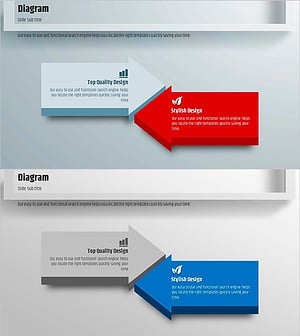
Square Frame Presentation Template – Multidirectional Arrow Diagram
#Business Vision and Strategy #Business Strategy #Diagram
