



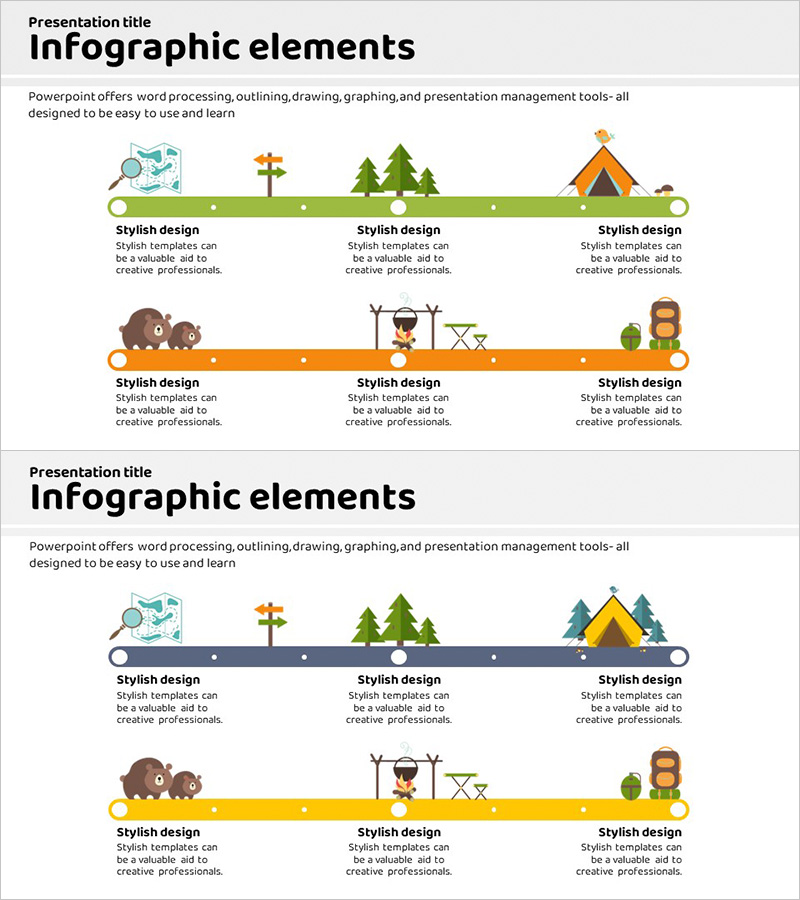
Business Procedure Orange Yellow Diagram
RJ0600014_15
- Last Update 06/24/2025
- File Size 2MB
- # of Slides 2
- File Format PPTX
- Slide Ratio 16:9
- Color
Keywords
About the Product
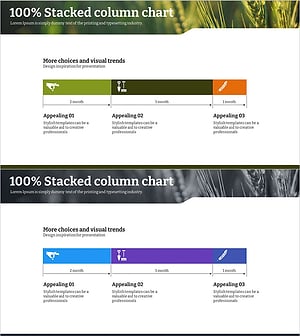
A connected diagram PowerPoint slide designed to visualize business procedures and workflow sequences. The warm orange and yellow color palette connects six nodes in a horizontal layout, clearly expressing the relationship and order between each stage. The 2-slide set offers two distinct layouts: a green background version on the first slide and an orange background version on the second, allowing you to select the design that best matches your presentation context. Icons and text areas are positioned alongside each node, enabling intuitive descriptions for every step. Delivered in 16:9 widescreen PPTX format for immediate editing and customization.
Usage Points
-
Main Usage
Ideal for expressing business procedures, operational workflows, project phases, and execution sequences step-by-step while clearly visualizing the connection relationships between nodes. Perfect for process explanation sections in company profiles, business plans, operational manuals, and strategic roadmaps.
-
How to Use
Enter stage names or activity descriptions in each node's text area and replace icons to represent the characteristics of that stage. Use the green background slide for introducing initial phases and the orange background for emphasizing execution stages, creating a natural presentation flow.
-
Recommended For
Business managers, project managers, operations planning teams, and consultants explaining process improvements or workflow sequences. Particularly suitable for internal reports and external proposals where departmental responsibilities and timelines must be clearly specified.
-
Slide Structure
Two-slide set with each slide featuring six nodes arranged horizontally in a linear connected structure. The first slide displays a green background with icons and text boxes positioned along the horizontal line, while the second slide repeats the identical structure with an orange background, ensuring consistent process visualization throughout.
Related Products
-
Slide on the Process of Diminishing Sensation - Business Strategies
#Business Strategy #Diagram #Step-by-Step Schedule Plan
-
Sea Lighthouse Step-by-Step Business Schedule Plan
#Business Strategy #Diagram #Step-by-Step Schedule Plan
-
Systemic Flow Layered Structure - Visualizing Business Strategy
#Business Strategy #Diagram #Step-by-Step Schedule Plan
-
Step-by-step Schedule Plan Farming Icon - Green Purple
#Business Strategy #Diagram #Step-by-Step Schedule Plan
