



Circular Flow Process Diagram
RJ0600013_15
- Last Update 06/24/2025
- File Size 1.7MB
- # of Slides 2
- File Format PPTX
- Slide Ratio 16:9
- Color
Keywords
About the Product
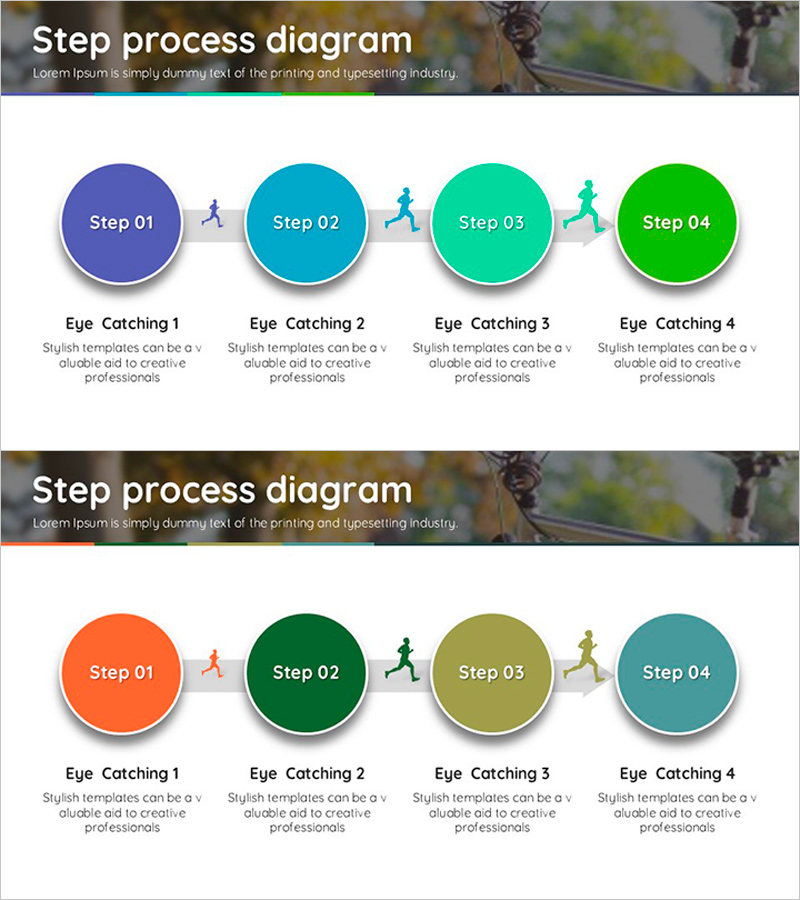
A linear flow process diagram PowerPoint slide that visualizes four sequential steps using circular nodes with a blue-to-green gradient color scheme. Each node is connected by arrow icons to show progression, with dedicated title and description text areas below each step. This design is ideal for presenting project phases, business workflows, customer journeys, product development stages, sales cycles, and marketing funnels. Two color variations are included: blue-turquoise-green and orange-green-olive-teal, allowing you to match your presentation theme or brand colors. Provided in 16:9 PPTX format for immediate editing and customization.
Usage Points
-
Main Usage
Clearly communicate four-stage linear processes such as project timelines, business workflows, customer journeys, product development cycles, marketing funnels, and sales pipelines. Each step displays its objective and activities, enabling audiences to understand progression and sequence at a glance.
-
How to Use
Replace the text in each circular node with your step names, then fill in the title and description areas below with relevant content. Choose between two color schemes or customize node colors individually to match your brand. Insert into business plans, marketing proposals, pitch decks, reports, and strategic planning documents.
-
Recommended For
Strategy planners, marketing teams, project managers, sales professionals, educators, and consultants presenting process explanations, phase-based planning, progress updates, and client proposals. Suitable for corporate training, seminars, executive briefings, and client presentations.
-
Slide Structure
Two-slide set. Each slide features four circular nodes (approximately 80px diameter) arranged horizontally from left to right, connected by arrow icons. Below each node is a title area (approximately 40px height) and description text field (approximately 60px height). A header section (approximately 80px) at the top accommodates the overall process title.
Related Products
-
Brown Purple Text Box – Stylish Visuals
#Diagram
-
Writing Instrument Icon Step Diagram – Product and Service Introduction
#Product/Service Introduction #Diagram #Product/Service Introduction
-
3 Business Goals – Effective Strategy Cluster
#Business Vision and Strategy #Marketing Plan and Strategy #Diagram
-
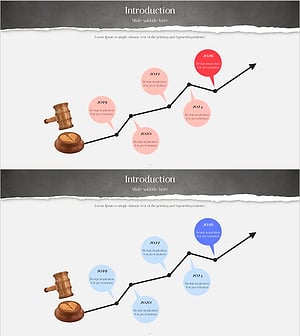
Visual Diagram Slide for Legal Dispute Process
#Business Strategy #Diagram #Roadmap
