



Paper Design Slide – Clear Message Delivery
RJ0600011_27
- Last Update 06/23/2025
- File Size 0.6MB
- # of Slides 2
- File Format PPTX
- Slide Ratio 16:9
- Color
Keywords
About the Product
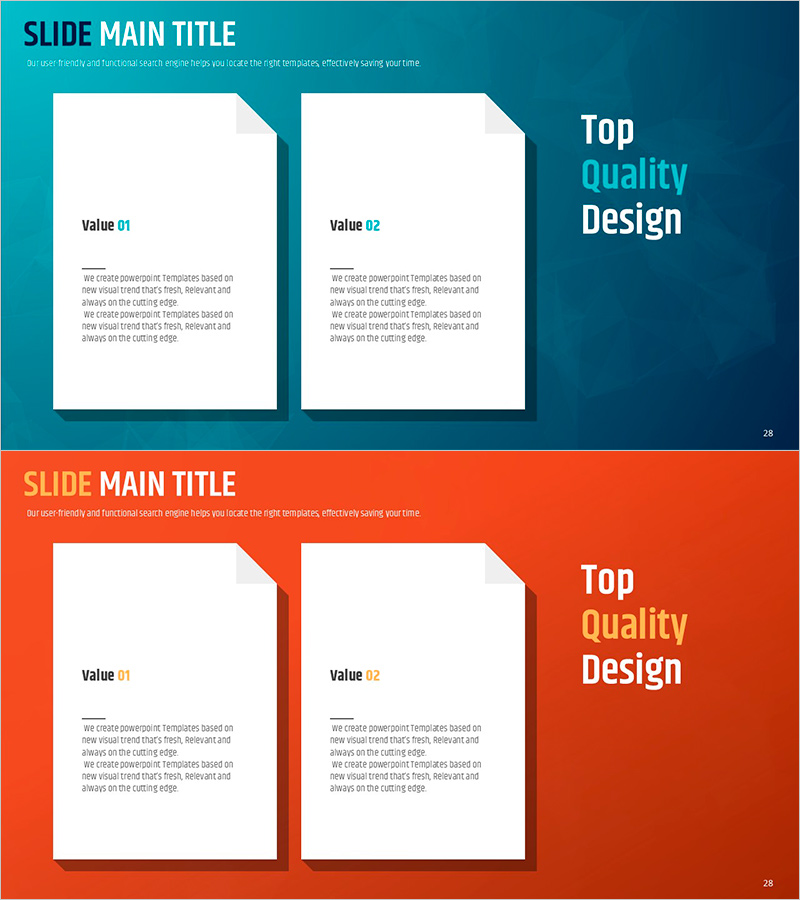
A professional paper design text box PowerPoint slide set for business presentations. This template features two distinct sections with teal and orange backgrounds, each containing a paper-shaped text box labeled Value 01 and Value 02. The color contrast creates clear visual separation for comparing two key concepts, values, or solutions. Editable in 16:9 format with 2 slides in PPTX, this design works seamlessly in business proposals, company presentations, pitch decks, and strategic planning documents. The paper-shaped containers provide a structured layout for organized information delivery.
Usage Points
-
Main Usage
Designed to present and compare two key business concepts, values, or strategic options in a clear, visually organized manner. The paper-shaped text boxes emphasize information hierarchy, while the color-coded backgrounds help audiences quickly distinguish between the two items being presented.
-
How to Use
Double-click the 'Value 01' and 'Value 02' text fields and description areas to insert your content. Customize background colors and text box styling as needed. Duplicate slides to add more comparison items, and arrange slides in your presentation flow. All elements are fully editable within PowerPoint.
-
Recommended For
Ideal for business professionals including project managers, marketing strategists, consultants, and executives who need to present comparative analysis, solution options, or dual-focus strategies. Perfect for business plans, proposals, competitive analysis, and strategic presentations.
-
Slide Structure
Two-slide set with alternating teal and orange backgrounds. Each slide features two white paper-shaped text boxes arranged vertically on the left side, with 'Top Quality Design' branding on the right. Each text box contains a 'Value' label and editable description area for flexible content input.
Related Products
-
Pink Blue Business Intro – Stylish Design
#Slide Type #Text Box #Intro
-
Marketing Performance and Analysis – Visualizing Results with Graphs
#Market and Competitor Analysis #Graph #Text Box
-
How to Enjoy Leisure Time While Traveling – Modern Design Relaxation
#Product/Service Introduction #Diagram #Text Box
-
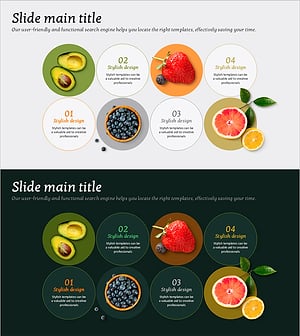
Diagram Slide for Introducing Main Fruits – Symbol of Freshness
#Product/Service Introduction #Operational Plan #Diagram
