



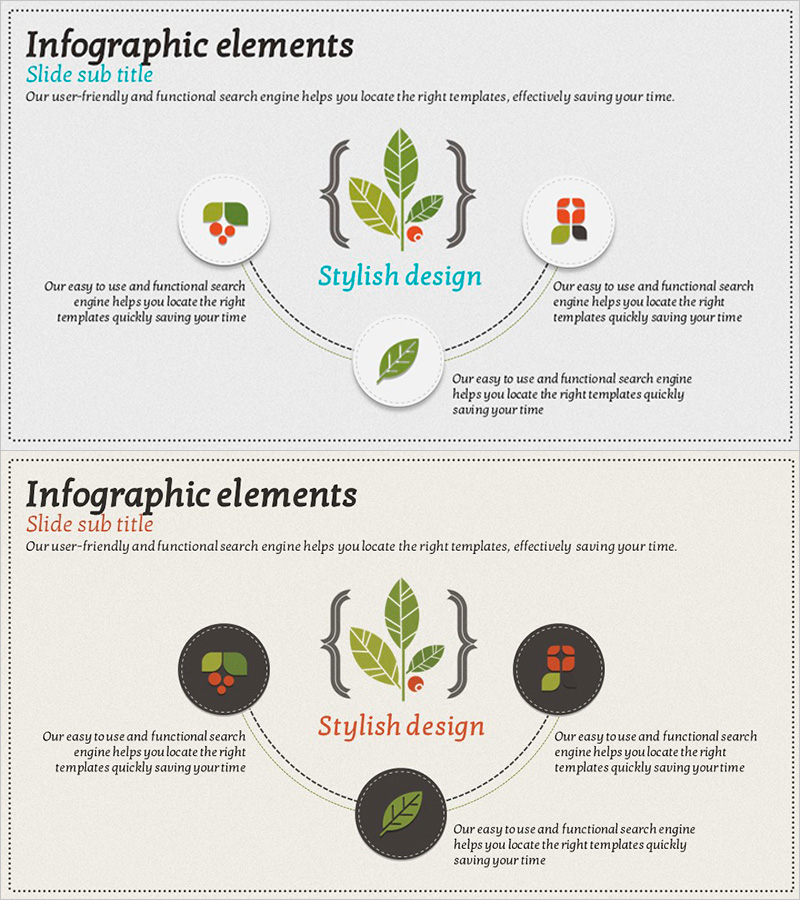
Stylish Diagram Slide Showcasing Our Services and Characteristics
RJ0600004_9
- Last Update 06/22/2025
- File Size 5.8MB
- # of Slides 2
- File Format PPTX
- Slide Ratio 16:9
- Color
Keywords
About the Product
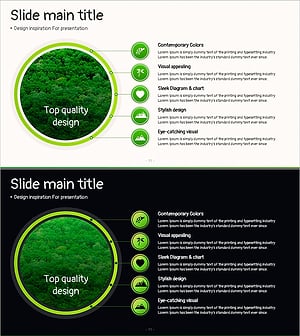
A radial diagram PowerPoint slide that extends five service characteristics outward from a central concept. This presentation template visually emphasizes your company's core value and key features, with icons and text positioned at each node to ensure clear information delivery. The design features a light background with green, red, and orange accent icons, connected to the center by curved arrows that express the relationship between the core concept and surrounding elements. The two-slide set includes a light-tone version and a dark-background version, adapting to various presentation scenarios. Provided in fully editable PPTX format for immediate customization.
Usage Points
-
Main Usage
This visualization slide presents your company's core value and five key service characteristics at a glance. The radial structure extending from center to periphery clearly expresses information hierarchy, while individual icons for each feature emphasize differentiation and competitive advantage.
-
How to Use
Use this slide in company overview presentations, service introduction pitches, and business briefings to communicate core value propositions. Simply replace the center text and five node labels with your own content, and swap icons as needed for immediate deployment in your presentation.
-
Recommended For
Marketing teams, sales departments, and business development professionals benefit from this template when explaining service characteristics. Ideal for new client presentations, investor pitches, internal training materials, and service introductions across various industries.
-
Slide Structure
Central service name with five nodes radiating outward in cardinal and center directions. Each node features a circular background with icon and text input area, connected to the center by curved arrows. Two versions provided: light background and dark background for flexible design application.
Related Products
-
Key Components and Functional Roles – Effective Cluster Diagram
#Product/Service Introduction #Diagram #Features
-
Mobile Network Service Introduction and Characteristics – Key to Visual Communication
#Product/Service Introduction #Diagram #Other
-
Technology and Service Introduction and Characteristics Slide – Yellow and Red Highlights
#Product/Service Introduction #Diagram #Product/Service Introduction
-
Composition of the Botanic Gardens – Visually Appealing Diagram
#Product/Service Introduction #Diagram #Features
