



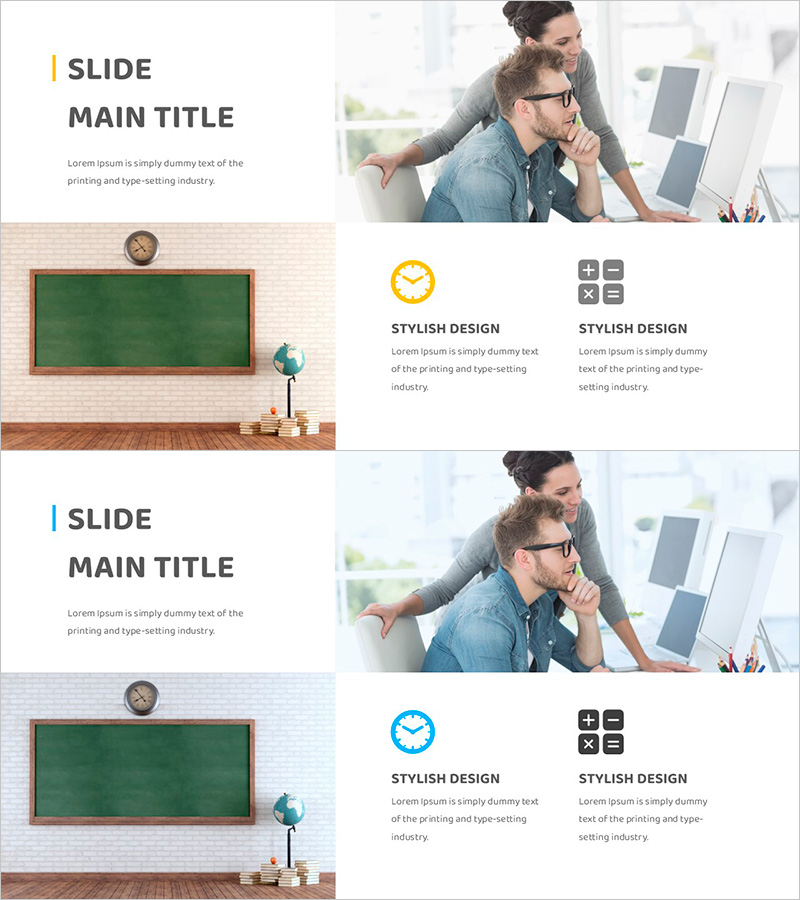
Operational Plan Slide Showcasing Risk Management and Solutions
RJ0500043_6
- Last Update 06/19/2025
- File Size 6MB
- # of Slides 2
- File Format PPTX
- Slide Ratio 16:9
- Color
Keywords
About the Product
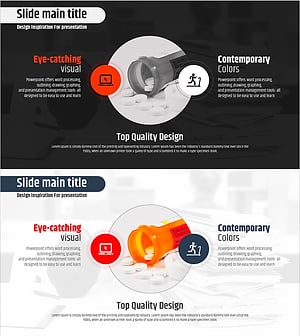
A 2-slide PowerPoint presentation template designed to effectively communicate operational plans and risk management strategies. The balanced layout features a left text area paired with a right image space, allowing you to contrast problems with solutions side by side. Yellow accent bars and neutral gray tones establish business credibility and professionalism. Each slide includes title, descriptive text, and icon elements for clear information hierarchy. Ready to use in business plans, operational reports, and strategic presentations to address risk analysis and mitigation approaches.
Usage Points
-
Main Usage
Present risk factors and mitigation strategies systematically in business plans, operational reports, and strategic presentations. The left text area accommodates problem descriptions and solutions, while the right image space holds supporting photos, diagrams, or charts to maximize information impact.
-
How to Use
Enter risk categories (financial, operational, technical, market, etc.) in the slide title area. Write specific risk factors and response strategies in the left text box. Insert relevant images, charts, or icons in the right image space to enhance visual comprehension. Use yellow accent bars to highlight key points and draw attention to critical information.
-
Recommended For
Ideal for risk analysis sections in business plans, risk management system presentations in investor pitches, operational risk discussions in executive reports, and strategic mitigation approach explanations. Particularly effective when combining quantitative data with qualitative analysis and requiring visual support for complex risk scenarios.
-
Slide Structure
Two-slide format with each slide divided into three zones: top title area, left text input space (3-4 lines of text plus subtitle), and right image/content insertion area. Yellow vertical accent bar on the left provides visual emphasis, while gray background ensures text readability and professional appearance.
Related Products
-
Media Psychological Treatment Process Diagram – Risk Management and Solutions
#Operational Plan #Diagram #Risk Management
-
Issues and Solution Plan Slide Template - An Effective Presentation Tool
#Operational Plan #Diagram #Text Box
-
Cyclical Structure for Risk Response
#Operational Plan #Diagram #Risk Management
-
The Importance of Vitamin Nutrition – Effective Information Delivery through Diagrams
#Operational Plan #Diagram #Risk Management
