



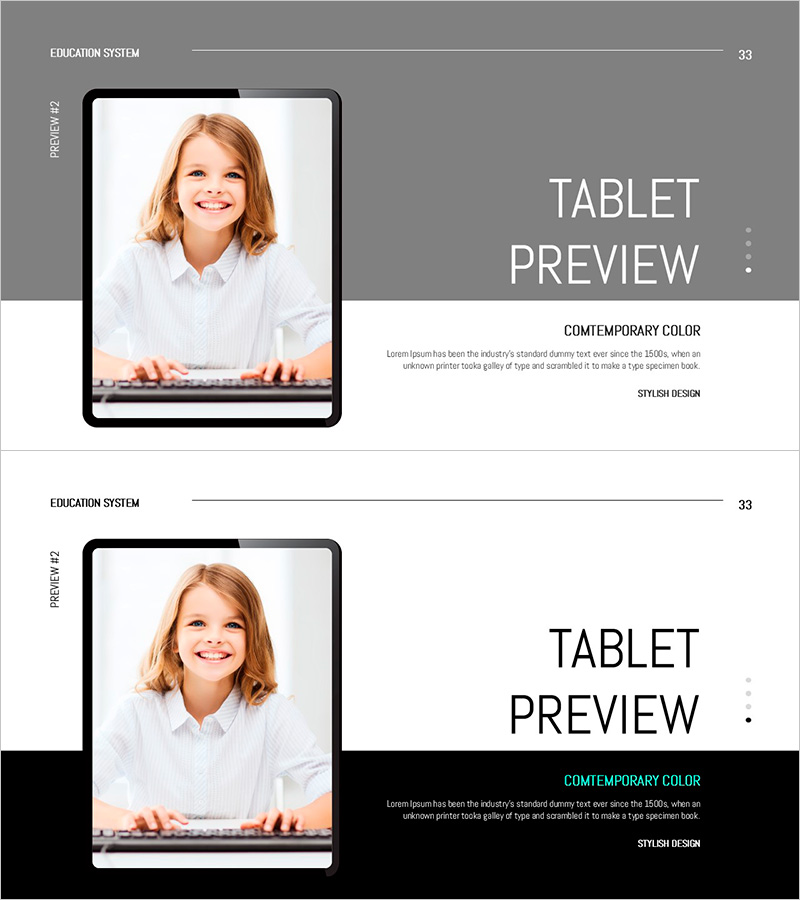
Children's Video Education Presentation Template – Modern Design for Effective Delivery
RJ0500042_35
- Last Update 06/19/2025
- File Size 1.2MB
- # of Slides 2
- File Format PPTX
- Slide Ratio 16:9
- Color
Keywords
About the Product
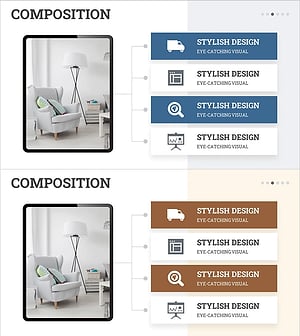
A 2-slide PowerPoint presentation designed to introduce children's video education programs. The layout features a tablet device image on the left side with program title and descriptive text on the right, creating an asymmetrical composition that draws attention to the learning interface. The gray-toned background with white typography establishes credibility and professionalism for educational content. The first slide includes a 'Contemporary Color' label with explanatory text at the top, while the second slide emphasizes information with a black accent box at the bottom, creating clear visual hierarchy. This presentation template is ready to use for online education system introductions, educational program overviews, parent information sessions, and institutional presentations.
Usage Points
-
Main Usage
Present an overview and key features of online or video education programs to parents, students, and education administrators. The tablet device image visually represents the learning environment, while the program title and descriptive text communicate essential information clearly and professionally.
-
How to Use
Use this template in new student orientation sessions, parent information meetings, or online education platform presentations as the program overview section. Replace the left image area with actual app screenshots or learning interface visuals, and fill the right text area with program name, target grade levels, and key features to customize for your institution.
-
Recommended For
Ideal for education departments, private academies, online learning platforms, and educational technology companies presenting program information. Effective for communicating with diverse audiences including parents, students, educators, and investors who need to understand the value and functionality of education systems.
-
Slide Structure
Two-slide format with each slide divided into a left image area (tablet device frame) and right text area (title, description, labels). The first slide positions the label at the top, while the second uses a bottom accent box for emphasis, providing varied information hierarchy that supports cohesive presentation flow.
Related Products
-
Introduction to Eco-Friendly Business Project Program – A Sustainable Future
#Product/Service Introduction #Diagram #Other
-
Digital Device Mockup School Icon – Convenient Tool for Children's Education
#Product/Service Introduction #Other #Program Introduction
-
Korean Traditional Experience Presentation Template
#Product/Service Introduction #Other #Product/Service Introduction
-
Interior Business Main Components Services
#Product/Service Introduction #Diagram #Other
